
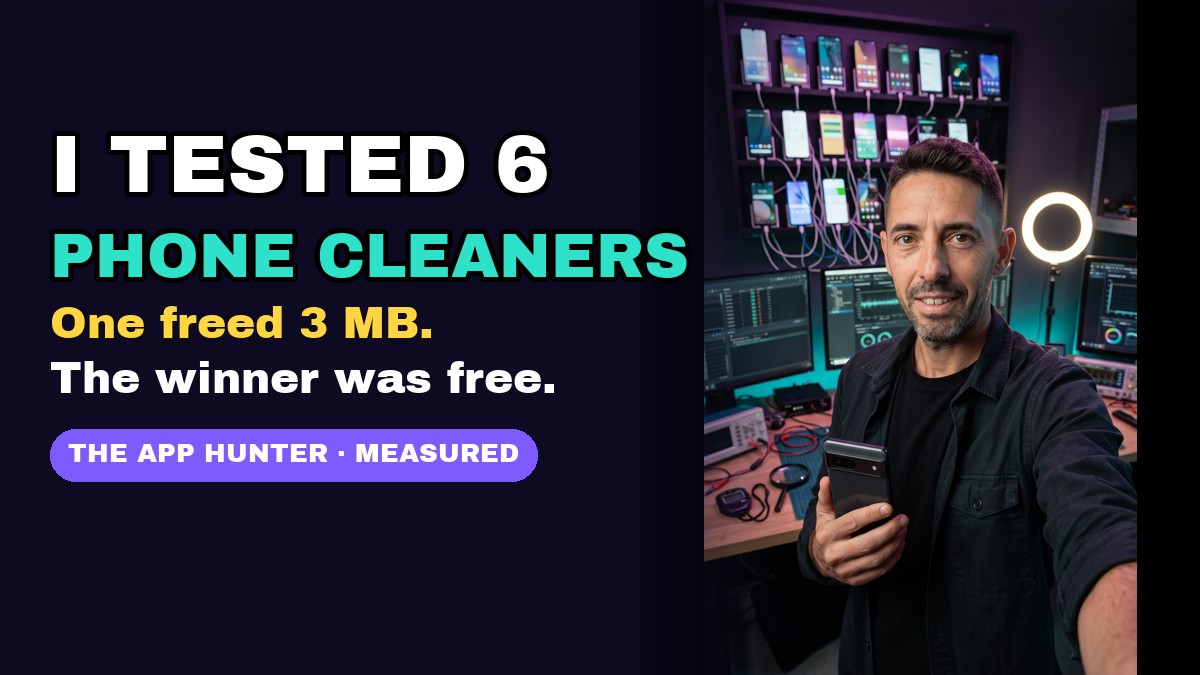
Quick answer: we filled a test phone with the same 540 MB of junk before each app and measured the real free space before and after. The three best-known cleaners (CCleaner, Avast, AVG) freed about 57 MB each. A popular “AI cleaner” freed 50 MB after asking to share our data with 210 partners. One app celebrated “267 MB deleted” while the phone gained 3 MB. The free Files by Google app freed 514 MB with no ads. You probably don’t need to install (or pay for) a cleaner.
This is the first App Hunter test: we dig up hidden gems and check what apps are really worth. We don’t take money from the apps we test, and every number below was measured on the phone, not copied from the app’s own screen. Watch the one-minute video, then the full results.
{
}
The results
| App | Downloads (Google Play) | Space really freed (run 1 / run 2) | What the app said | Ads / paywalls |
|---|---|---|---|---|
| Files by Google 🏆 | 5B+ / preinstalled | 514 MB / 492 MB | “Clean · 541 MB saved” | none |
| CCleaner | 100M+ | 57 MB / 52 MB | “You cleaned 59.5 MB” | 3 subscription offers; on the 2nd launch “Continue with ads” + an ad inside the results |
| Avast Cleanup | 50M+ | 57 MB | “You cleaned 59.5 MB” | 2 subscription offers |
| AVG Cleaner | 100M+ | 56 MB | “You cleaned 59.5 MB” | 2 subscription offers |
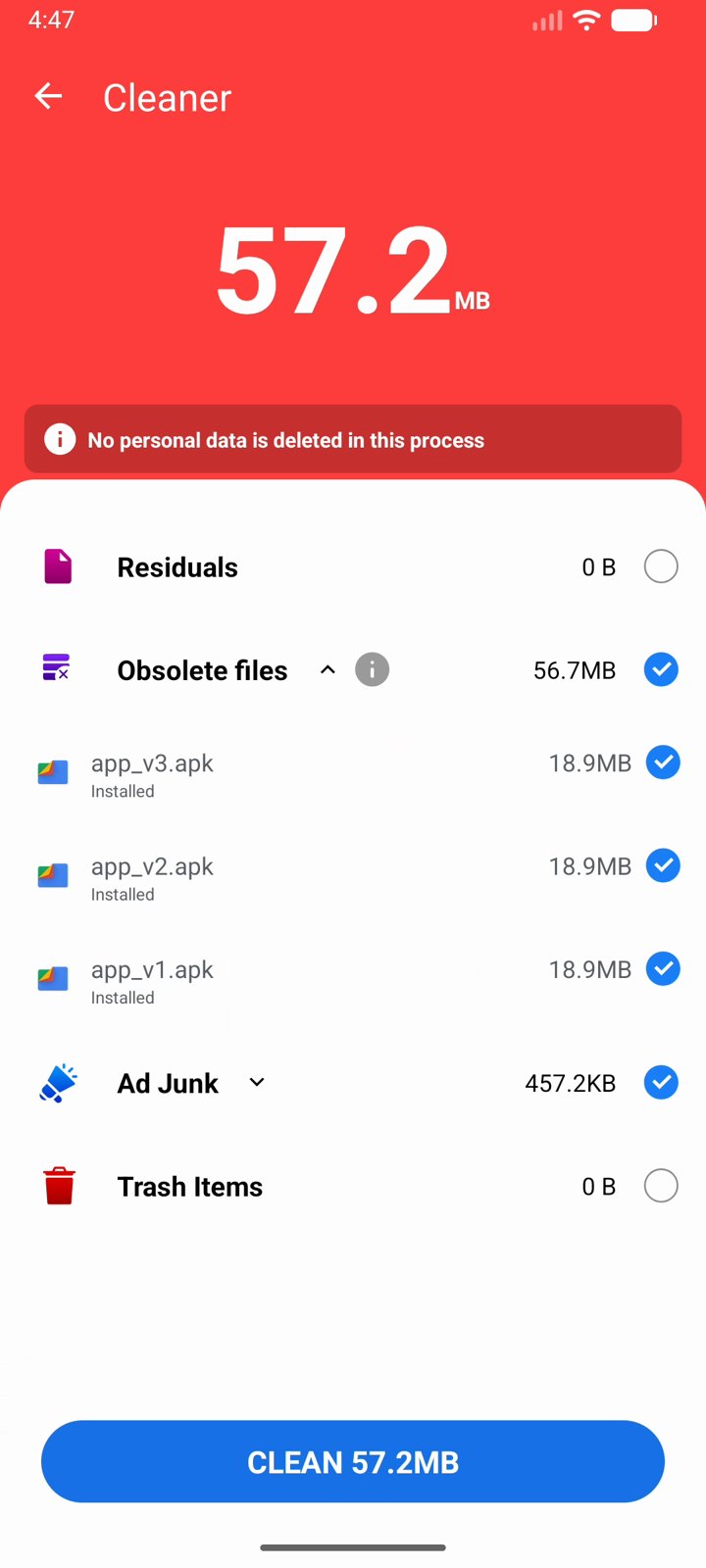
| Phone Cleaner – AI Cleaner (Brain Trust) | 100M+ | 50 MB | “Clean 57.2 MB” | 2 ads (one full-screen) |
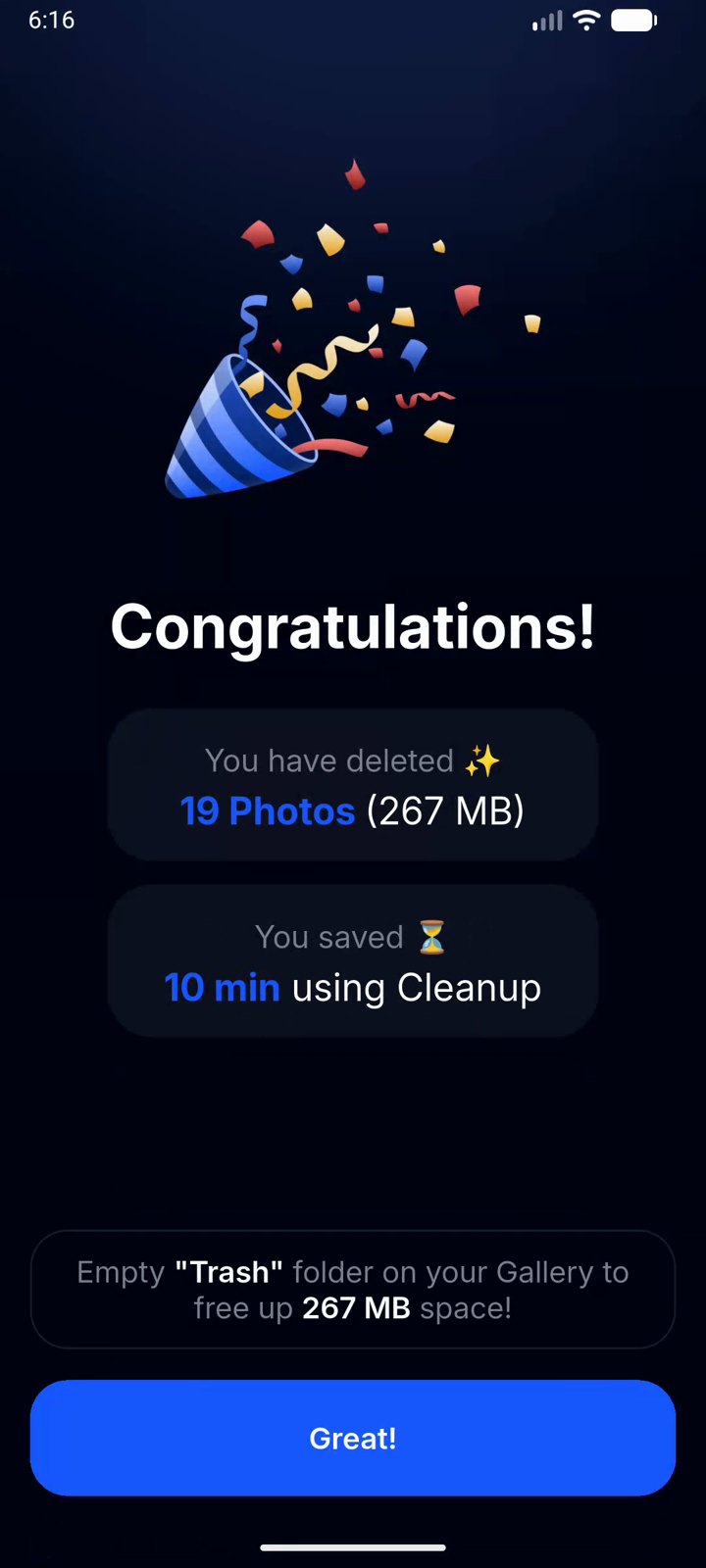
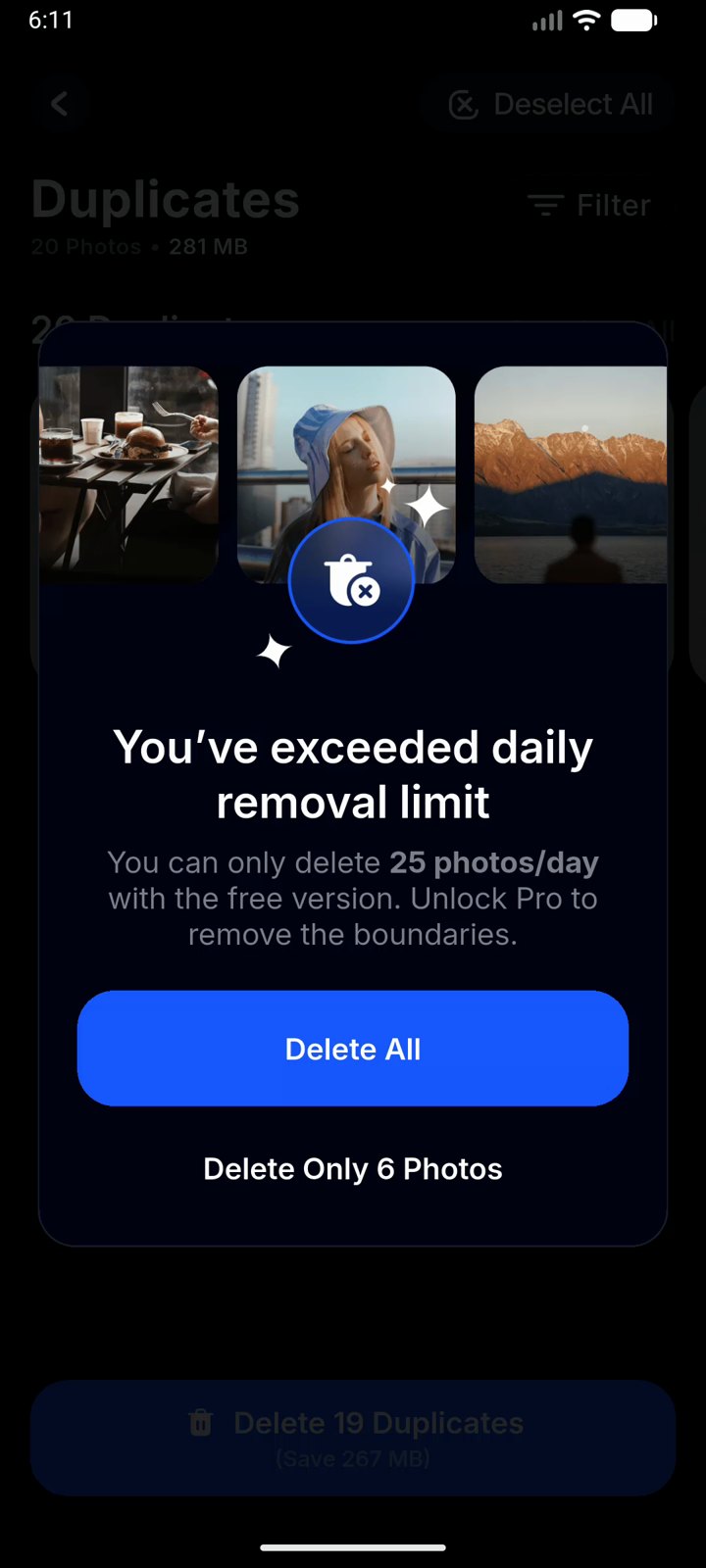
| Cleanup: Phone Storage Cleaner (Codeway) | 10M+ | 3 MB / ~0 MB | “Congratulations! You have deleted 19 Photos (267 MB)” | trial paywall on every launch; free version deletes 25 photos a day |
Run 2 is a repeat on fresh junk a day later, to check the numbers hold up. Small differences between runs are normal (apps’ own temporary files change).
How we tested
- Same phone, same junk, every time: a clean Android 16 test phone (Pixel software), with exactly 540 MB of junk planted before each app: 3 old APK installer files (59 MB), one forgotten 191 MB video, 20 duplicate photos (281 MB), and caches, thumbnails and empty folders (about 9 MB).
- We measured free space ourselves (the phone’s real free storage before and after), instead of trusting the number the app shows.
- We used each app the way a normal person would: its main “clean” button, the free version, and we closed every subscription offer.
- Ads appear as “Test Ad” in our screenshots because it’s a test phone; on a real phone real ads show in the same places.
CCleaner, Avast and AVG: one app in three costumes
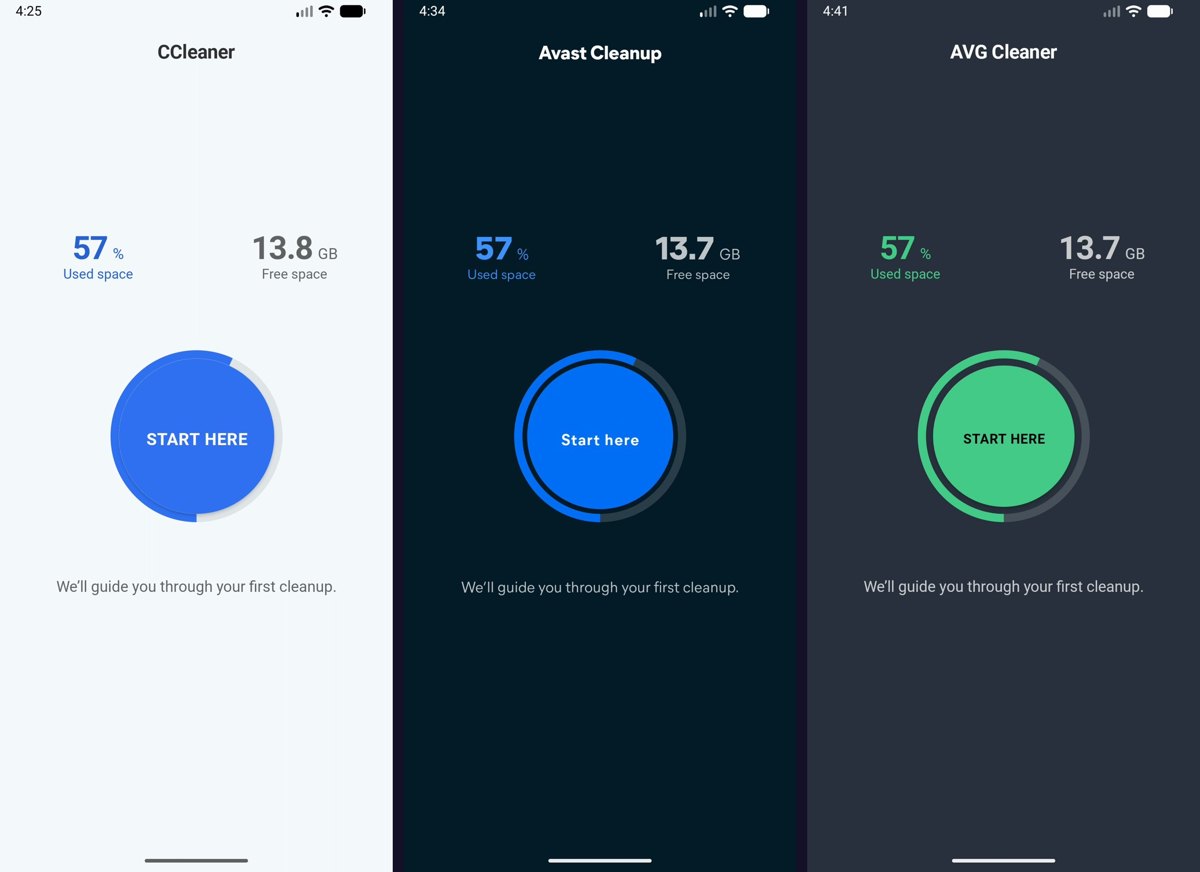
All three are made by the same company (Gen Digital), and it shows: the same screens in three colours, the same scan, and the same result, about 57 MB. To their credit, the number they claimed (59.5 MB) was close to what we measured. But they only clean old APK files and empty folders, and they skipped the big stuff: the 191 MB video and the 20 duplicate photos.
{
}
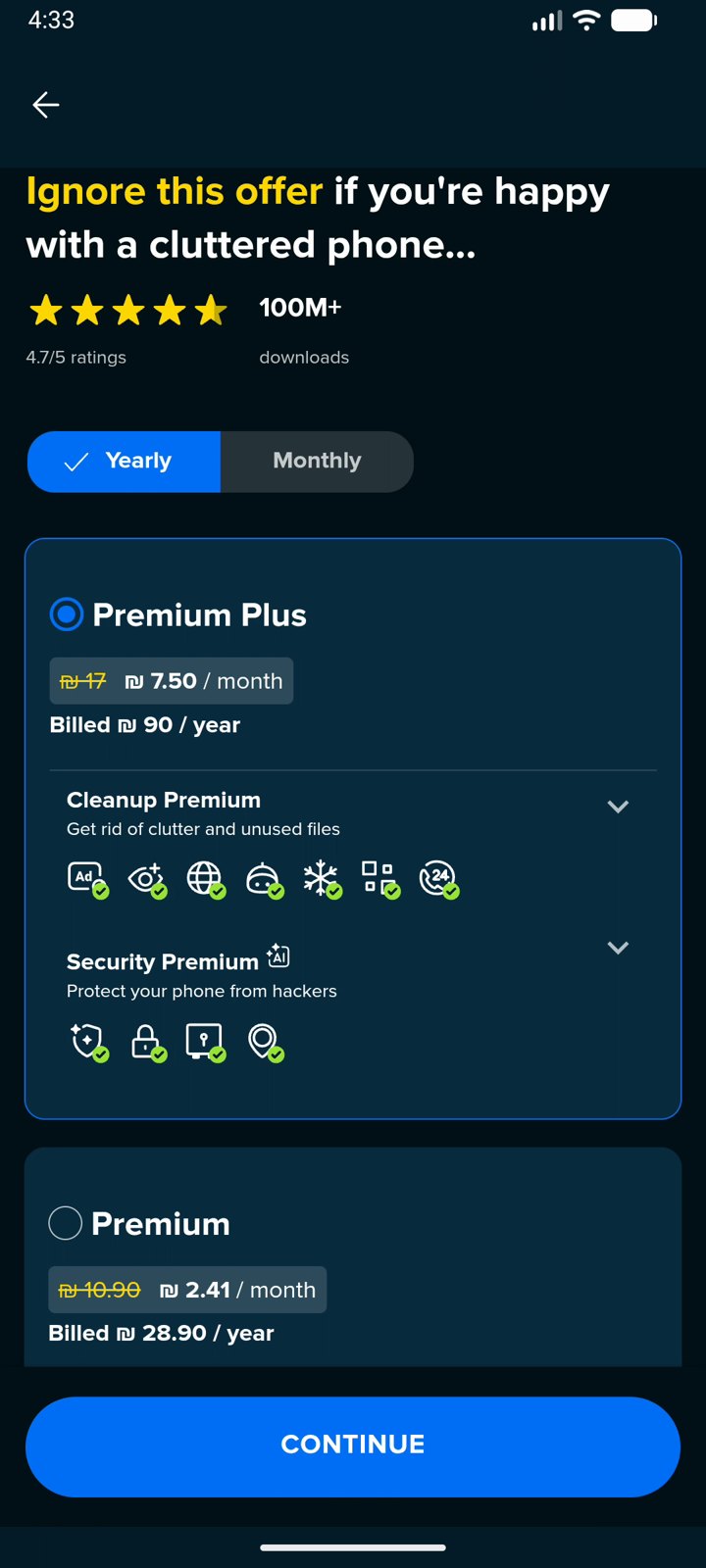
Before cleaning anything, they show full-screen subscription offers. Avast’s actually says: “Ignore this offer if you’re happy with a cluttered phone…”
{
}
Phone Cleaner – AI Cleaner: 210 partners for 50 MB
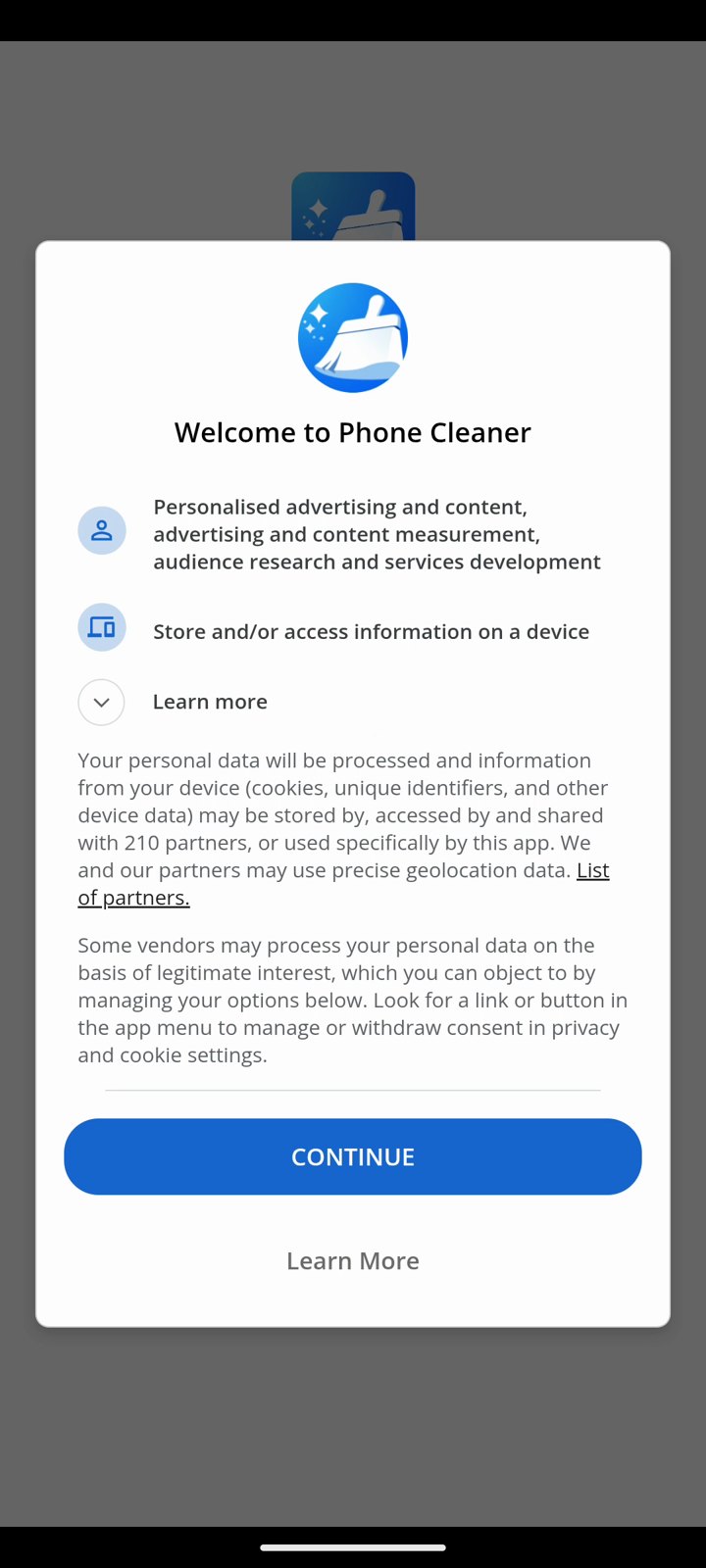
The first screen asks you to agree that your data can be shared with 210 partners, including precise location, for personalised advertising. Then a red “57.2 MB” warning, a full-screen ad after tapping Clean, another ad on the result screen, and a list of extra “tasks” to keep you tapping. Measured result: 50 MB.
{
}
{
}
Cleanup (Codeway): confetti for 3 MB
This was the only cleaner that found our 20 duplicate photos, which is genuinely useful. But it shows a free-trial paywall (the “Free trial enabled” switch is already on) on every launch, and after deleting it throws confetti: “You have deleted 19 Photos (267 MB)”. The phone gained 3 MB. The photos had only been moved to the trash; the small print says to empty the trash yourself. On the second day the free version said it only deletes 25 photos a day.
{
}
{
}
The winner: Files by Google (free, no ads)
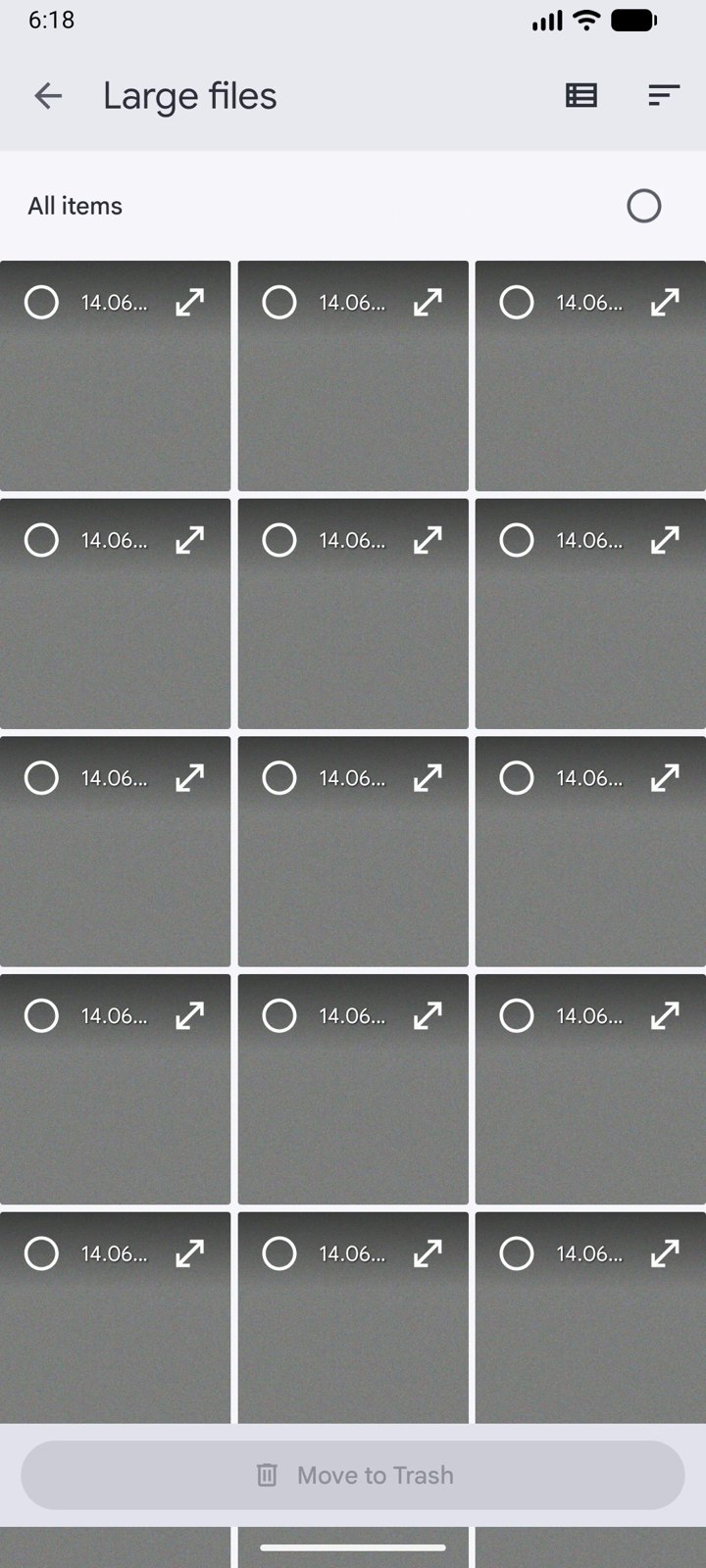
Files by Google is preinstalled on many Android phones (or free on Google Play). It didn’t find more junk by magic: it simply shows you the large files so you can pick them, then lets you empty the trash in two taps. That freed 514 MB.
- Open Files → menu ☰ → Clean.
- Under Delete large files, tap Select files, pick what you don’t need and tap Move to Trash.
- Menu ☰ → Trash → select all → Delete (until then, the space isn’t freed).
{
}
So should you use a phone cleaner?
Our advice: no. The real space hogs are big videos, downloads and duplicate photos, and you free those faster yourself with Files by Google. “One-tap junk cleaning” mostly clears temporary files your phone recreates anyway. While you’re at it, see how to make your Android phone faster, make your battery last longer, and check these 5 Android privacy settings.
Follow the App Hunter on Instagram and Telegram: we dig up the hidden gems and roast the duds.

















Leave a Comment