

Open Android Backup is a shell script paired with a small companion app that backs up your Android phone to your computer over ADB, without requiring root, closed-source tools, or a vendor's cloud account. It runs on Windows, macOS and Linux, and encrypts and compresses your backups so they stay safe and don't take up much space.
Developer: mrrfv · License: GPL-3.0 (open source) · Price: Free
Before you start: enable Developer Options and USB debugging on your Android device (Settings > About phone > tap Build number 7 times, then Settings > System > Developer options > USB debugging). On Linux, install p7zip, adb, curl, whiptail, pv and bc (optionally secure-delete and zenity) before running backup.sh. On Windows, install WSL first, then run backup-windows.ps1 by right-clicking it and choosing "Run with PowerShell". On macOS, install Homebrew along with android-platform-tools, p7zip, pv, bash, dialog and coreutils, then run the script using /opt/homebrew/bin/bash since the built-in macOS bash is too outdated.
Official file from the developer's release · Nov 13, 2026 · SHA-256 c5e6375f9dc55782…
Screenshots
Key features
- Automatically restores apps, internal storage and contacts back to your device
- Wireless backups so you can keep using your phone while it backs up
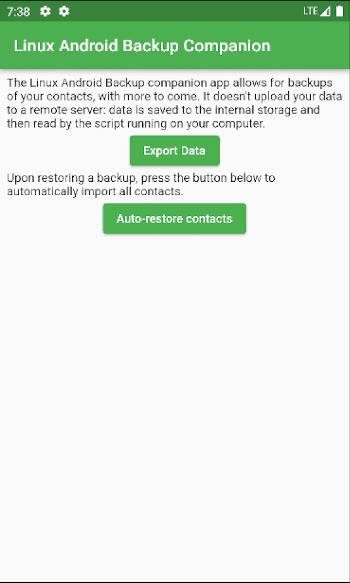
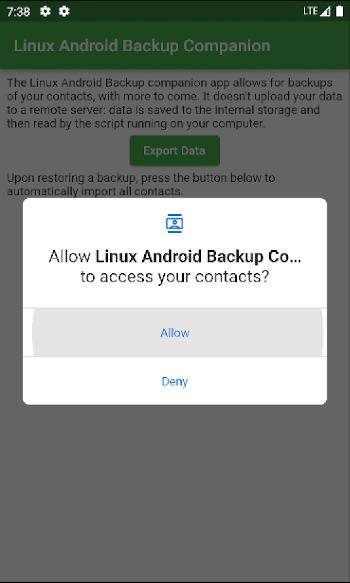
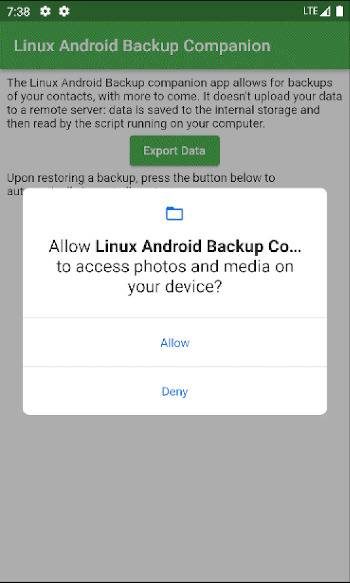
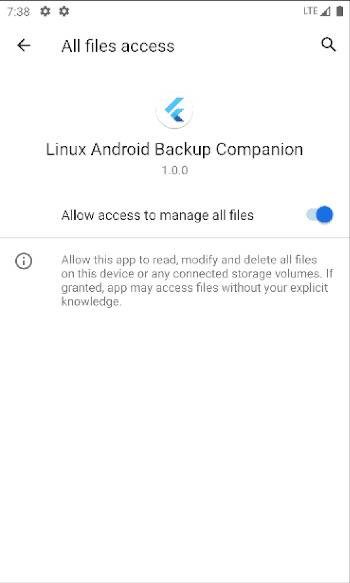
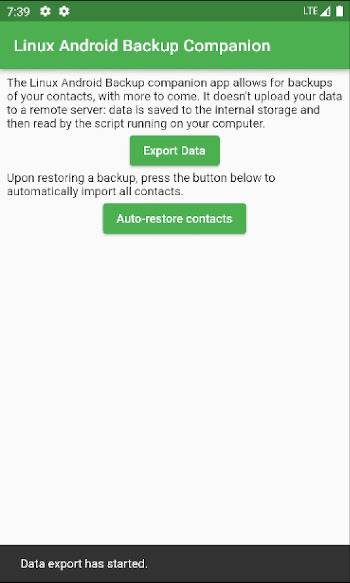
- A native companion app grabs data that plain ADB can't normally reach
- Backups (and their metadata) are encrypted, and compression settings are configurable via 7-Zip
- Backup archives aren't proprietary, you can open them with 7-Zip even without the script
- Optional secure erase of unencrypted temporary files created during the process
Why isn’t Open Android Backup on Google Play?
This is a desktop shell script plus a companion Android app, not a standalone Play Store app, so it's distributed by its developer on GitHub rather than through the Play Store.
Is Open Android Backup safe?
The project is open source under the GPL-3.0 license, and the companion app is downloaded automatically from the project's own GitHub Releases at runtime. Note that app data itself can't be backed up due to system limitations, and SMS messages and call logs can only be viewed from the archive, not restored. Open Android Backup comes straight from its developer rather than through Google Play, so it hasn’t gone through Google’s app review. As with any app, check the permissions it asks for and install it if you’re comfortable with them.
How to install
- Tap the download button above: the APK file downloads straight to your phone.
- When Android asks, allow your browser to install unknown apps.
- Open the file and tap Install.
FAQ
Is Open Android Backup free
Yes. It's free, open-source software released under the GPL-3.0 license.
Do I need root to use it
No. It works over ADB using a native companion app and doesn't require root access.
Can I restore app data and SMS messages
Apps, internal storage and contacts can be restored automatically. SMS messages and call logs are exported for viewing in the backup archive (via 7-Zip) but can't currently be restored to the device.
What's the difference between tar and adb export methods
The tar method is fast and very stable but may not work on every device, while the adb method is widely compatible but can be less stable, according to the project's documentation.
More free apps you won’t find on Google Play: Open Source Apps · Best Android apps not on the Google Play Store.






Frequently Asked Questions
Is Open Android Backup free
Yes. It's free, open-source software released under the GPL-3.0 license.
Do I need root to use it
No. It works over ADB using a native companion app and doesn't require root access.
Can I restore app data and SMS messages
Apps, internal storage and contacts can be restored automatically. SMS messages and call logs are exported for viewing in the backup archive (via 7-Zip) but can't currently be restored to the device.
What's the difference between tar and adb export methods
The tar method is fast and very stable but may not work on every device, while the adb method is widely compatible but can be less stable, according to the project's documentation.













Leave a Comment