
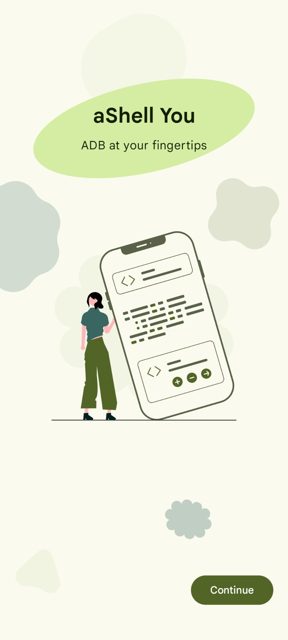
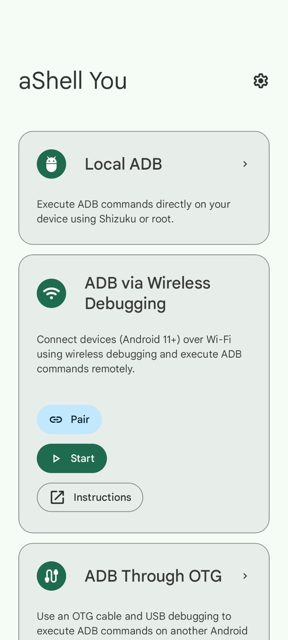
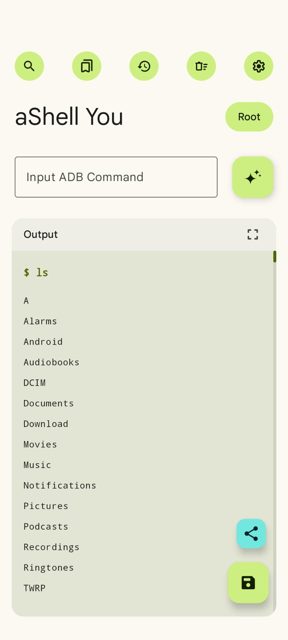
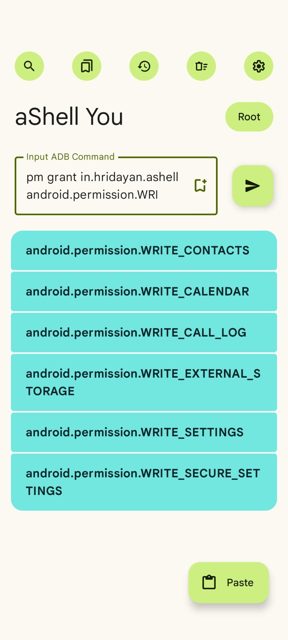
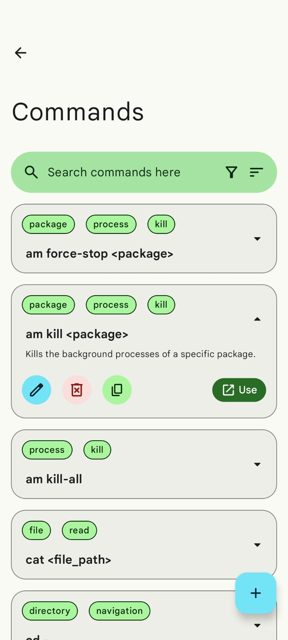
aShell You is a Material Design 3 app that lets you run ADB, root, and shell commands right from your Android device. It is built for developers and tinkerers who want to execute shell commands on their own device or on another device, without needing a computer.
Developer: DP-Hridayan · License: GPL-3.0 (open source) · Price: Free
Before you start: set up a working Shizuku environment (see shizuku.rikka.app) or have root access on your device. If you only plan to control other devices over OTG or Wireless Debugging, Shizuku or root is not required. Check the app's Wiki on GitHub for setup guides.
Official file from the developer's release · May 22, 2026 · SHA-256 0ff9a694fcdb2daf…
Screenshots
Key features
- <
- i
- t
- e
- m
Why isn’t aShellYou on Google Play?
aShell You is published by its developer on GitHub and is also available on F-Droid, rather than on Google Play.
Is aShellYou safe?
aShell You is open source under the GPL-3.0 license, and this page links to the official release from the developer's GitHub repository. It is also distributed on F-Droid and Izzy's F-Droid repo; note that using it requires Shizuku or root access, and basic knowledge of ADB/Linux commands, as improper use of ADB commands can affect your device. aShellYou comes straight from its developer rather than through Google Play, so it hasn’t gone through Google’s app review. As with any app, check the permissions it asks for and install it if you’re comfortable with them.
How to install
- Tap the download button above: the APK file downloads straight to your phone.
- When Android asks, allow your browser to install unknown apps.
- Open the file and tap Install.
FAQ
Is aShell You free
Yes. It is open source under the GPL-3.0 license and available for free download from GitHub and F-Droid.
Do I need root to use aShell You
You need either a working Shizuku setup or root access to run ADB commands on your own device. If you are controlling another device over OTG or Wireless Debugging, neither Shizuku nor root is required.
What is the difference between aShell You and a regular ADB terminal on a PC
aShell You lets you run ADB, root, and shell commands directly from an Android device, including on other devices via OTG or Wireless Debugging, so you do not need a computer to use ADB.
More free apps you won’t find on Google Play: Open Source Apps · Best Android apps not on the Google Play Store.






Frequently Asked Questions
Is aShell You free
Yes. It is open source under the GPL-3.0 license and available for free download from GitHub and F-Droid.
Do I need root to use aShell You
You need either a working Shizuku setup or root access to run ADB commands on your own device. If you are controlling another device over OTG or Wireless Debugging, neither Shizuku nor root is required.
What is the difference between aShell You and a regular ADB terminal on a PC
aShell You lets you run ADB, root, and shell commands directly from an Android device, including on other devices via OTG or Wireless Debugging, so you do not need a computer to use ADB.













Leave a Comment