

Bruce App is the companion app for Bruce Firmware devices. It lets you flash firmware, send serial commands, and mirror the device screen live, all from one app on Android or desktop.
Developer: BruceDevices · License: AGPL-3.0 (open source) · Price: Free
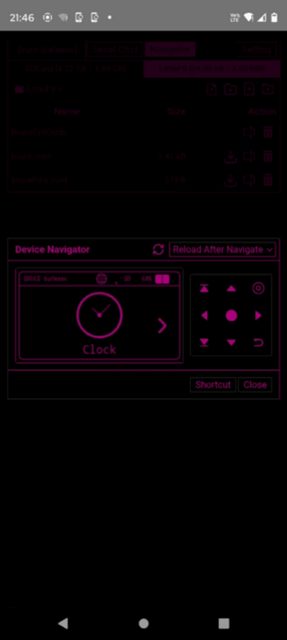
Before you start: you need a Bruce Firmware device. To use Screen Mirror, enable WebUI on the device and connect to Bruce's WiFi access point, then enter bruce.local or the device IP in the Screen Mirror panel and press Start Mirror. For desktop firmware flashing, you also need JDK 21+ and Python 3 with esptool installed (pip install esptool).
Official file from the developer's release · Aug 22, 2026 · SHA-256 0affadaeb6e65769…
Screenshots
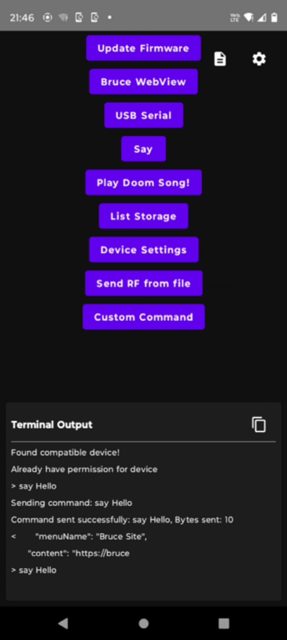
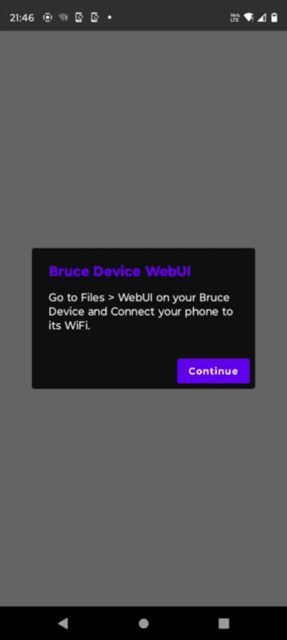
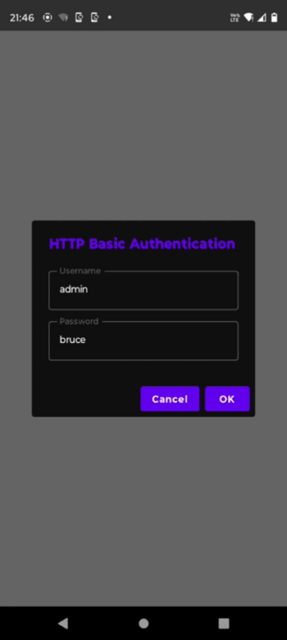
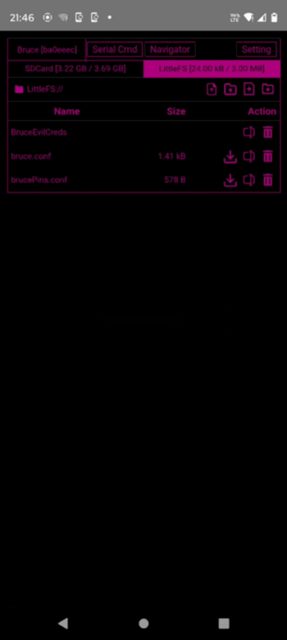
Key features
- Flash Bruce Firmware to your device
- Run serial commands from the app
- Mirror the device screen live without a browser
- Available for Android and desktop (Linux, macOS, Windows)
- Connect to the device over its WiFi AP using bruce.local or the device IP
Why isn’t Bruce App on Google Play?
It is published by its developers on GitHub rather than on Google Play. It is not listed on F-Droid either.
Is Bruce App safe?
This is open-source software released under the AGPL-3.0 license, built from the BruceDevices/App repository. The Android APK is built from source (debug or release build via Gradle), so there is no separate signed file listed in the README; check the GitHub releases page for the official v1.3 build. Bruce App comes straight from its developer rather than through Google Play, so it hasn’t gone through Google’s app review. As with any app, check the permissions it asks for and install it if you’re comfortable with them.
How to install
- Tap the download button above: the APK file downloads straight to your phone.
- When Android asks, allow your browser to install unknown apps.
- Open the file and tap Install.
FAQ
Is Bruce App free
Yes, it is open source under the AGPL-3.0 license and free to download from GitHub.
How do I mirror my device screen
Enable WebUI on the Bruce device, connect to its WiFi AP, then enter bruce.local or the device IP into the Screen Mirror panel on the desktop app and press Start Mirror.
Does Bruce App work on desktop too
Yes, besides Android there are builds for Linux (.AppImage), macOS (.dmg), and Windows (.exe), built from the desktop Gradle project.
More free apps you won’t find on Google Play: Open Source Apps · Best Android apps not on the Google Play Store.



Frequently Asked Questions
Is Bruce App free
Yes, it is open source under the AGPL-3.0 license and free to download from GitHub.
How do I mirror my device screen
Enable WebUI on the Bruce device, connect to its WiFi AP, then enter bruce.local or the device IP into the Screen Mirror panel on the desktop app and press Start Mirror.
Does Bruce App work on desktop too
Yes, besides Android there are builds for Linux (.AppImage), macOS (.dmg), and Windows (.exe), built from the desktop Gradle project.













Leave a Comment