

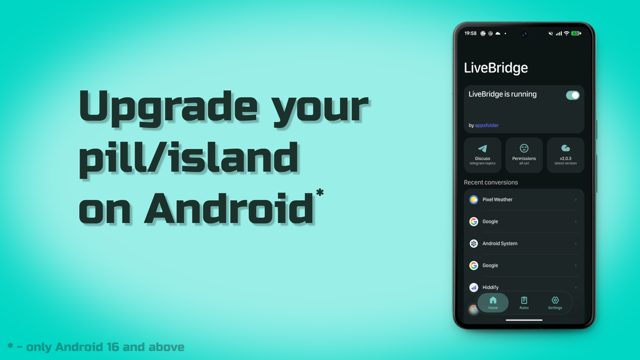
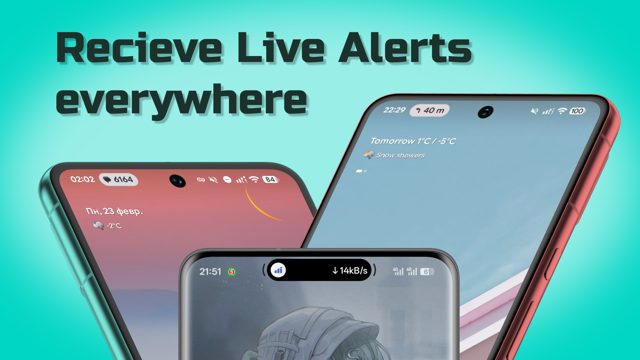
LiveBridge is a Flutter and Kotlin app that turns regular Android notifications into Live Updates, giving you a dynamic pill/island style experience on Android 16 and newer. People use it to get live, real-time status for things like taxi rides, deliveries, food orders, and OTP codes right in an animated island instead of a plain notification.
Developer: appsfolder · License: GPL-3.0 (open source) · Price: Free
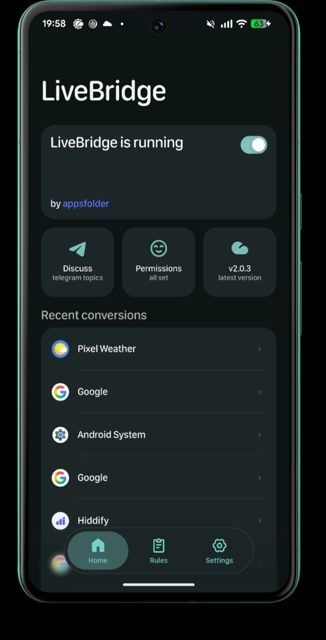
Before you start: make sure your device is running Android 16 or newer, since LiveBridge's Live Updates feature depends on it. When installing the APK, you will need to disable Play Protect during the install step. After installing, grant Notification Listener access and the app's own notification permission, and on some OEM phones you may also need to exclude the app from battery optimization for stable background behavior.
Official file from the developer's release · Oct 7, 2026 · SHA-256 37bf5d2bcebe6795…
Screenshots
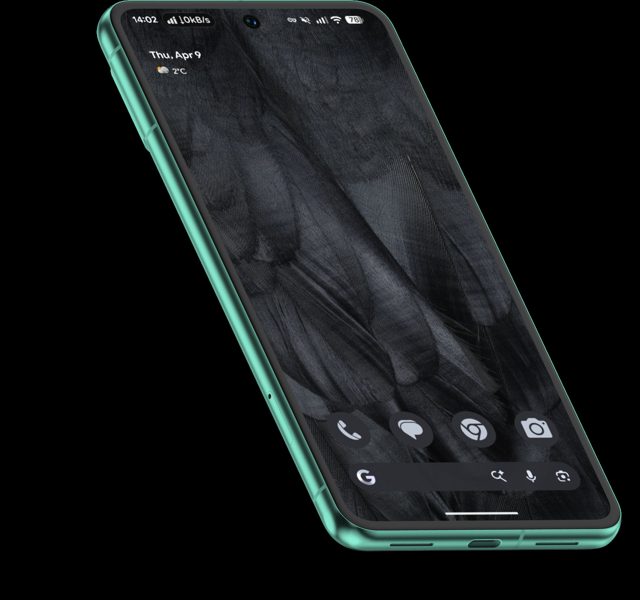
Key features
- Converts progress notifications into Live Updates with real-time island navigation
- Smart status detection for taxi, delivery, food order flows, and even weather
- OTP code extraction from notifications
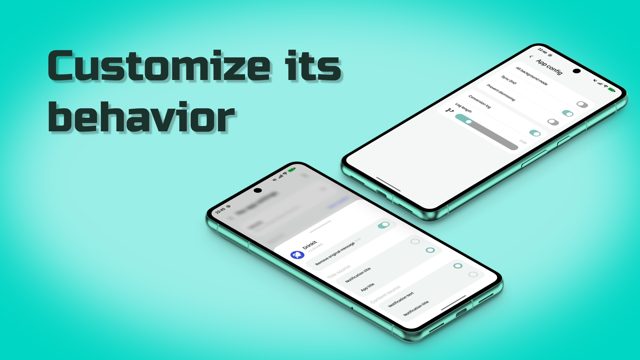
- App filtering modes and per-app presentation overrides
- Extra touches like haptic feedback, predictive back gesture, edge-to-edge layout, and customizable parsing dictionaries
Why isn’t LiveBridge on Google Play?
LiveBridge is published by its developer on GitHub rather than Google Play, with the download page hosted directly at appsfolder.github.io/livebridge.
Is LiveBridge safe?
LiveBridge is open source under GPL-3.0-or-later, so the code is public and forks must credit the original project. The APK comes from the developer's own GitHub Pages download link, but installing it means disabling Play Protect, and the app asks for notification listener, notification, and in some cases Live Updates and battery-exclusion permissions to work reliably. LiveBridge comes straight from its developer rather than through Google Play, so it hasn’t gone through Google’s app review. As with any app, check the permissions it asks for and install it if you’re comfortable with them.
How to install
- Tap the download button above: the APK file downloads straight to your phone.
- When Android asks, allow your browser to install unknown apps.
- Open the file and tap Install.
FAQ
Is LiveBridge free to use?
Yes. It is open source under the GPL-3.0-or-later license, and the APK is distributed for free from the developer's download page.
Which Android version do I need?
You need Android 16 or newer. The app relies on Android's Live Updates system, which is not available on older versions.
Does LiveBridge work on every phone brand?
No, behavior varies by OEM. The README notes it does not work on Chinese OriginOS or CMF devices, and works badly on Nothing devices without Progress Glyph indicators. AoD and ongoing-notification behavior can also differ between OEM firmware and AOSP.
More free apps you won’t find on Google Play: Open Source Apps · Best Android apps not on the Google Play Store.





Frequently Asked Questions
Is LiveBridge free to use?
Yes. It is open source under the GPL-3.0-or-later license, and the APK is distributed for free from the developer's download page.
Which Android version do I need?
You need Android 16 or newer. The app relies on Android's Live Updates system, which is not available on older versions.
Does LiveBridge work on every phone brand?
No, behavior varies by OEM. The README notes it does not work on Chinese OriginOS or CMF devices, and works badly on Nothing devices without Progress Glyph indicators. AoD and ongoing-notification behavior can also differ between OEM firmware and AOSP.













Leave a Comment