

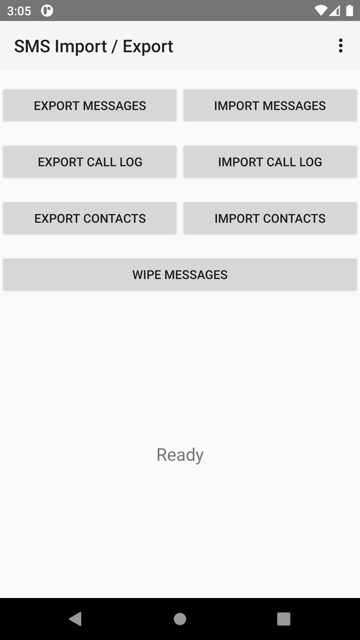
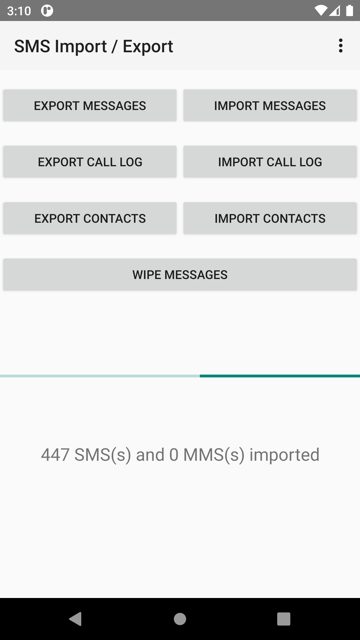
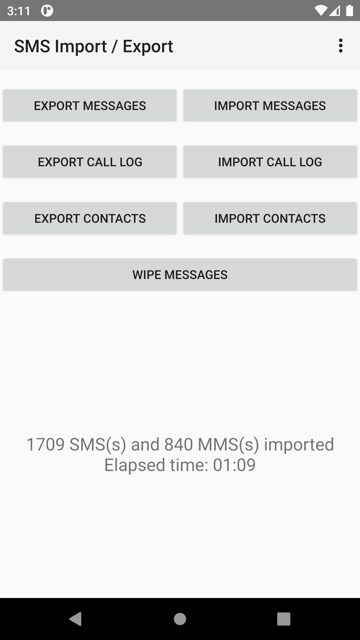
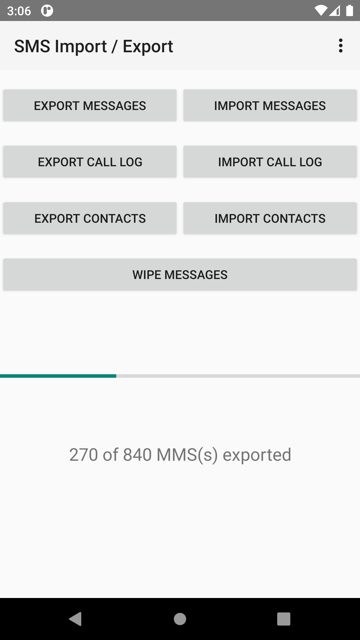
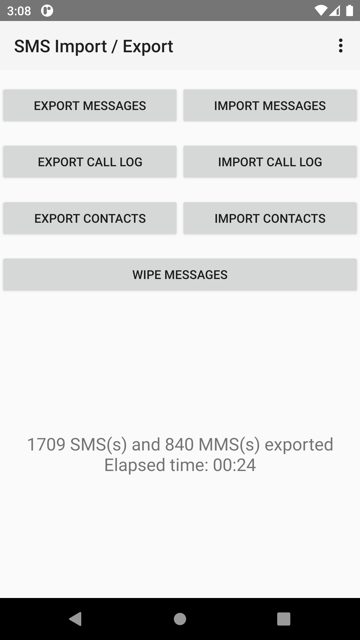
SMS Import / Export is a simple Android app that backs up and restores your SMS and MMS messages, call logs, contacts, and blocked numbers to JSON / NDJSON files. It is useful for anyone switching phones or wanting a local backup of their texts that is not tied to a cloud account.
Developer: tmo1 · License: GPL-3.0 (open source) · Price: Free
Before you start: if you are restoring from an older backup, note that versions 2.0.0 and later use a new NDJSON-based format and cannot read JSON files made by version 1.x. Use an older 1.x release to import old backups, or convert them first with the v1-to-v2 tool linked in the project's repository.
Official file from the developer's release · Oct 9, 2026 · SHA-256 280475122a0c55a4…
Screenshots
Key features
- <
- i
- t
- e
- m
Why isn’t SMS Import / Export on Google Play?
This app is published by its developer on GitHub and is also available on F-Droid; it is not listed on Google Play.
Is SMS Import / Export safe?
SMS Import / Export is open source under the GPL-3.0 license, and this page links to the official release from the developer's GitHub repository. The app needs access to your SMS, MMS, call log, and contacts to do its job, so only grant the permissions for the features you actually plan to use. SMS Import / Export comes straight from its developer rather than through Google Play, so it hasn’t gone through Google’s app review. As with any app, check the permissions it asks for and install it if you’re comfortable with them.
How to install
- Tap the download button above: the APK file downloads straight to your phone.
- When Android asks, allow your browser to install unknown apps.
- Open the file and tap Install.
FAQ
Is SMS Import / Export free?
Yes. It is free and open source software released under the GPL-3.0 license.
Do I need root access to use it?
No. Root is not required for any of the app's import or export functions.
Which Android versions are supported?
The app runs on Android 4.4 (API 19) or later using the legacy flavor, or Android 7.0 (API 24) or later using the standard flavor. Some features need newer Android versions: encryption and decryption need Android 5.0+, message import and scheduled export need Android 6.0+, and blocked number import/export need Android 7.0+.
More free apps you won’t find on Google Play: Open Source Apps · Best Android apps not on the Google Play Store.






Frequently Asked Questions
Is SMS Import / Export free?
Yes. It is free and open source software released under the GPL-3.0 license.
Do I need root access to use it?
No. Root is not required for any of the app's import or export functions.
Which Android versions are supported?
The app runs on Android 4.4 (API 19) or later using the legacy flavor, or Android 7.0 (API 24) or later using the standard flavor. Some features need newer Android versions: encryption and decryption need Android 5.0+, message import and scheduled export need Android 6.0+, and blocked number import/export need Android 7.0+.













Leave a Comment