
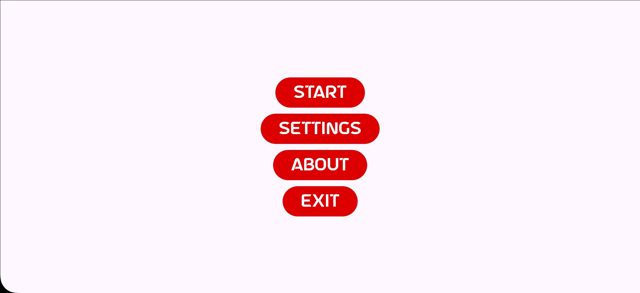
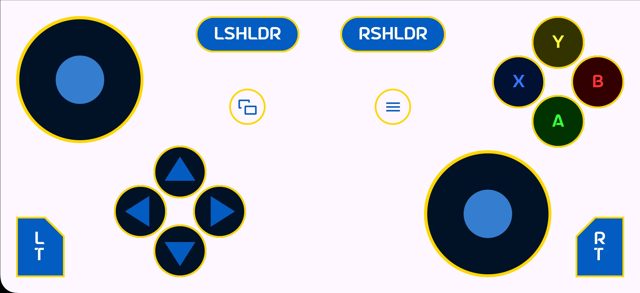
VirtualGamePad Mobile turns your Android phone into a gamepad for your computer. It is the client app for the VirtualGamePad project, which connects a phone to a PC so you can use touchscreen controls instead of a physical controller.
Developer: kitswas · License: GPL-3.0 (open source) · Price: Free
Before you start: you need the companion computer-side software from the VirtualGamePad project (see the project homepage at kitswas.github.io/VirtualGamePad) set up on the PC you want to control, so your phone has something to connect to.
Official file from the developer's release · Apr 3, 2026 · SHA-256 cf8e4dd87d67e559…
Screenshots
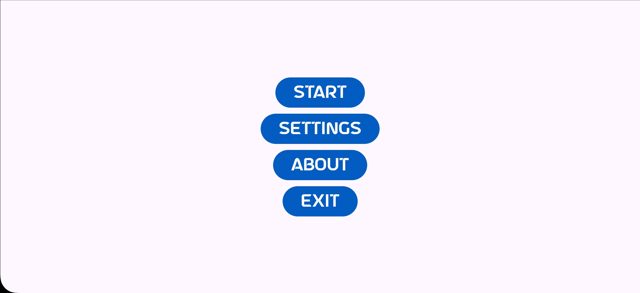
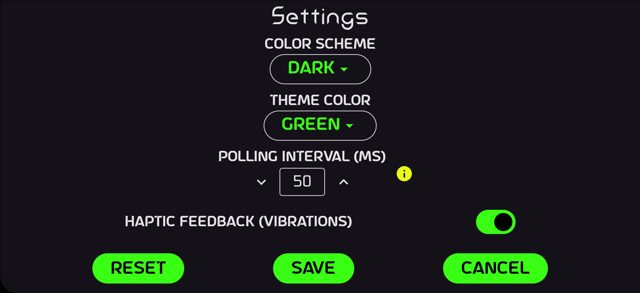
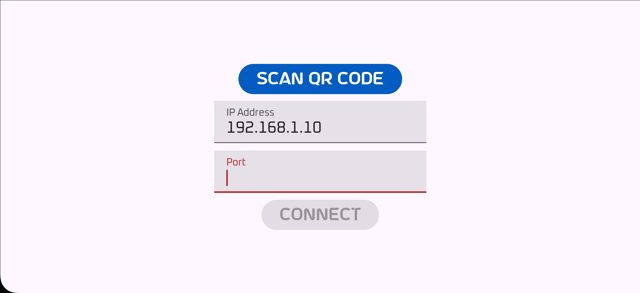
Key features
- Use an Android phone as a virtual gamepad for a computer
- Part of the larger VirtualGamePad project (client side)
- Open source under the GPL-3.0 license
- Also available on F-Droid
- Project homepage with more details on the full setup
Why isn’t VirtualGamePad Mobile on Google Play?
This app is published by its developer on GitHub and on F-Droid, rather than on Google Play.
Is VirtualGamePad Mobile safe?
This is open-source software (GPL-3.0) with the APK built and released by the developer on GitHub, and it is also distributed on F-Droid. The developer notes they are not an experienced mobile developer, so treat it as a community project and check for updates if you run into issues. VirtualGamePad Mobile comes straight from its developer rather than through Google Play, so it hasn’t gone through Google’s app review. As with any app, check the permissions it asks for and install it if you’re comfortable with them.
How to install
- Tap the download button above: the APK file downloads straight to your phone.
- When Android asks, allow your browser to install unknown apps.
- Open the file and tap Install.
FAQ
Is VirtualGamePad Mobile free?
Yes. It is open source under the GPL-3.0 license and free to download from GitHub or F-Droid.
Do I need anything else for this to work?
Yes, this app is only the mobile client. You also need the computer-side part of the VirtualGamePad project running on the PC you want to use as a gamepad target.
Why is it not on Google Play?
The developer distributes it directly through GitHub releases and F-Droid instead of Google Play.
More free apps you won’t find on Google Play: Open Source Apps · Best Android apps not on the Google Play Store.





Frequently Asked Questions
Is VirtualGamePad Mobile free?
Yes. It is open source under the GPL-3.0 license and free to download from GitHub or F-Droid.
Do I need anything else for this to work?
Yes, this app is only the mobile client. You also need the computer-side part of the VirtualGamePad project running on the PC you want to use as a gamepad target.
Why is it not on Google Play?
The developer distributes it directly through GitHub releases and F-Droid instead of Google Play.













Leave a Comment