

OpenSCQ30 is free, open-source software for controlling settings on Soundcore headphones, earbuds, and speakers. It started as a tool for the Soundcore Life Q30 but now supports a wide range of Soundcore devices across Windows, Linux, and Android.
Developer: Oppzippy · License: GPL-3.0 (open source) · Price: Free
Before you start: On Android you'll need to enable installation from unknown sources, since this app is not distributed through Google Play. You can also get it via the IzzyOnDroid F-Droid repository if you prefer managing it through an F-Droid client.
Official file from the developer's release · Oct 17, 2026 · SHA-256 55b0b02acc654678…
Screenshots
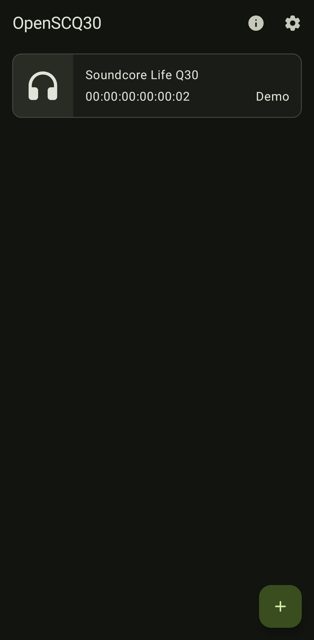
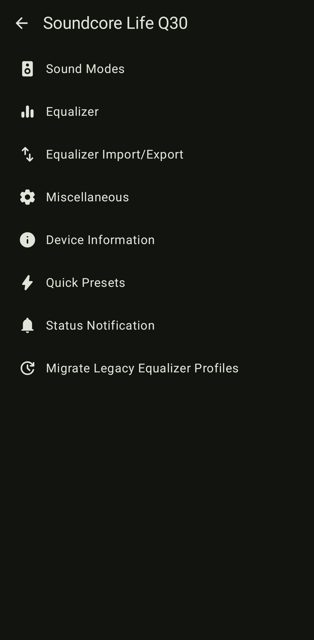
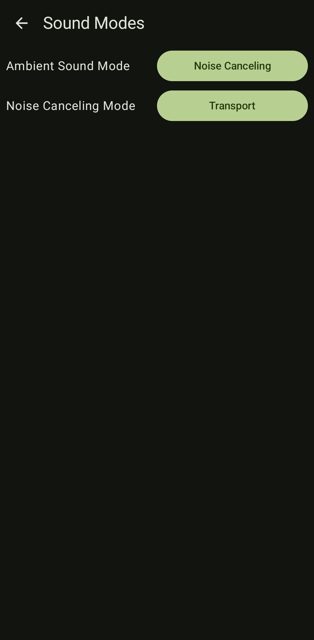
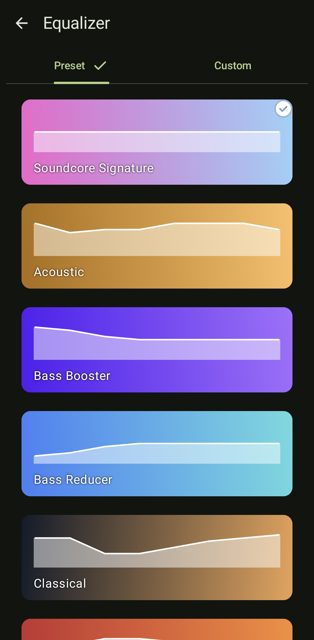
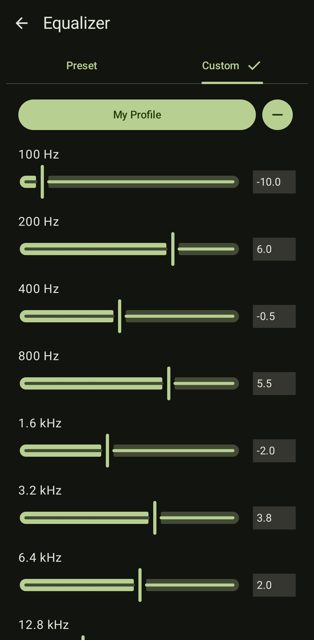
Key features
- Controls settings for many Soundcore headphones, earbuds, and speakers (see supported device list)
- Works on Windows, Linux, and Android
- Also available as a desktop CLI and GUI
- Files are signed with the developer's GPG key
- Translations are community-driven via Codeberg's translation platform
Why isn’t OpenSCQ30 on Google Play?
OpenSCQ30 is published by its developer on GitHub, not on Google Play. It's also distributed through Flathub and IzzyOnDroid (F-Droid repo), and is not listed on the main F-Droid repository.
Is OpenSCQ30 safe?
OpenSCQ30 is open source under the GPL-3.0 license, and the README states that release files are signed with the developer's GPG key. As with any APK from outside Google Play, you'll need to allow installs from unknown sources, and you should verify the file comes from the official GitHub Releases page. OpenSCQ30 comes straight from its developer rather than through Google Play, so it hasn’t gone through Google’s app review. As with any app, check the permissions it asks for and install it if you’re comfortable with them.
How to install
- Tap the download button above: the APK file downloads straight to your phone.
- When Android asks, allow your browser to install unknown apps.
- Open the file and tap Install.
FAQ
Is OpenSCQ30 free?
Yes. It's free, open-source software released under the GPL-3.0 license.
Which Soundcore devices does it support?
A wide range, including the Soundcore Life Q30, Life Q35, Space One, Liberty 2 Pro, Liberty 4, Liberty 5, Space A40, and many more. Check the supported device table on the project page for the full list, and if your device isn't listed, you can open or upvote an issue on GitHub to request it.
Can I use OpenSCQ30 on my computer instead of Android?
Yes. OpenSCQ30 is cross-platform and also runs on Windows and Linux, with both CLI and GUI options. It's also available on Flathub for Linux users.
Is OpenSCQ30 available on Google Play or F-Droid?
It is not on Google Play or the main F-Droid repository, but it is available through the IzzyOnDroid F-Droid repo, Flathub, GitHub Releases, and Codeberg.
More free apps you won’t find on Google Play: Open Source Apps · Best Android apps not on the Google Play Store.





Frequently Asked Questions
Is OpenSCQ30 free?
Yes. It's free, open-source software released under the GPL-3.0 license.
Which Soundcore devices does it support?
A wide range, including the Soundcore Life Q30, Life Q35, Space One, Liberty 2 Pro, Liberty 4, Liberty 5, Space A40, and many more. Check the supported device table on the project page for the full list, and if your device isn't listed, you can open or upvote an issue on GitHub to request it.
Can I use OpenSCQ30 on my computer instead of Android?
Yes. OpenSCQ30 is cross-platform and also runs on Windows and Linux, with both CLI and GUI options. It's also available on Flathub for Linux users.
Is OpenSCQ30 available on Google Play or F-Droid?
It is not on Google Play or the main F-Droid repository, but it is available through the IzzyOnDroid F-Droid repo, Flathub, GitHub Releases, and Codeberg.













Leave a Comment