
KeePassVault is an Android client for KeePass password databases. People use it to view, edit, and sync their .kdbx password files across devices using WebDav or Git, with support for two-factor codes and biometric unlock.
Developer: aivanovski · License: Apache-2.0 (open source) · Price: Free
Official file from the developer's release · Aug 17, 2026 · SHA-256 df57b91a1ef388b1…
Screenshots
Key features
- Sync with WebDav server or Git repository (HTTPS and SSH), with tools to review and merge conflicts
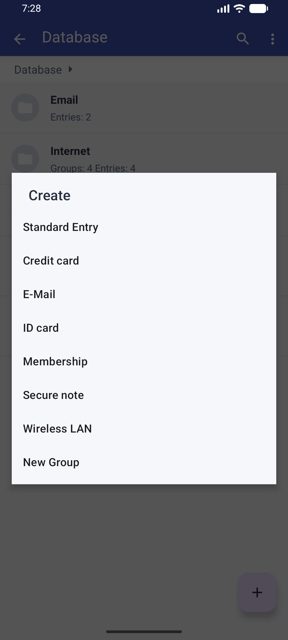
- Create and edit databases, manage entry history and attachments, with dynamic templates compatible with KeePassDX and keepass2android
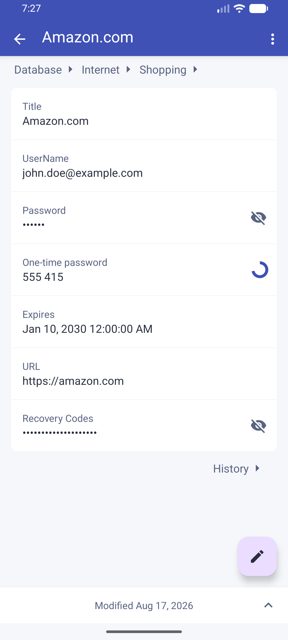
- Built-in diff viewer for database changes and TOTP/HOTP support for two-factor codes
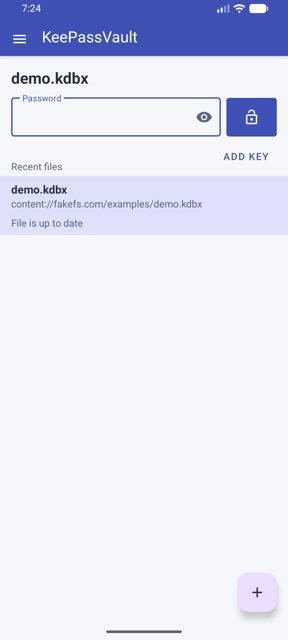
- Unlock with password, key file, or fingerprint (biometric)
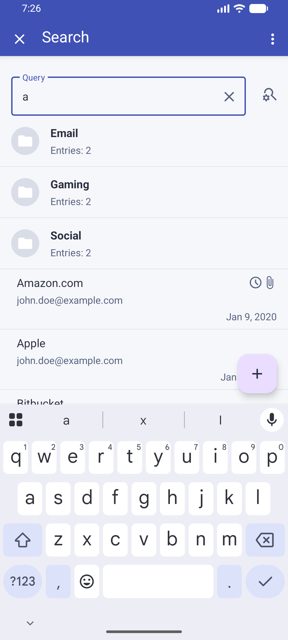
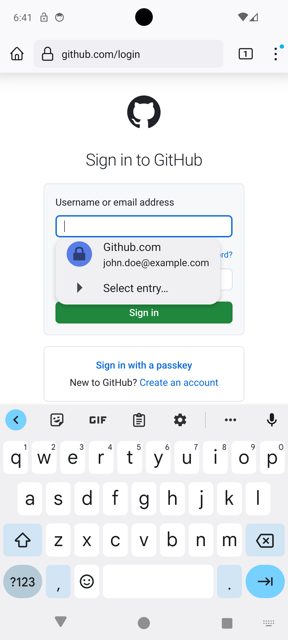
- Supports .kdbx files up to version 4.1, autofill on Android 8.0 and up, dark theme, and fuzzy search
Why isn’t KeePassVault on Google Play?
The developer lists this app on Google Play and F-Droid as well, but notes it's mainly built for personal use and may have bugs, so it's shared here as a direct APK download from its GitHub releases.
Is KeePassVault safe?
KeePassVault is open source under the Apache-2.0 license, and this page links to the official release built by the developer on GitHub. The developer states the app is oriented for personal use and may have bugs, so it's worth making a backup of your database before using it. KeePassVault comes straight from its developer rather than through Google Play, so it hasn’t gone through Google’s app review. As with any app, check the permissions it asks for and install it if you’re comfortable with them.
How to install
- Tap the download button above: the APK file downloads straight to your phone.
- When Android asks, allow your browser to install unknown apps.
- Open the file and tap Install.
FAQ
Is KeePassVault free
Yes, it is open source under the Apache-2.0 license and free to download from GitHub.
How do I sync my database with KeePassVault
Open the app's sync settings and connect either a WebDav server or a Git repository over HTTPS or SSH. If there are conflicts, the app lets you review local and remote changes and merge what you want to keep.
Does KeePassVault work with databases made in other KeePass apps
Yes, it supports .kdbx files up to version 4.1 and its dynamic templates are compatible with other Android apps like KeePassDX and keepass2android.
More free apps you won’t find on Google Play: Open Source Apps · Best Android apps not on the Google Play Store.






Frequently Asked Questions
Is KeePassVault free
Yes, it is open source under the Apache-2.0 license and free to download from GitHub.
How do I sync my database with KeePassVault
Open the app's sync settings and connect either a WebDav server or a Git repository over HTTPS or SSH. If there are conflicts, the app lets you review local and remote changes and merge what you want to keep.
Does KeePassVault work with databases made in other KeePass apps
Yes, it supports .kdbx files up to version 4.1 and its dynamic templates are compatible with other Android apps like KeePassDX and keepass2android.













Leave a Comment