
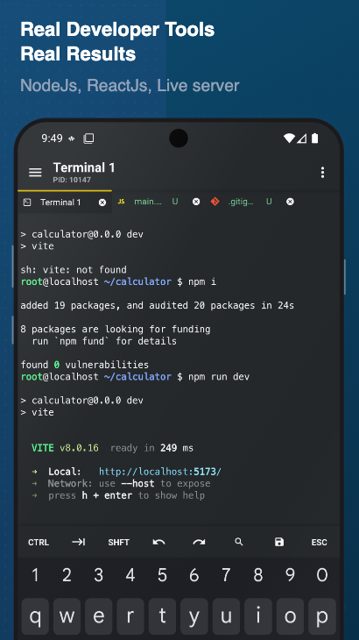
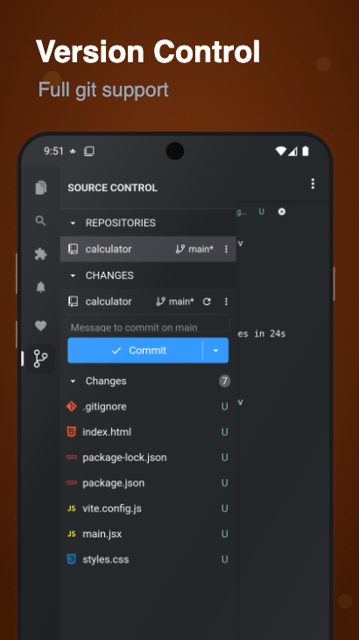
Acode is a text and code editor built for Android devices, aimed at people who want to write or edit HTML, CSS, JavaScript, Python, Java and other languages directly on their phone or tablet. It includes handy extras like a built-in terminal and SFTP/SSH support, so you can edit and manage remote files without switching apps.
Developer: Acode Foundation · License: MIT (open source) · Price: Free
Official file from the developer's release · Sep 13, 2026 · SHA-256 6e8006a0b0bc0a8c…
Screenshots
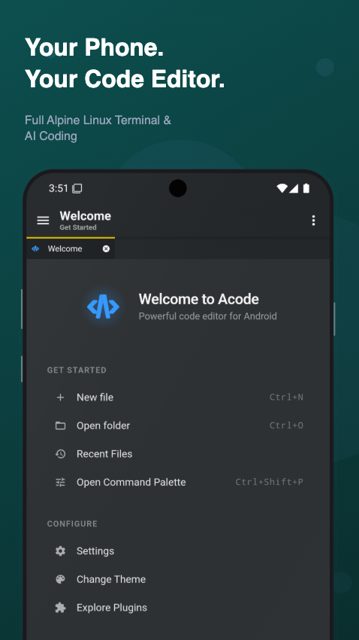
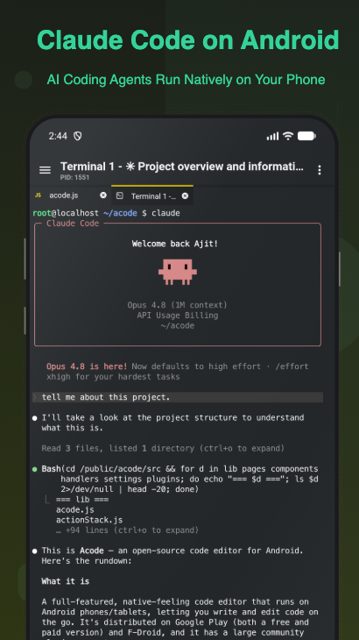
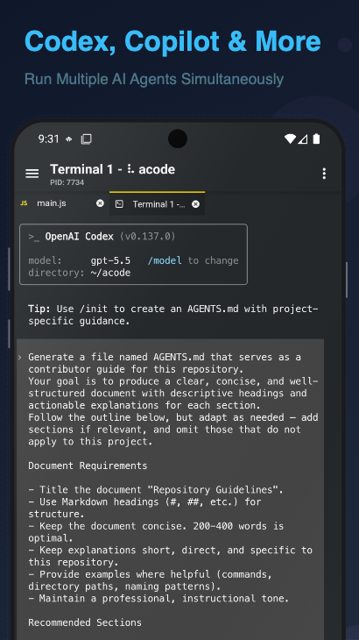
Key features
- Edit and create websites with instant preview in a browser
- Edit source files for Python, Java, JavaScript and other languages
- Built-in JavaScript console
- S/FTP and SSH terminal integration, plus a built-in terminal (Alpine)
- Multi-language editing support with easy management tools
- Large collection of community plugins to extend the editor
Why isn’t Acode on Google Play?
Acode is published by its developers on GitHub, and a version is also available on F-Droid; this page is for the GitHub release build rather than the Play Store listing.
Is Acode safe?
Acode is open source under the MIT license, and this build comes straight from the official Acode-Foundation GitHub repository. As with any APK installed outside the Play Store, make sure you download it from the official GitHub releases page and check the permissions it asks for (such as storage and network access for SFTP/SSH features).
How to install
- Tap the download button above: the APK file downloads straight to your phone.
- When Android asks, allow your browser to install unknown apps.
- Open the file and tap Install.
FAQ
Is Acode free to use
The README does not list a price, and the app is distributed as open-source software under the MIT license on GitHub.
How do I use the built-in terminal or SFTP/SSH features
Acode includes a built-in terminal based on Alpine along with S/FTP and SSH integration, so you can connect to remote servers and edit files without leaving the app.
Is this the same as the Google Play version
This page offers the version published on GitHub by the Acode Foundation. Acode is also listed on F-Droid, but according to the README the Google Play listing uses a different package id (com.foxdebug.acodefree).
More free apps you won’t find on Google Play: Open Source Apps · Best Android apps not on the Google Play Store.






Frequently Asked Questions
Is Acode free to use
The README does not list a price, and the app is distributed as open-source software under the MIT license on GitHub.
How do I use the built-in terminal or SFTP/SSH features
Acode includes a built-in terminal based on Alpine along with S/FTP and SSH integration, so you can connect to remote servers and edit files without leaving the app.
Is this the same as the Google Play version
This page offers the version published on GitHub by the Acode Foundation. Acode is also listed on F-Droid, but according to the README the Google Play listing uses a different package id (com.foxdebug.acodefree).













Leave a Comment