

IReader is a free, open source reader app for light novels, web novels, and ebooks, built for Android and Desktop. It lets you pull in novels from multiple sources through extensions and plugins, then download chapters to read offline without ads or data collection.
Developer: IReaderorg · License: Apache-2.0 (open source) · Price: Free
Before you start: IReader no longer ships with an in-app default repository, so after installing you need to add a source repository manually. Go to Settings > Repository, tap the Add icon (+), choose Quick Add Popular Repo, select LNReader, then save and refresh remote sources from the Source screen.
Official file from the developer's release · Sep 7, 2026 · SHA-256 b7c0eb986c620a2e…
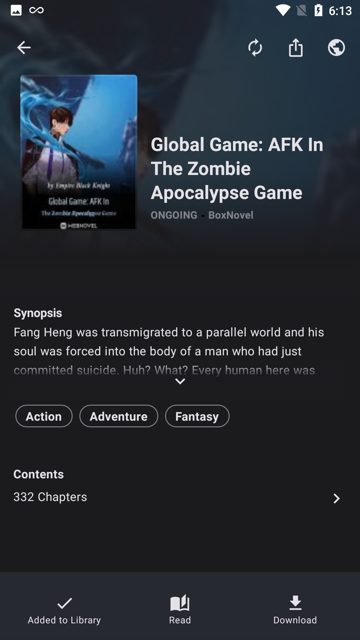
Screenshots
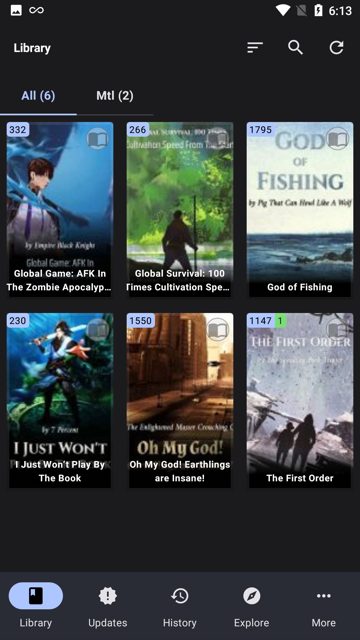
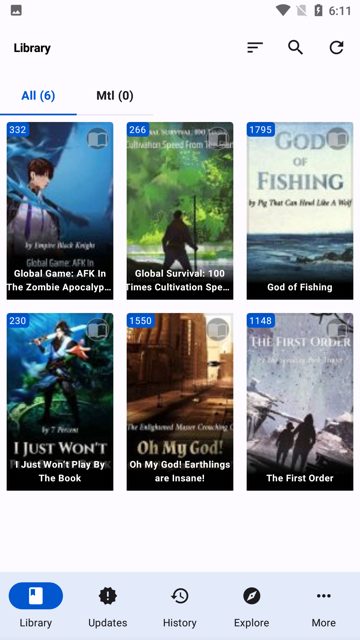
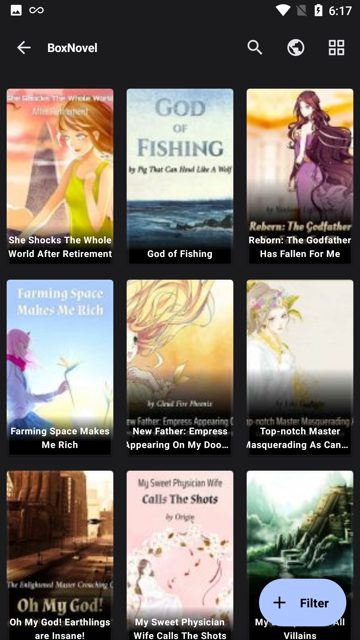
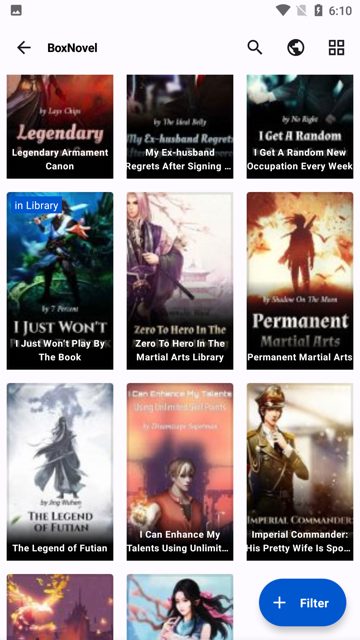
Key features
- Multi-source support via extensions and JavaScript plugins, plus Legado/阅读 source import
- Offline reading by downloading chapters ahead of time
- Smart search across multiple sources at once
- Library management with categories, filters, and custom collections
- Dark mode and customizable themes, fonts, spacing, and gestures
- AI text-to-speech powered by Piper on Desktop
Why isn’t IReader on Google Play?
IReader is published by its developers on GitHub rather than Google Play, and it is not listed on F-Droid either.
Is IReader safe?
IReader is open source under the Apache-2.0 license, so the code is publicly available for anyone to review. Download the APK directly from the official GitHub Releases page; Android may warn you about installing from outside Google Play since this is a direct APK install. IReader comes straight from its developer rather than through Google Play, so it hasn’t gone through Google’s app review. As with any app, check the permissions it asks for and install it if you’re comfortable with them.
How to install
- Tap the download button above: the APK file downloads straight to your phone.
- When Android asks, allow your browser to install unknown apps.
- Open the file and tap Install.
FAQ
Is IReader free?
Yes. It is completely free and open source under the Apache 2.0 license, with no ads, no tracking, and no premium tier.
How do I add novel sources in IReader?
Go to Settings > Repository, tap the Add icon, and choose Quick Add Popular Repo to add LNReader sources. You can also import Legado/阅读 sources from More > Community > Legado Sources by entering a source URL or pasting JSON directly.
What are the requirements to install IReader on Android?
You need Android 7.0 or higher. Desktop versions are also available for Windows, macOS, and Linux.
More free apps you won’t find on Google Play: Open Source Apps · Best Android apps not on the Google Play Store.





Frequently Asked Questions
Is IReader free?
Yes. It is completely free and open source under the Apache 2.0 license, with no ads, no tracking, and no premium tier.
How do I add novel sources in IReader?
Go to Settings > Repository, tap the Add icon, and choose Quick Add Popular Repo to add LNReader sources. You can also import Legado/阅读 sources from More > Community > Legado Sources by entering a source URL or pasting JSON directly.
What are the requirements to install IReader on Android?
You need Android 7.0 or higher. Desktop versions are also available for Windows, macOS, and Linux.













Leave a Comment