

FFShare is an Android app that compresses images, videos, and audio files using ffmpeg before you share them. It is handy when you need to shrink a file size quickly without opening a separate editing app, right from the share menu.
Developer: caydey · License: GPL-3.0 (open source) · Price: Free
Official file from the developer's release · Aug 14, 2026 · SHA-256 98036668fa334774…
Screenshots
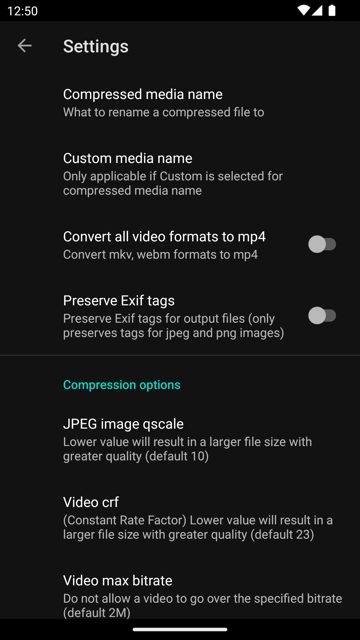
Key features
- <
- p
- a
- r
- a
Why isn’t FFShare on Google Play?
FFShare is published by its developer on GitHub and is also available on F-Droid, rather than on the Google Play Store.
Is FFShare safe?
FFShare is open source under the GPL-3.0 license, and you can get the official build from the developer's GitHub releases or from F-Droid. As with any app that handles your media files, it will need access to the files you choose to compress and share. FFShare comes straight from its developer rather than through Google Play, so it hasn’t gone through Google’s app review. As with any app, check the permissions it asks for and install it if you’re comfortable with them.
How to install
- Tap the download button above: the APK file downloads straight to your phone.
- When Android asks, allow your browser to install unknown apps.
- Open the file and tap Install.
FAQ
Is FFShare free to use
Yes. It is open source under the GPL-3.0 license and does not cost anything.
How do I compress a file with FFShare
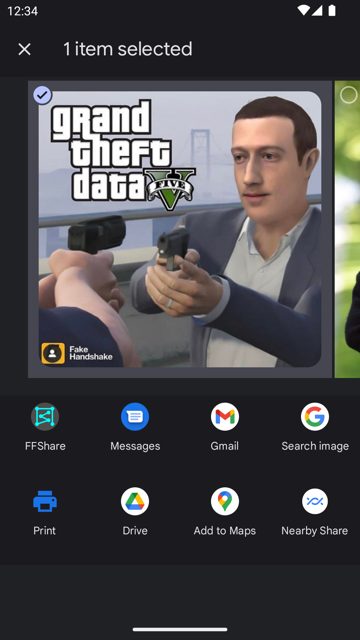
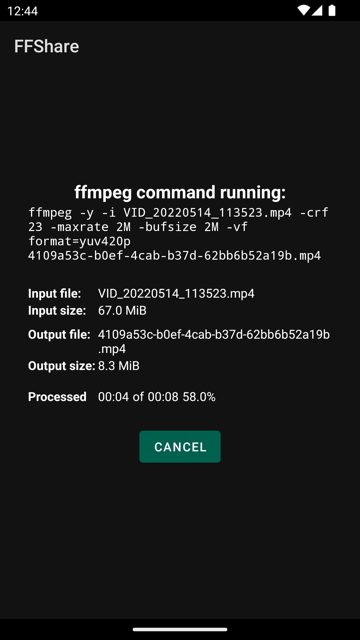
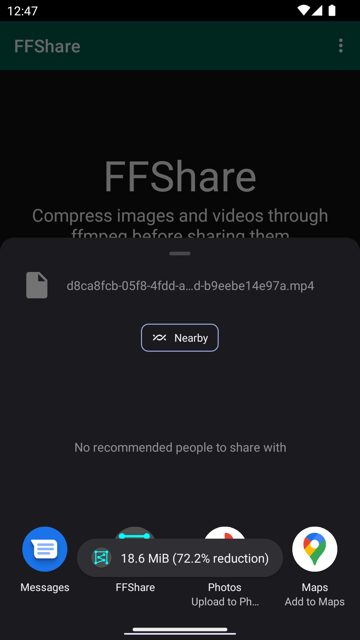
Share the image, video, or audio file to FFShare from your gallery or file manager using Android's share menu, and it will run the file through ffmpeg to compress it before you send it on.
Where can I get FFShare if it is not on Google Play
You can download it from the developer's GitHub releases page, install it through Obtainium, or get it from F-Droid.
More free apps you won’t find on Google Play: Open Source Apps · Best Android apps not on the Google Play Store.






Frequently Asked Questions
Is FFShare free to use
Yes. It is open source under the GPL-3.0 license and does not cost anything.
How do I compress a file with FFShare
Share the image, video, or audio file to FFShare from your gallery or file manager using Android's share menu, and it will run the file through ffmpeg to compress it before you send it on.
Where can I get FFShare if it is not on Google Play
You can download it from the developer's GitHub releases page, install it through Obtainium, or get it from F-Droid.













Leave a Comment