

Book's Story is a Material You eBook reader for Android, built with Jetpack Compose. It lets you read your books in a clean, modern interface with a lot of customization, without ads or a Google Play listing.
Developer: Acclorite · License: GPL-3.0 (open source) · Price: Free
Before you start: make sure your device is running Android 8.0 or above, since the app does not support older versions.
Official file from the developer's release · Oct 13, 2025 · SHA-256 b0b6ace124be6461…
Screenshots
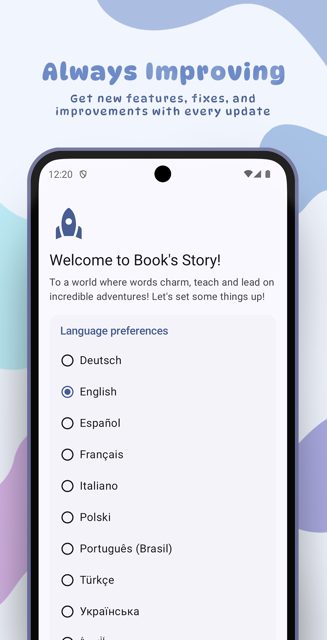
Key features
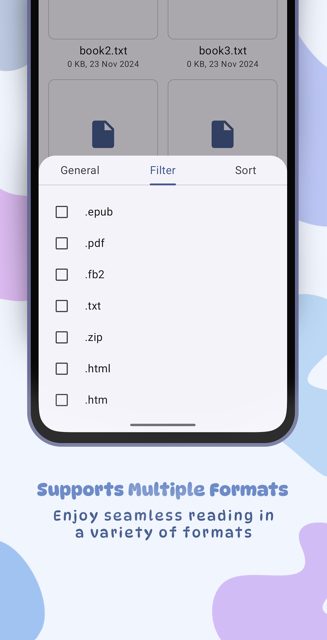
- Reads 7 file formats: .pdf, .txt, .epub, .fb2, .html, .htm, .md
- Uses Storage Access Framework to open your files
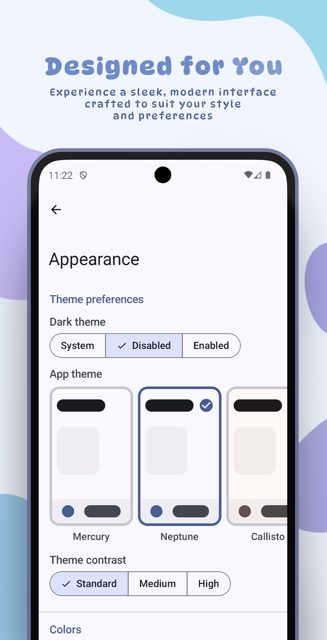
- Material You design with unique themes and color presets
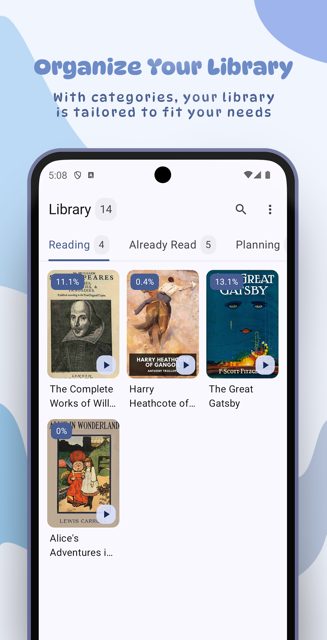
- Organized library with custom categories and chapters in the reader
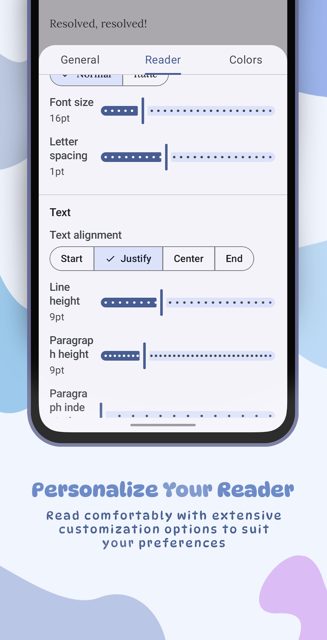
- Highly customizable reading experience
Why isn’t Book's Story on Google Play?
Book's Story is published by its developer on GitHub, GitLab, Codeberg, F-Droid and IzzyOnDroid rather than on Google Play. The developer also notes that from September 2026, Android's new developer verification rules mean the app will no longer be installable on certified Android devices.
Is Book's Story safe?
The app is open source under the GPL-3.0 license, and the APK comes straight from the developer's own release pages on GitHub, GitLab, Codeberg, F-Droid and IzzyOnDroid. The README states the developer does not accept outside code contributions, so the codebase is maintained solely by Acclorite; no other caveats are mentioned. Book's Story comes straight from its developer rather than through Google Play, so it hasn’t gone through Google’s app review. As with any app, check the permissions it asks for and install it if you’re comfortable with them.
How to install
- Tap the download button above: the APK file downloads straight to your phone.
- When Android asks, allow your browser to install unknown apps.
- Open the file and tap Install.
FAQ
Is Book's Story free?
Yes. The README describes it as free, open source and ad-free.
How do I install the APK after downloading it?
Download book-story.apk from the GitHub, GitLab, Codeberg, F-Droid or IzzyOnDroid release page, then open the downloaded file on your device and install it.
Which file formats does it support?
It supports .pdf, .txt, .epub, .fb2, .html, .htm and .md files.
Can I help translate the app?
Yes, the developer invites users to help translate Book's Story through Hosted Weblate.
More free apps you won’t find on Google Play: Open Source Apps · Best Android apps not on the Google Play Store.




Frequently Asked Questions
Is Book's Story free?
Yes. The README describes it as free, open source and ad-free.
How do I install the APK after downloading it?
Download book-story.apk from the GitHub, GitLab, Codeberg, F-Droid or IzzyOnDroid release page, then open the downloaded file on your device and install it.
Which file formats does it support?
It supports .pdf, .txt, .epub, .fb2, .html, .htm and .md files.
Can I help translate the app?
Yes, the developer invites users to help translate Book's Story through Hosted Weblate.













Leave a Comment