

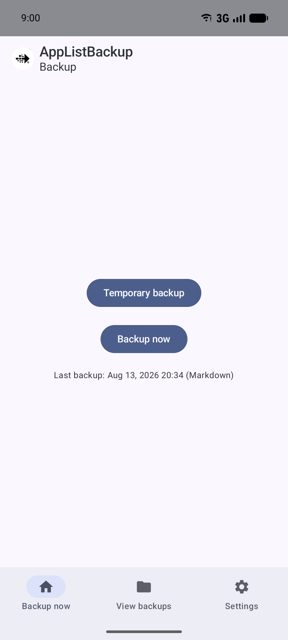
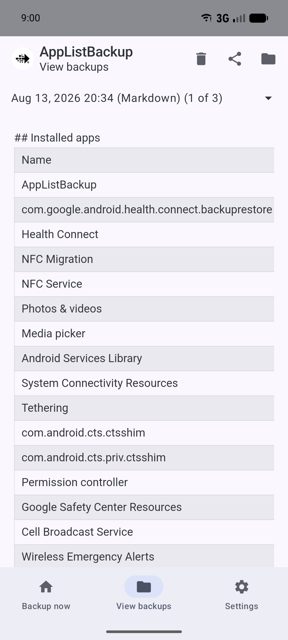
AppListBackup is a free, open-source tool that creates a list of all the apps installed on your Android phone, saved as an HTML, CSV or Markdown file. People use it before a device reset or factory wipe so they have a record of exactly which apps to reinstall, without needing root access.
Developer: AndroidLabs-org · License: GPL-3.0 (open source) · Price: Free
Official file from the developer's release · Oct 9, 2026 · SHA-256 1de11645ee2bd177…
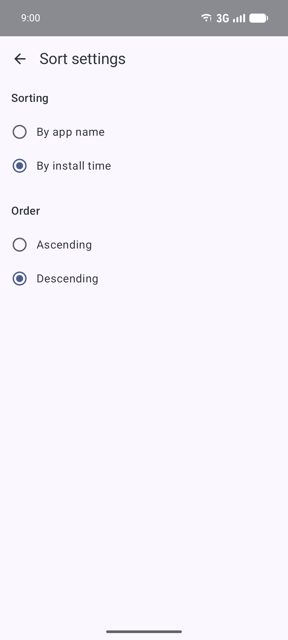
Screenshots
Key features
- <
- i
- t
- e
- m
Why isn’t AppListBackup on Google Play?
AppListBackup is published by its developer on GitHub and F-Droid rather than the Google Play Store.
Is AppListBackup safe?
This app is open source under the GPL-3.0 license and is available directly from F-Droid, the official distribution point listed by the developer. Note it only backs up the list of apps, not the actual APKs or app data, so you are responsible for saving the generated file somewhere safe, such as email, remote storage or a synced folder. AppListBackup comes straight from its developer rather than through Google Play, so it hasn’t gone through Google’s app review. As with any app, check the permissions it asks for and install it if you’re comfortable with them.
How to install
- Tap the download button above: the APK file downloads straight to your phone.
- When Android asks, allow your browser to install unknown apps.
- Open the file and tap Install.
FAQ
Is AppListBackup free
Yes, it is free and open source under the GPL-3.0 license.
Does it back up my apps or app data
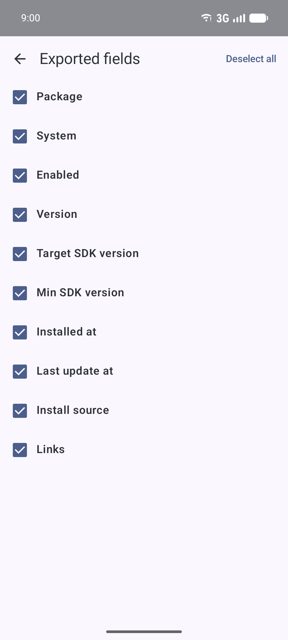
No. It only creates a list of the apps you have installed, including details like version number and install date. It does not back up the APK files or any app data.
Do I need root to use it
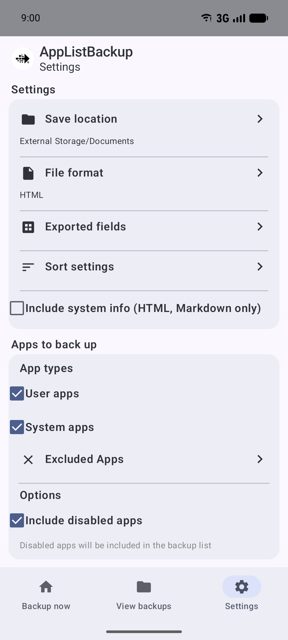
No. The app works without root, and on phones it does not even need storage permission since you choose the save folder yourself using Android's built-in file picker.
More free apps you won’t find on Google Play: Open Source Apps · Best Android apps not on the Google Play Store.






Frequently Asked Questions
Is AppListBackup free
Yes, it is free and open source under the GPL-3.0 license.
Does it back up my apps or app data
No. It only creates a list of the apps you have installed, including details like version number and install date. It does not back up the APK files or any app data.
Do I need root to use it
No. The app works without root, and on phones it does not even need storage permission since you choose the save folder yourself using Android's built-in file picker.













Leave a Comment