
SensorServer turns your Android phone into a sensor hub that streams live data from its sensors to any WebSocket client on your network. It is useful for developers, hobbyists, and anyone who wants to read accelerometer, gyroscope, GPS, touchscreen, or environmental sensor data on a computer or another device in real time.
Developer: Umer (UmerCodez / umer0586) · License: GPL-3.0 (open source) · Price: Free
Before you start: you will need a WebSocket client (in your preferred programming language, or just a web browser using the app's built-in "Test in a Web Browser" mode) to connect to the app and receive sensor data. Make sure your client device is on the same local network as the phone running SensorServer.
Official file from the developer's release · May 24, 2026 · SHA-256 326912a7396f6687…
Screenshots
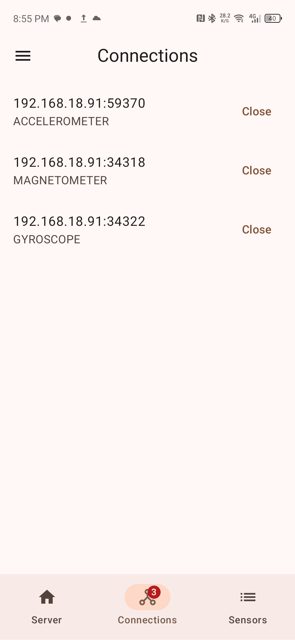
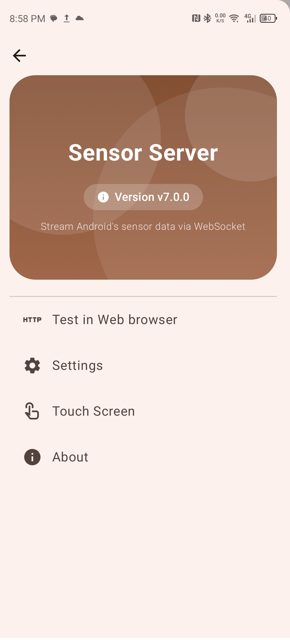
Key features
- <
- i
- t
- e
- m
Why isn’t SensorServer on Google Play?
This app is published by its developer on GitHub and is also available on F-Droid, but it is not listed on Google Play.
Is SensorServer safe?
SensorServer is open source under the GPL-3.0 license, and the APK is distributed directly from the developer's GitHub releases page. It requires Android 6.0 or higher; since it runs a local server, it needs network access and, for GPS/touchscreen features, location and other device permissions. SensorServer comes straight from its developer rather than through Google Play, so it hasn’t gone through Google’s app review. As with any app, check the permissions it asks for and install it if you’re comfortable with them.
How to install
- Tap the download button above: the APK file downloads straight to your phone.
- When Android asks, allow your browser to install unknown apps.
- Open the file and tap Install.
FAQ
Is SensorServer free?
Yes. It is free and open source under the GPL-3.0 license.
How do I connect to a sensor?
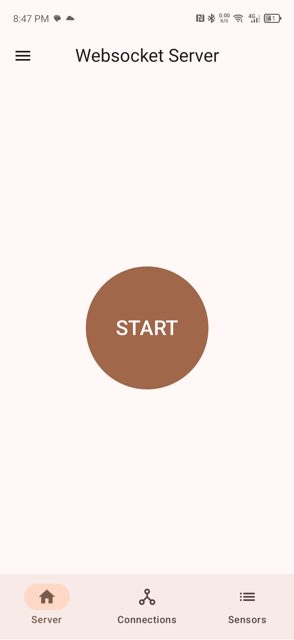
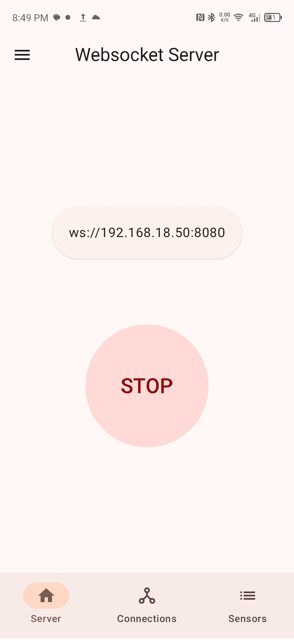
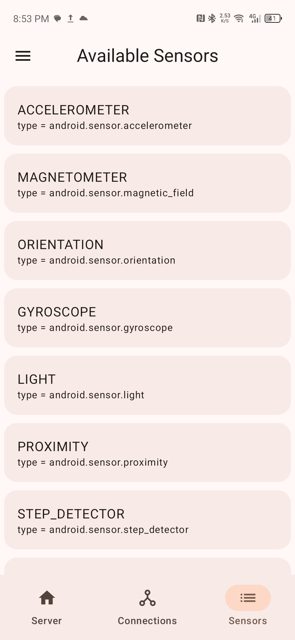
Start the server in the app, then connect your WebSocket client to ws://<phone-ip>:<port>/sensor/connect?type=<sensor type>, for example android.sensor.accelerometer. You can find the exact type names under Available Sensors in the app.
Can I use it without writing any code?
Yes. Enable Test in a Web Browser from the app's navigation menu, then open the address it shows in a browser on any device on the same network to view and plot sensor data.
More free apps you won’t find on Google Play: Open Source Apps · Best Android apps not on the Google Play Store.




Frequently Asked Questions
Is SensorServer free?
Yes. It is free and open source under the GPL-3.0 license.
How do I connect to a sensor?
Start the server in the app, then connect your WebSocket client to ws://<phone-ip>:<port>/sensor/connect?type=<sensor type>, for example android.sensor.accelerometer. You can find the exact type names under Available Sensors in the app.
Can I use it without writing any code?
Yes. Enable Test in a Web Browser from the app's navigation menu, then open the address it shows in a browser on any device on the same network to view and plot sensor data.













Leave a Comment