

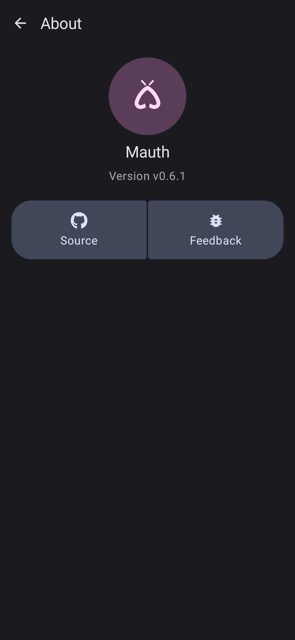
Mauth is a two-factor authentication app that generates TOTP and HOTP codes and works with accounts set up for Google Authenticator. It is built with a clean Material You design and aims to be more intuitive and feature-rich than many older 2FA apps.
Developer: X1nto · License: GPL-3.0 (open source) · Price: Free
Official file from the developer's release · Jul 6, 2026 · SHA-256 e1838fff1e96c712…
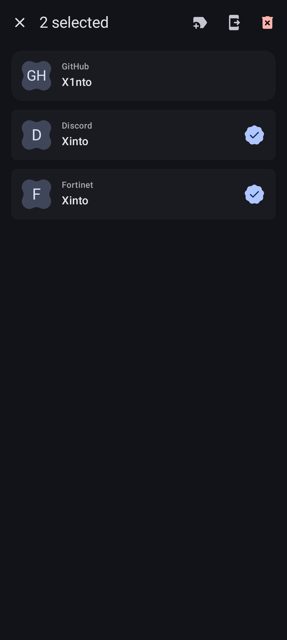
Screenshots
Key features
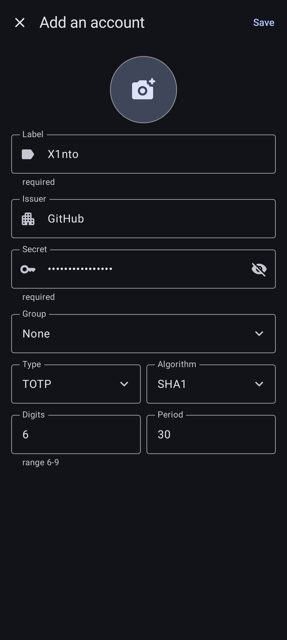
- Supports both TOTP and HOTP algorithms, fully compatible with Google Authenticator accounts
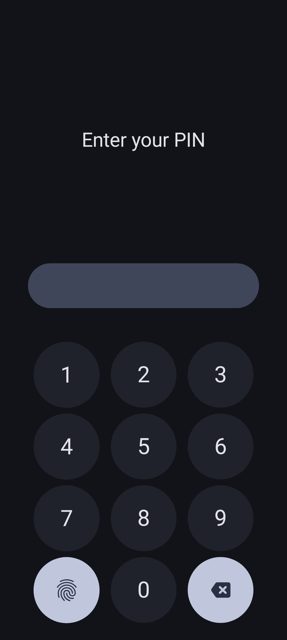
- Secure your accounts with biometrics or a PIN
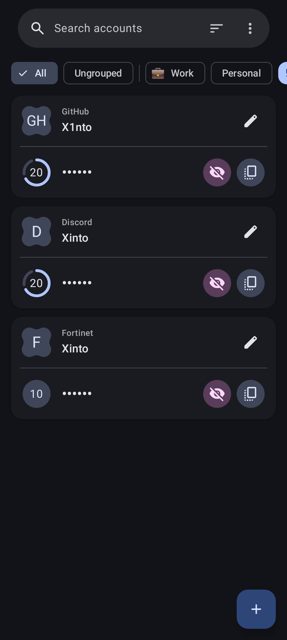
- Search, sort, group, edit and delete your accounts
- Export accounts as individual QR codes, batch QR codes (Google Authenticator format), or otpauth:// URIs
- Import accounts by scanning a QR code with your camera or from an image, manually, or via deeplinks
Why isn’t Mauth on Google Play?
Mauth is published by its developer on GitHub and is also available on F-Droid, rather than being distributed through the Google Play Store.
Is Mauth safe?
Mauth is open source under the GPL-3.0 license, and the APK on this page matches the official release from the developer's GitHub Releases page. Note that encrypted account database storage and encrypted exports are listed as not yet implemented, so weigh that against how sensitive your 2FA codes are. Mauth comes straight from its developer rather than through Google Play, so it hasn’t gone through Google’s app review. As with any app, check the permissions it asks for and install it if you’re comfortable with them.
How to install
- Tap the download button above: the APK file downloads straight to your phone.
- When Android asks, allow your browser to install unknown apps.
- Open the file and tap Install.
FAQ
Is Mauth free
Yes. It is free, open source software released under the GPL-3.0 license. The developer also accepts optional support via Ko-fi.
Can I move my accounts from Google Authenticator to Mauth
Yes. Mauth can import accounts by scanning the batch QR code export from Google Authenticator, or from other authenticator apps that support exporting in that same format.
Does Mauth back up my accounts to the cloud
No. Backup options like Nextcloud, ownCloud, Google Drive, Dropbox and OneDrive are listed as not yet implemented. You can still export individual accounts or all accounts as QR codes or otpauth:// URIs.
More free apps you won’t find on Google Play: Open Source Apps · Best Android apps not on the Google Play Store.





Frequently Asked Questions
Is Mauth free
Yes. It is free, open source software released under the GPL-3.0 license. The developer also accepts optional support via Ko-fi.
Can I move my accounts from Google Authenticator to Mauth
Yes. Mauth can import accounts by scanning the batch QR code export from Google Authenticator, or from other authenticator apps that support exporting in that same format.
Does Mauth back up my accounts to the cloud
No. Backup options like Nextcloud, ownCloud, Google Drive, Dropbox and OneDrive are listed as not yet implemented. You can still export individual accounts or all accounts as QR codes or otpauth:// URIs.













Leave a Comment