
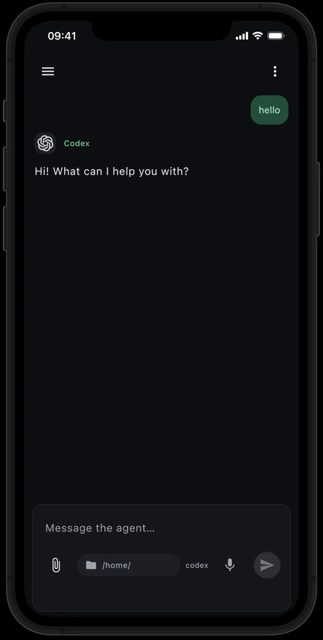
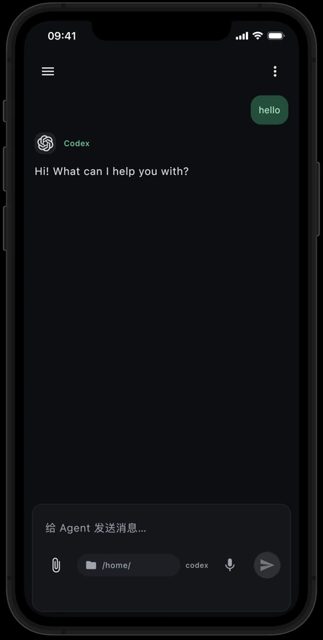
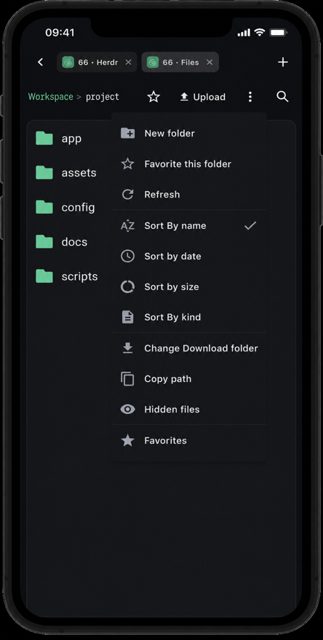
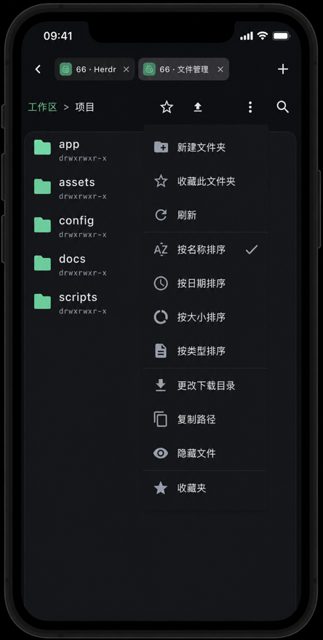
Termish is an open-source SSH and Mosh terminal app for Android that also lets you run AI coding agents like Codex and Claude Code from your phone. It's built for people who want to keep working on their remote development machine from a phone, whether that's running terminal commands, transferring files over SFTP, or checking in on a coding agent's progress.
Developer: farlume · License: MIT (open source) · Price: Free
Before you start: you need your own remote server reachable over SSH or Mosh (for Mosh, the server needs mosh-server and a reachable UDP port). Requires Android 8.0 or newer. When installing the APK, allow installation from this source when prompted. No Termish account is required.
Official file from the developer's release · Oct 19, 2026 · SHA-256 e74cc827e0db0302…
Screenshots
Key features
- <
- i
- t
- e
- m
Why isn’t Termish on Google Play?
Termish is published by its developer on GitHub rather than Google Play; the README notes there is no public app store listing for the app yet.
Is Termish safe?
Termish is open source under the MIT license, and the APK on this page is the signed build distributed by the developer from download.termish.dev, with SHA-256 checksums published alongside the GitHub releases. The app stores your saved SSH/Mosh credentials using Android Keystore, connects directly to your own servers with no Termish account or telemetry required, and any AI or speech-recognition provider you configure separately may charge for its own usage. Termish comes straight from its developer rather than through Google Play, so it hasn’t gone through Google’s app review. As with any app, check the permissions it asks for and install it if you’re comfortable with them.
How to install
- Tap the download button above: the APK file downloads straight to your phone.
- When Android asks, allow your browser to install unknown apps.
- Open the file and tap Install.
FAQ
Is Termish free to use?
Termish itself is free and open source under the MIT license. Optional AI or speech-recognition providers you connect may charge for their own usage, but that is separate from the app.
How do I connect Termish to my server?
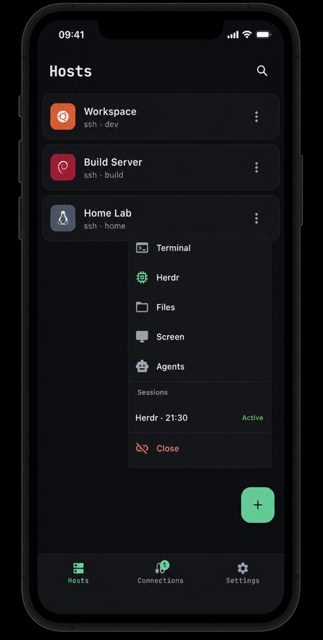
Open Hosts, tap +, and enter the SSH address, username and password or private key. Verify the server's host key fingerprint on first connection, then use the host menu to open Terminal, Herdr, Files, remote screen or Agent chat.
Does Termish need a Termish account or relay server?
No. Termish connects directly to your own server over SSH or Mosh using your credentials, and no Termish account, telemetry or hosted relay is required.
More free apps you won’t find on Google Play: Open Source Apps · Best Android apps not on the Google Play Store.





Frequently Asked Questions
Is Termish free to use?
Termish itself is free and open source under the MIT license. Optional AI or speech-recognition providers you connect may charge for their own usage, but that is separate from the app.
How do I connect Termish to my server?
Open Hosts, tap +, and enter the SSH address, username and password or private key. Verify the server's host key fingerprint on first connection, then use the host menu to open Terminal, Herdr, Files, remote screen or Agent chat.
Does Termish need a Termish account or relay server?
No. Termish connects directly to your own server over SSH or Mosh using your credentials, and no Termish account, telemetry or hosted relay is required.













Leave a Comment