

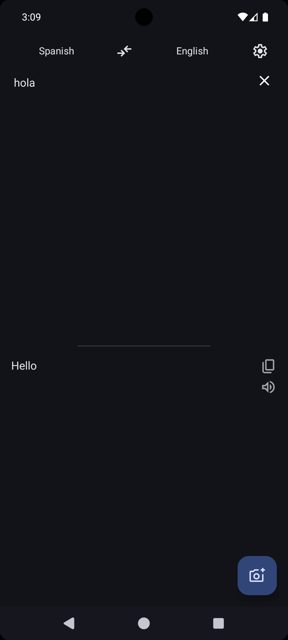
Translator is an Android app that translates text, images and PDF/ODT documents entirely on your device, with no internet connection needed once you've downloaded the language packs you want. It also includes a dictionary and text-to-speech support, so you can look up words and hear translations read aloud.
Developer: DavidVentura · License: GPL-3.0-or-later (open source) · Price: Free
Before you start: if you plan to use the app on a device with no internet access at all, you'll need to manually copy language pack files into the Documents/dev.davidv.translator folder on your device beforehand. See the project's OFFLINE_SETUP.md file for the exact steps.
Official file from the developer's release · Oct 26, 2026 · SHA-256 e061cb1fa5ae1267…
Screenshots
Key features
- Translate text by sharing it from any app, typing it directly, or long-pressing selected text
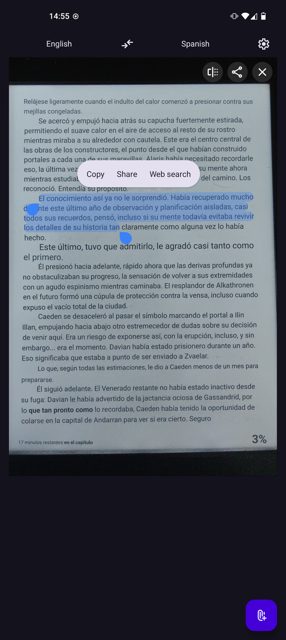
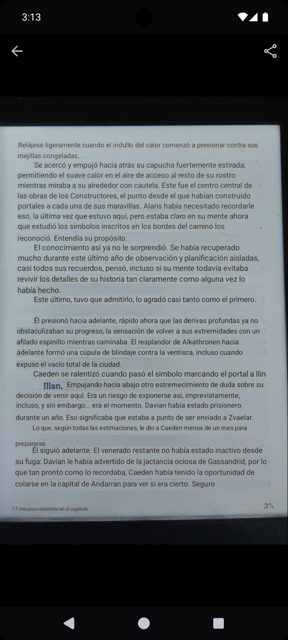
- Translate images and PDF/ODT documents using on-device models, no server requests
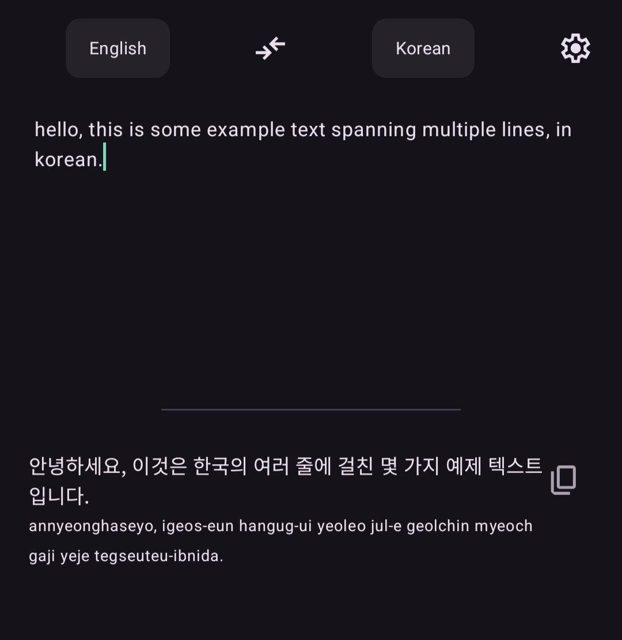
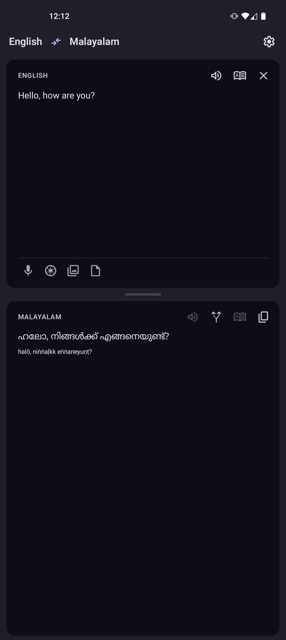
- Automatic language detection and transliteration for non-latin scripts
- Built-in word dictionary based on Wiktionary data, with a separate Kanji transliteration dictionary for Japanese
- Text-to-speech playback with adjustable voice and speed (long-press the play button)
Why isn’t Offline Translator on Google Play?
This app is published by its developer on GitHub and is also available on F-Droid; it is not listed on Google Play.
Is Offline Translator safe?
Translator is open source under the GPL-3.0-or-later license, and this page links to the official release from the developer's GitHub repository. The README lists the signing certificate's SHA-256 hash so you can verify the APK yourself; the app does need storage access if you want to use the manual offline setup for language files. Offline Translator comes straight from its developer rather than through Google Play, so it hasn’t gone through Google’s app review. As with any app, check the permissions it asks for and install it if you’re comfortable with them.
How to install
- Tap the download button above: the APK file downloads straight to your phone.
- When Android asks, allow your browser to install unknown apps.
- Open the file and tap Install.
FAQ
Is Translator free
Yes. It is open source under the GPL-3.0-or-later license and is free to download from GitHub or F-Droid.
How do I translate an image or PDF
Share an image from any app to translate it, or open the documents tab inside the app to translate a PDF or ODT file. Language packs need to be downloaded first since all translation happens on the device.
Does it need an internet connection to work
No, not after you've downloaded the language packs you need. Once downloaded, translation of text, images and documents happens entirely on your device with no data sent to external servers.
More free apps you won’t find on Google Play: Open Source Apps · Best Android apps not on the Google Play Store.





Frequently Asked Questions
Is Translator free
Yes. It is open source under the GPL-3.0-or-later license and is free to download from GitHub or F-Droid.
How do I translate an image or PDF
Share an image from any app to translate it, or open the documents tab inside the app to translate a PDF or ODT file. Language packs need to be downloaded first since all translation happens on the device.
Does it need an internet connection to work
No, not after you've downloaded the language packs you need. Once downloaded, translation of text, images and documents happens entirely on your device with no data sent to external servers.













Leave a Comment