
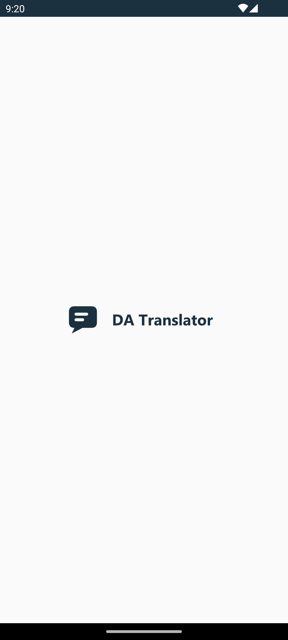
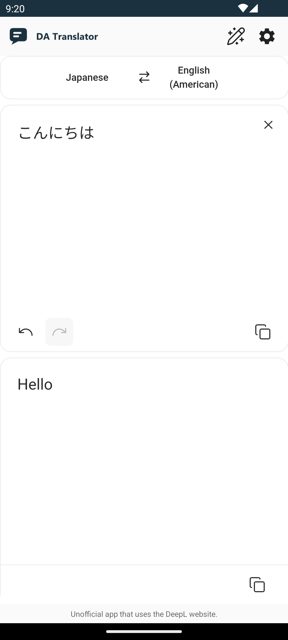
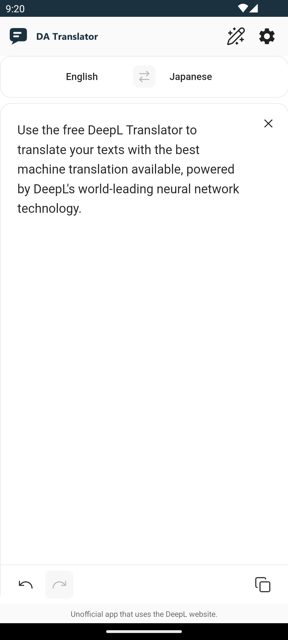
DA Translator is an unofficial Android app for DeepL Translator. It wraps the DeepL website in a WebView and uses JavaScript to hide everything except the translation screen, so you get a clean, app-like experience without installing a bloated wrapper.
Developer: sakusaku3939 · License: MIT (open source) · Price: Free
Official file from the developer's release · Nov 24, 2026 · SHA-256 6885d28a121c80d9…
Screenshots
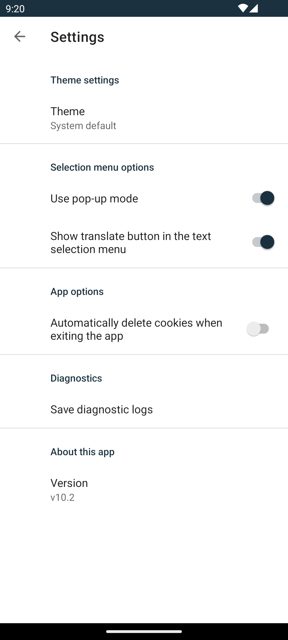
Key features
- Shows only the translation screen, built with WebView
- Dark mode support
- Launch DeepL directly from the floating text selection action menu
- Long press the app icon to open the settings screen
Why isn’t DA Translator on Google Play?
DA Translator is not on Google Play. It is published by its developer on GitHub and is also available on F-Droid.
Is DA Translator safe?
The app is open source under the MIT license, so anyone can review the code. Download the APK from the official GitHub releases page or get it through F-Droid, both maintained by the developer. Since it loads the DeepL website inside a WebView, you need an internet connection to translate, and this is an unofficial, community-made client rather than an app from DeepL itself. DA Translator comes straight from its developer rather than through Google Play, so it hasn’t gone through Google’s app review. As with any app, check the permissions it asks for and install it if you’re comfortable with them.
How to install
- Tap the download button above: the APK file downloads straight to your phone.
- When Android asks, allow your browser to install unknown apps.
- Open the file and tap Install.
FAQ
Is DA Translator free
Yes. It is an open-source app released under the MIT license and does not cost anything.
How do I translate selected text quickly
Select text in any app, then use the floating text selection action to launch DeepL directly for translation.
Is this the official DeepL app
No, it is an unofficial Android client that displays the DeepL Translator website in a simplified, app-like WebView interface.
More free apps you won’t find on Google Play: Open Source Apps · Best Android apps not on the Google Play Store.




Frequently Asked Questions
Is DA Translator free
Yes. It is an open-source app released under the MIT license and does not cost anything.
How do I translate selected text quickly
Select text in any app, then use the floating text selection action to launch DeepL directly for translation.
Is this the official DeepL app
No, it is an unofficial Android client that displays the DeepL Translator website in a simplified, app-like WebView interface.













Leave a Comment