

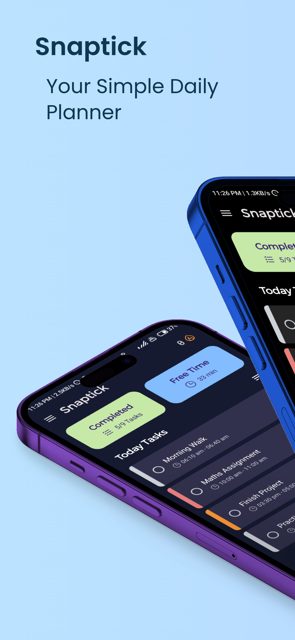
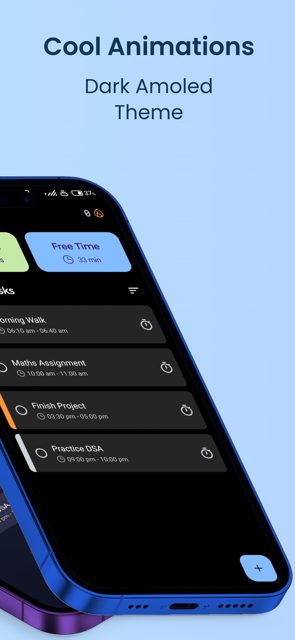
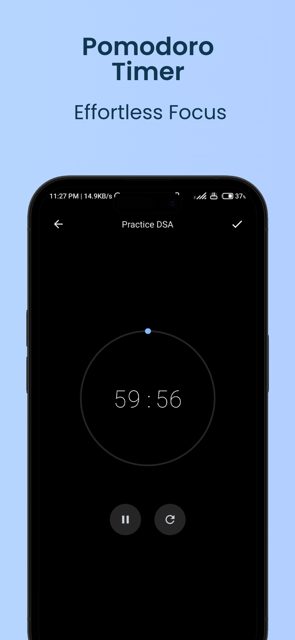
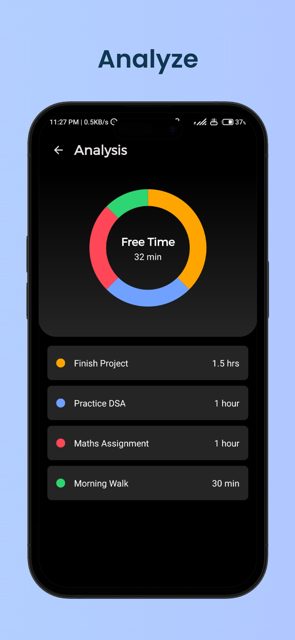
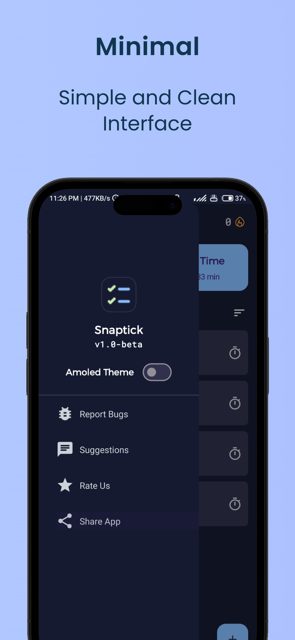
Snaptick is a daily task planner for Android built with Jetpack Compose, with a built-in pomodoro timer to help you focus. It is open source, free to use, and has no ads.
Developer: vishal2376 · License: GPL-3.0 (open source) · Price: Free
Official file from the developer's release · Jul 26, 2026 · SHA-256 361af500ccca466f…
Screenshots
Key features
- Create and edit tasks with multiple reminders
- Built-in pomodoro timer for focused work sessions
- Home-screen widget and calendar view for managing tasks
- Calendar sync, ICS import, and backup and restore
- Customizable swipe actions, repeatable tasks, and material dynamic theme support
Why isn’t Snaptick on Google Play?
Snaptick isn't on Google Play. It's published by its developer on GitHub Releases and is also available through IzzyOnDroid.
Is Snaptick safe?
Snaptick is open source under the GPL-3.0 license, so you can review the code yourself. Download the signed APK directly from the developer's GitHub Releases page to get the official build. Snaptick comes straight from its developer rather than through Google Play, so it hasn’t gone through Google’s app review. As with any app, check the permissions it asks for and install it if you’re comfortable with them.
How to install
- Tap the download button above: the APK file downloads straight to your phone.
- When Android asks, allow your browser to install unknown apps.
- Open the file and tap Install.
FAQ
Is Snaptick free to use?
Yes, Snaptick is a free, ad-free task management app. The developer accepts optional donations through Ko-fi, Buy Me a Coffee, PayPal, or crypto if you want to support the project.
How do I install Snaptick since it's not on Google Play?
Download the latest signed APK from the GitHub Releases page, then open the downloaded file on your Android device to install it. You may need to allow installs from unknown sources in your device settings.
Can I sync Snaptick with my calendar?
Yes, Snaptick supports calendar sync and ICS import, plus a calendar view for managing your tasks alongside the pomodoro timer and reminders.
More free apps you won’t find on Google Play: Open Source Apps · Best Android apps not on the Google Play Store.






Frequently Asked Questions
Is Snaptick free to use?
Yes, Snaptick is a free, ad-free task management app. The developer accepts optional donations through Ko-fi, Buy Me a Coffee, PayPal, or crypto if you want to support the project.
How do I install Snaptick since it's not on Google Play?
Download the latest signed APK from the GitHub Releases page, then open the downloaded file on your Android device to install it. You may need to allow installs from unknown sources in your device settings.
Can I sync Snaptick with my calendar?
Yes, Snaptick supports calendar sync and ICS import, plus a calendar view for managing your tasks alongside the pomodoro timer and reminders.













Leave a Comment