

Mako is a minimal, privacy-first launcher for Android that aims to keep your home screen simple and distraction-free. It's built in native Kotlin and runs entirely on your device, with no network access required.
Developer: rama-io · License: GPL-3.0 (open source) · Price: Free
Official file from the developer's release · Nov 11, 2026 · SHA-256 3d8a52545cbee8dc…
Screenshots
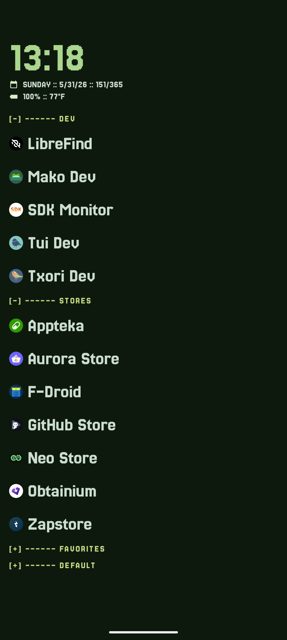
Key features
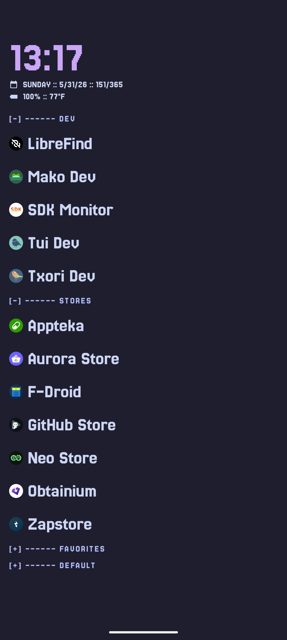
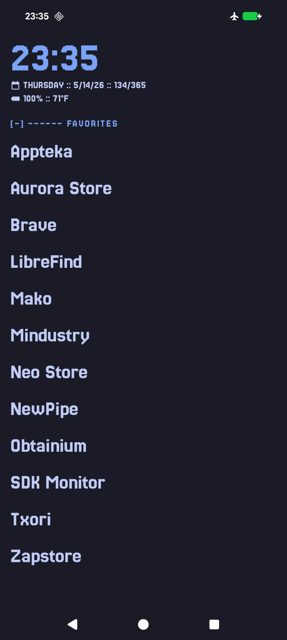
- App grouping and quick actions: long press an app to assign it to a group, rename it, or access other actions
- Battery monitoring: check battery status, temperature and performance
- Day of the year display, for keeping track of the date at a glance
- Built entirely in native Kotlin, runs fully on-device
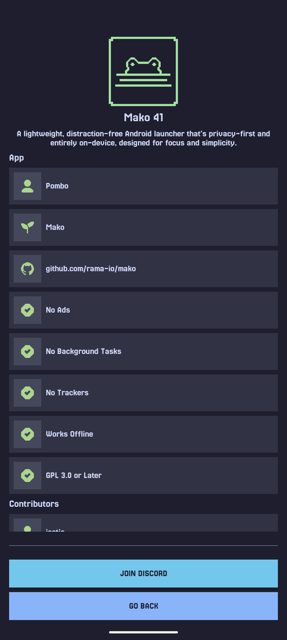
- Only needs two permissions: set as home app, and query installed apps
Why isn’t Mako on Google Play?
Mako is published by its developer on GitHub and is also available on F-Droid, rather than on Google Play.
Is Mako safe?
Mako is open source under the GPL-3.0 license, so anyone can review the code. The download on this page points to the official release from the developer's GitHub repository, and the app requests no network access and only the two permissions needed to work as a launcher. Mako comes straight from its developer rather than through Google Play, so it hasn’t gone through Google’s app review. As with any app, check the permissions it asks for and install it if you’re comfortable with them.
How to install
- Tap the download button above: the APK file downloads straight to your phone.
- When Android asks, allow your browser to install unknown apps.
- Open the file and tap Install.
FAQ
Is Mako free
Yes. Mako is free, open-source software released under the GPL-3.0 license.
How do I open settings in Mako
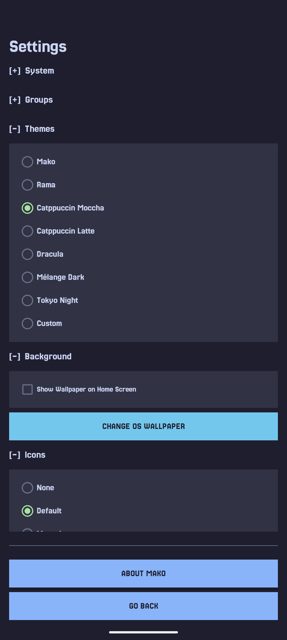
Long-press an empty area of the App List to open the Settings screen.
Does Mako need internet access
No. The README states no network access is required, and Mako only asks to be set as your home app and to query installed apps so it can list and launch them.
Where can I get Mako besides this page
Mako is also available on F-Droid (com.rama.mako) and can be installed and auto-updated through Obtainium.
More free apps you won’t find on Google Play: Open Source Apps · Best Android apps not on the Google Play Store.






Frequently Asked Questions
Is Mako free
Yes. Mako is free, open-source software released under the GPL-3.0 license.
How do I open settings in Mako
Long-press an empty area of the App List to open the Settings screen.
Does Mako need internet access
No. The README states no network access is required, and Mako only asks to be set as your home app and to query installed apps so it can list and launch them.
Where can I get Mako besides this page
Mako is also available on F-Droid (com.rama.mako) and can be installed and auto-updated through Obtainium.













Leave a Comment