
Candy Browser is an Android browser built around gestures and a Material 3 Expressive look, with a choice between the GeckoView and Android System WebView engines. It stands out for supporting Mozilla-signed Firefox extensions like uBlock Origin directly on Android, plus local-only privacy tools and an optional self-hosted sync system.
Developer: sk2andy · License: NOASSERTION (open source) · Price: Free
Before you start: Candy Sync (the cross-device tab sync feature) is optional. If you want to use it, you need to self-host the sync server with Docker (cd sync/server, copy .env.example to .env, set a username, password, public URL, and TLS host, then run docker compose up -d), and install the Candy Sync extension from the Chrome Web Store or Mozilla Add-ons on your desktop browser. Browsing itself works without any of this.
Official file from the developer's release · Nov 2, 2026 · SHA-256 4693f5554bb97b29…
Screenshots
Key features
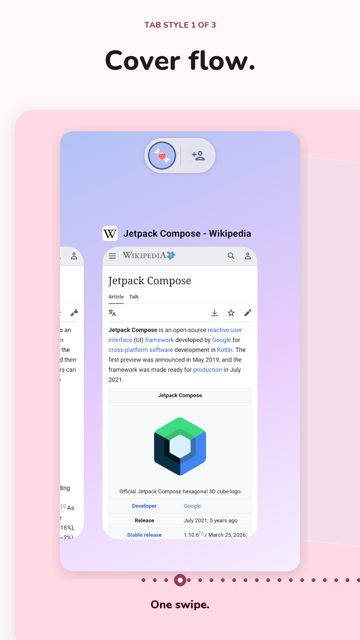
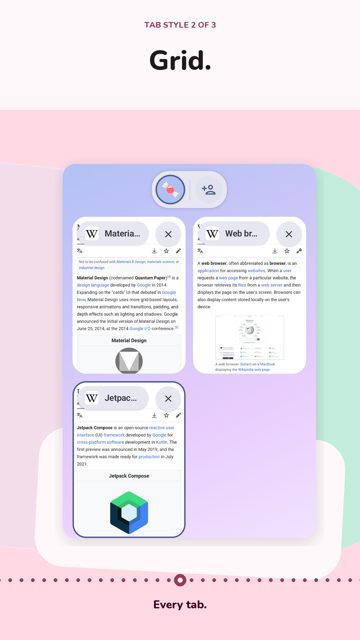
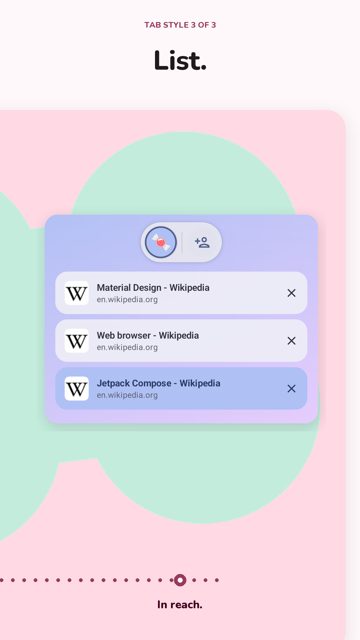
- Switch tabs by gesture from the address bar, with a scrollable tab strip on tablets and foldables, and a swipe-up visual tab overview
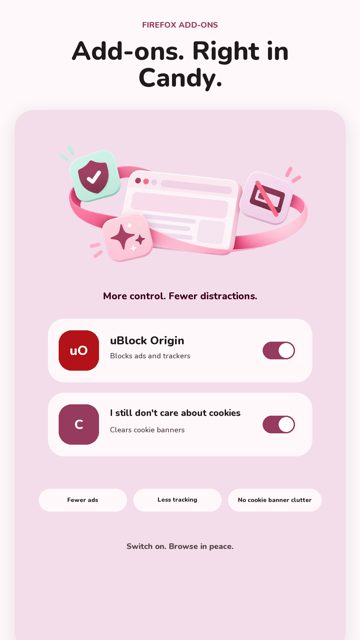
- Install Firefox extensions such as uBlock Origin and I still don't care about cookies when using the GeckoView engine, managed inside Candy's own settings
- Candy Sync lets you self-host end-to-end encrypted tab sync between Android, Chromium, and Firefox devices, with the server never seeing plaintext data
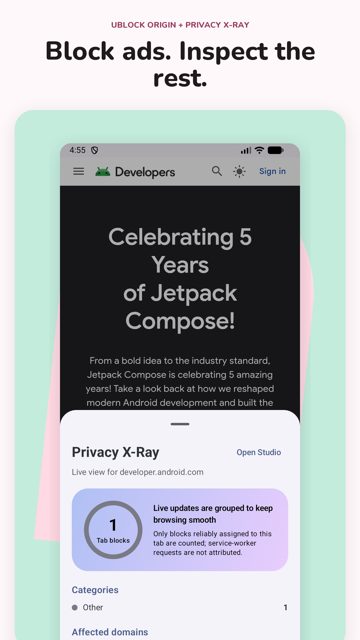
- Candy Recall (optional local full-text search over visited pages) and Candy Constellations (optional semantic map of visited pages using a local, downloadable model)
- Link Peek for previewing a link without opening a tab or saving history, plus support for dynamic color, Predictive Back, Autofill, passkeys, and default-browser integration
Why isn’t Candy Browser on Google Play?
Candy Browser is published by its developer on GitHub rather than on Google Play.
Is Candy Browser safe?
This is an open-source project with code and releases published by the developer on GitHub, under the PolyForm Noncommercial 1.0.0 license. The README notes the project is currently focused on stability fixes, and self-hosting Candy Sync requires running your own Docker server, so it is best suited to users comfortable with that setup. Candy Browser comes straight from its developer rather than through Google Play, so it hasn’t gone through Google’s app review. As with any app, check the permissions it asks for and install it if you’re comfortable with them.
How to install
- Tap the download button above: the APK file downloads straight to your phone.
- When Android asks, allow your browser to install unknown apps.
- Open the file and tap Install.
FAQ
Is Candy Browser free to use?
The app is open source under the PolyForm Noncommercial 1.0.0 license. The developer also has a Buy Me a Coffee page if you want to support the project.
How do I install Firefox extensions on Candy Browser?
Make sure the browser is set to use the GeckoView engine (the default), then install and manage Mozilla-signed extensions like uBlock Origin from Candy's browser settings. Extensions are not available when using the Android System WebView engine.
What is the difference between the GeckoView and System WebView engines in Candy?
GeckoView supports Firefox extensions and is the default engine. System WebView uses Android's own system-managed runtime and keeps Candy's Toppings and privacy protection, but does not support Firefox extensions. You can switch the whole app between engines in Browser settings.
More free apps you won’t find on Google Play: Open Source Apps · Best Android apps not on the Google Play Store.





Frequently Asked Questions
Is Candy Browser free to use?
The app is open source under the PolyForm Noncommercial 1.0.0 license. The developer also has a Buy Me a Coffee page if you want to support the project.
How do I install Firefox extensions on Candy Browser?
Make sure the browser is set to use the GeckoView engine (the default), then install and manage Mozilla-signed extensions like uBlock Origin from Candy's browser settings. Extensions are not available when using the Android System WebView engine.
What is the difference between the GeckoView and System WebView engines in Candy?
GeckoView supports Firefox extensions and is the default engine. System WebView uses Android's own system-managed runtime and keeps Candy's Toppings and privacy protection, but does not support Firefox extensions. You can switch the whole app between engines in Browser settings.













Leave a Comment