

Squawker is a free, open-source client for X (formerly Twitter) built with privacy as the main focus. It keeps your data local on your device and skips the ads and tracking that come with the official app.
Developer: j-fbriere (forked from Quacker by TheHCJ and Fritter by jonjomckay) · License: MIT (open source) · Price: Free
Before you start: if you want the fastest updates, consider installing via Obtainium (https://apps.obtainium.imranr.dev/redirect?r=obtainium://add/https://github.com/j-fbriere/squawker) instead of the default F-Droid repo, which can lag days or weeks behind. If you already have Squawker installed and plan to switch sources (for example from F-Droid to GitHub), back up your app data first: go to Settings > Data, tap Export, select all items, and save, then uninstall the old version before installing the new one and importing your backup.
Official file from the developer's release · Nov 27, 2026 · SHA-256 38729e6d1033126d…
Screenshots
Key features
- Privacy focused: no tracking, all data kept local on your device
- No ads cluttering your feed
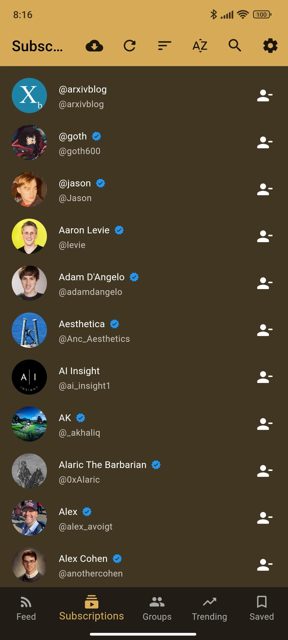
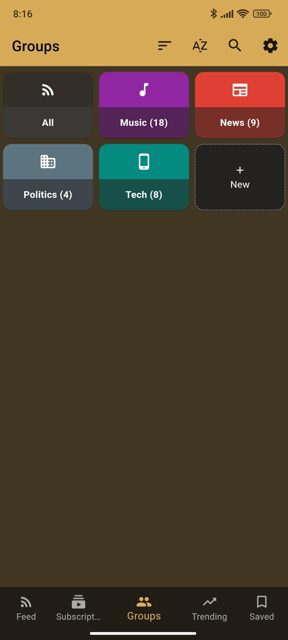
- Chronological feed of all your subscriptions, with the ability to follow and group accounts
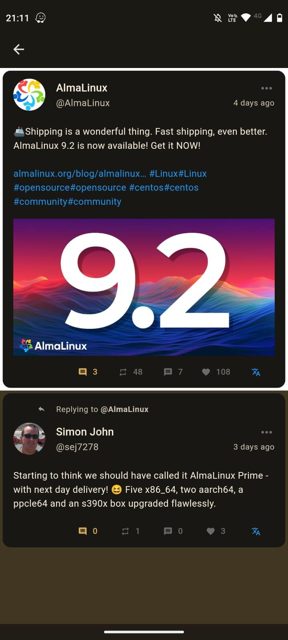
- Search for users and tweets, plus save tweets locally for offline reading with bookmarks
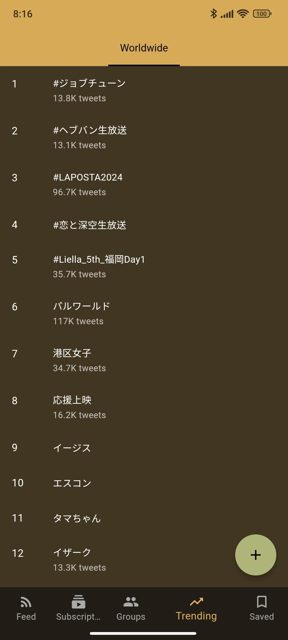
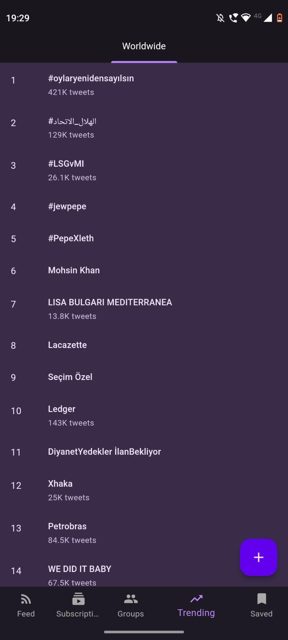
- See world trends and view poll results without needing to vote, with light and dark themes
Why isn’t Squawker on Google Play?
Squawker is published by its developer on GitHub and is also available on F-Droid, rather than on the Google Play Store.
Is Squawker safe?
Squawker is open source under the MIT license, and the APK is built and released by the developer on GitHub (also on F-Droid). If you install it from GitHub or Obtainium, you can verify the APK against the signing certificate fingerprints listed in the repo; note that the F-Droid repository updates more slowly than GitHub, and there is also an alternate, faster-updating F-Droid repo linked in the project. Squawker comes straight from its developer rather than through Google Play, so it hasn’t gone through Google’s app review. As with any app, check the permissions it asks for and install it if you’re comfortable with them.
How to install
- Tap the download button above: the APK file downloads straight to your phone.
- When Android asks, allow your browser to install unknown apps.
- Open the file and tap Install.
FAQ
Is Squawker free?
Yes. It is free and open source under the MIT license.
How do I get the latest updates?
The README recommends installing from GitHub releases or through Obtainium, since the default F-Droid repository can take days or weeks to deploy updates. There is also an alternate F-Droid repository that updates faster, linked in the project's README.
How do I switch Squawker from one source to another without losing my data?
Back up your data first through Settings > Data > Export (select all items and save), uninstall the current version, install the new one, and then use Settings > Data > Import to restore your backup.
More free apps you won’t find on Google Play: Open Source Apps · Best Android apps not on the Google Play Store.






Frequently Asked Questions
Is Squawker free?
Yes. It is free and open source under the MIT license.
How do I get the latest updates?
The README recommends installing from GitHub releases or through Obtainium, since the default F-Droid repository can take days or weeks to deploy updates. There is also an alternate F-Droid repository that updates faster, linked in the project's README.
How do I switch Squawker from one source to another without losing my data?
Back up your data first through Settings > Data > Export (select all items and save), uninstall the current version, install the new one, and then use Settings > Data > Import to restore your backup.













Leave a Comment