
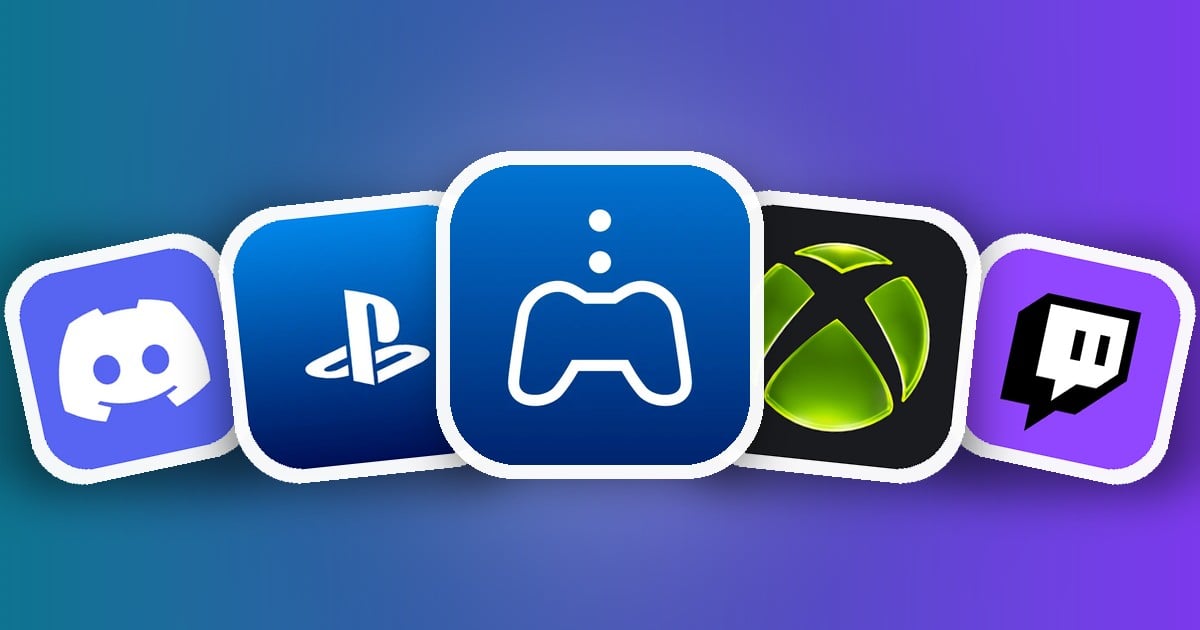
GTA 6 runs on consoles, but your Android phone can still do a lot of the work on launch day. When Grand Theft Auto VI arrives on November 19, 2026, these free apps let you buy and pre-load the game remotely, check your console’s storage, stream GTA 6 to your phone, and party up with friends.
Key takeaways
- No official GTA 6 app exists. Beware of fakes; read our GTA 6 APK warning.
- PlayStation players: PlayStation App + PS Remote Play.
- Xbox players: the Xbox app does both jobs.
- Everyone: Discord for voice chat, Twitch for launch streams.
1. PlayStation App – Buy and Pre-Load From Anywhere
Sony’s official app connects to your PS5. Buy GTA 6 in the PlayStation Store section and tap Download to Console, and your PS5 starts downloading in rest mode. You can also check free storage, manage downloads, chat with friends and see when they’re online.
Tip: On your PS5, go to Settings → System → Power Saving → Features Available in Rest Mode and turn on Stay Connected to the Internet, or remote downloads won’t start.
2. PS Remote Play – Play GTA 6 on Your Phone
PS Remote Play streams your PS5 to your Android phone. The game still runs on your console, so you get the full GTA 6 experience on a smaller screen, anywhere in the house (or further, on a fast connection). Connect a DualSense controller over Bluetooth for proper driving and shooting.
3. Xbox – Remote Installs and Remote Play
The Xbox app covers both jobs for Xbox Series X|S owners: buy GTA 6 and send it to your console to install remotely, manage storage, chat with friends and stream your own console to your phone with remote play.
Tip: Make sure your Xbox is set to Sleep power mode (not Shutdown) so remote installs and remote play can wake it.
4. Discord – Voice Chat for Your Crew
Most GTA crews already live on Discord. Set up a server for launch night, share clips and screenshots, and keep voice chat running on your phone while you play on the TV. Discord also links to PlayStation and Xbox accounts, so friends can see what you’re playing.
5. Twitch – Watch the Launch Live
Launch week will be one of the biggest streaming events ever on Twitch. Follow your favourite streamers’ first hours in Leonida, or watch on your phone while GTA 6 downloads. (If you want to avoid story spoilers, mute the GTA 6 category for a while.)
Launch-Day Checklist
- Pre-order or buy GTA 6 in the PlayStation App or Xbox app.
- Check console storage and free up space. GTA 6 is a very large download.
- Enable rest mode internet (PS5) or Sleep mode (Xbox) so it pre-loads.
- Install PS Remote Play or set up remote play in the Xbox app if you want to play on your phone.
- Set up your Discord server and invite your crew.
Play Real GTA on Android Today
Can’t wait until the 19th? Rockstar’s classic GTA games are on Google Play now: GTA: Vice City, GTA III, GTA: Chinatown Wars and more in our best games like GTA for Android list.
Frequently Asked Questions
Is there an official GTA 6 app?
Rockstar has not released a GTA 6 companion app. Use the PlayStation App or the Xbox app to buy, pre-load and manage the game from your phone.
Can I download GTA 6 to my PS5 from my phone?
Yes. Buy or pre-order GTA 6 in the PlayStation App and choose to download it to your PS5. Keep the console in rest mode with internet access enabled.
Can I play GTA 6 on my phone with Remote Play?
Yes, if you own a PS5 or Xbox Series X|S. PS Remote Play and the Xbox app stream the game from your console to your phone over Wi-Fi.
Do I need a controller for Remote Play?
On-screen controls work, but a Bluetooth controller such as a DualSense or Xbox Wireless Controller makes GTA 6 far more playable.















Leave a Comment