

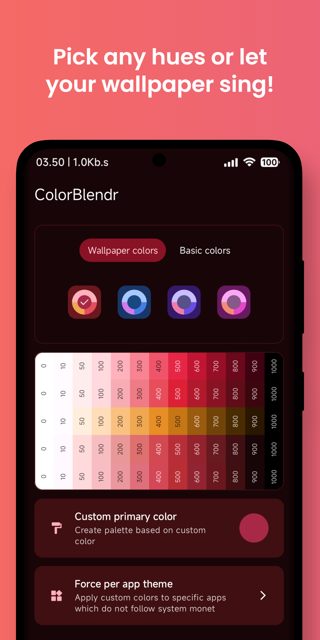
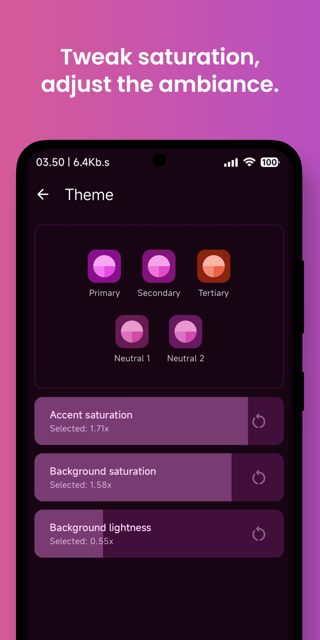
ColorBlendr lets you customize the Material You colors on your Android device, going beyond the stock wallpaper-based palette. You can pick your own seed color, fine-tune saturation and lightness, and even override individual shades, all with a live preview before applying.
Developer: Mahmud0808 (DrDisagree) · License: GPL-3.0-only (open source) · Price: Free
Before you start: set up one of these access modes first. For Root, make sure your device is already rooted. For Shizuku, install and start the Shizuku app and grant it permission. For Wireless ADB, enable Developer Options and pair your device over wireless debugging. ColorBlendr requires Android 12 or higher with Material You support.
Official file from the developer's release · Nov 11, 2026 · SHA-256 f1379af13d7e34ed…
Screenshots
Key features
- Generate palettes from your wallpaper or pick any seed color, with live preview
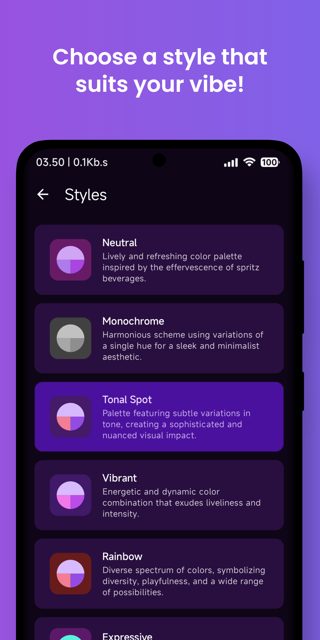
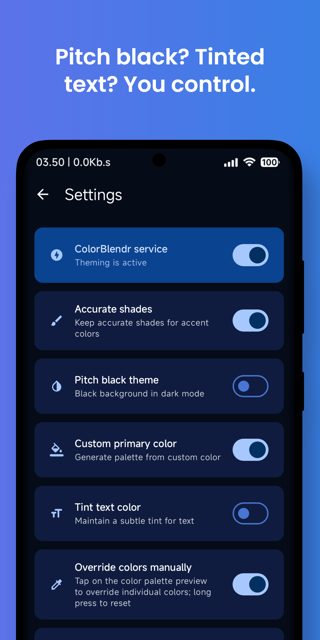
- Fine-tune accent saturation, background saturation, background lightness, Monet style presets, and pitch black dark theme
- Full control with manual per-shade overrides and separate light/dark mode configurations
- Browse, apply, upvote, and share community-made color themes anonymously
- Backup and restore your entire color setup to a file, works with Root, Shizuku, or Wireless ADB
Why isn’t ColorBlendr on Google Play?
It is published by its developer on GitHub and is also available on F-Droid and IzzyOnDroid.
Is ColorBlendr safe?
ColorBlendr is open source under the GPL-3.0 license and this page links to the official release from the developer's GitHub repo. It needs Root, Shizuku, or Wireless ADB to change system colors, and full customization features are only unlocked with Root access. ColorBlendr comes straight from its developer rather than through Google Play, so it hasn’t gone through Google’s app review. As with any app, check the permissions it asks for and install it if you’re comfortable with them.
How to install
- Tap the download button above: the APK file downloads straight to your phone.
- When Android asks, allow your browser to install unknown apps.
- Open the file and tap Install.
FAQ
Is ColorBlendr free?
Yes. It is free and open source under the GPL-3.0 license. The developer also has a Buy Me a Coffee page if you want to support the project, but this is optional.
Does ColorBlendr work without root?
Yes. It can use ADB commands through Shizuku or Wireless ADB to change Material You colors without root, though customization options are more limited than with root. With root, it uses the FabricatedOverlay API to change colors at runtime without creating permanent files.
Why doesn't ColorBlendr work properly on Samsung OneUI devices?
OneUI's own apps, Quick Settings, and system UI use Samsung's color palette instead of Material You, which only Samsung's own Color palette app can change since it needs Samsung-signed system permissions. ColorBlendr's changes will still reach Google apps and other apps that support Material You.
More free apps you won’t find on Google Play: Open Source Apps · Best Android apps not on the Google Play Store.






Frequently Asked Questions
Is ColorBlendr free?
Yes. It is free and open source under the GPL-3.0 license. The developer also has a Buy Me a Coffee page if you want to support the project, but this is optional.
Does ColorBlendr work without root?
Yes. It can use ADB commands through Shizuku or Wireless ADB to change Material You colors without root, though customization options are more limited than with root. With root, it uses the FabricatedOverlay API to change colors at runtime without creating permanent files.
Why doesn't ColorBlendr work properly on Samsung OneUI devices?
OneUI's own apps, Quick Settings, and system UI use Samsung's color palette instead of Material You, which only Samsung's own Color palette app can change since it needs Samsung-signed system permissions. ColorBlendr's changes will still reach Google apps and other apps that support Material You.













Leave a Comment