
XAPK and APKS files are Android apps packed in pieces: the main app plus separate parts for your phone’s processor, screen size and language. Android can’t open them on its own, which is why tapping a downloaded XAPK usually does nothing, or shows “There was a problem parsing the package”. This guide shows how to install them in about a minute with our free AppsApk Installer.
Get AppsApk Installer on Google Play
Free · no ads · no internet access · under 100 KB
What you need
- An Android phone or tablet (Android 5.0 or newer).
- The XAPK, APKS or APK file you downloaded, usually in your Download folder.
- AppsApk Installer from Google Play (link above).
Before you start: allow AppsApk Installer to install apps (one time)
Android asks you once to allow an installer to install apps. AppsApk Installer explains it and opens the right settings page for you the first time you tap Install:
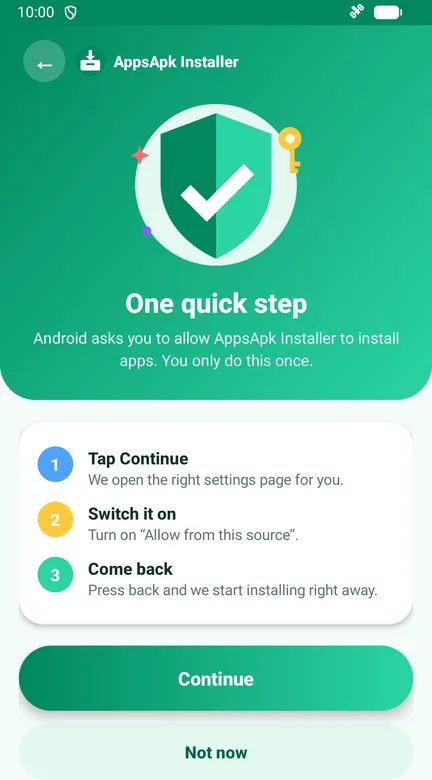
- Tap Continue.
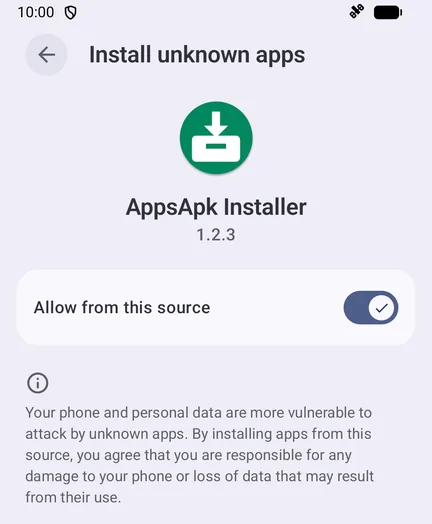
- Switch on Allow from this source.
- Press back: the install starts by itself.
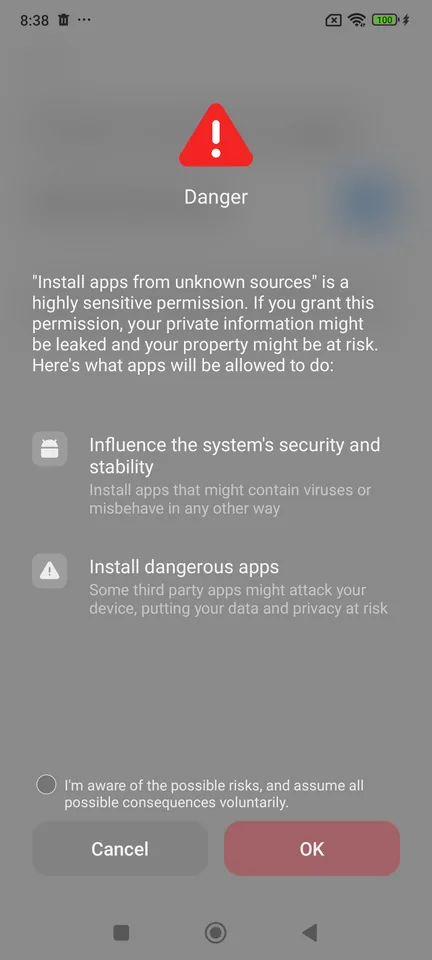
Xiaomi, Redmi and POCO phones show a red “Danger” screen when any installer gets this permission. It’s MIUI’s standard message: tick “I’m aware…” and tap OK.
How to install an XAPK or APKS file: 4 steps
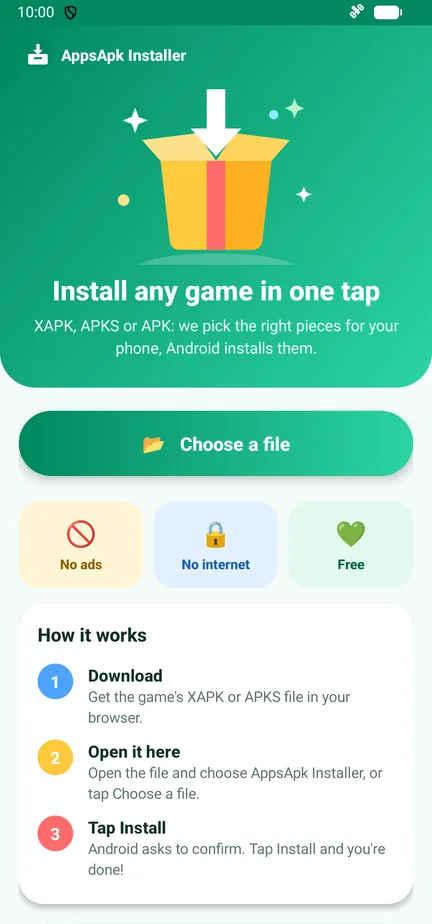
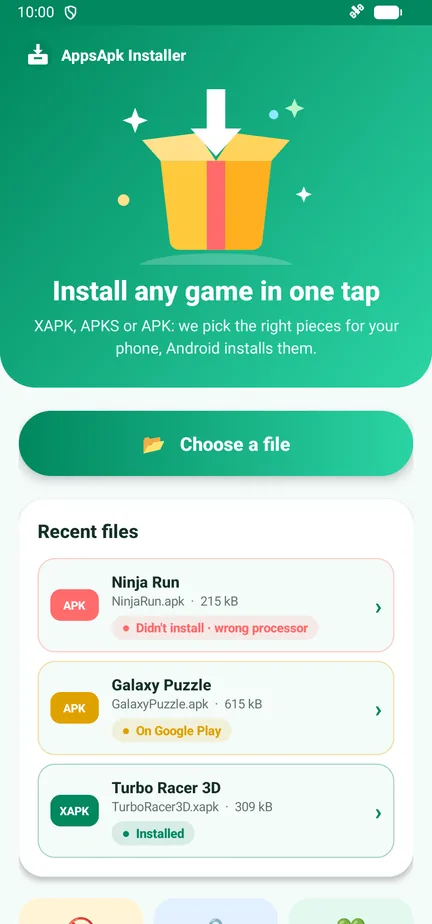
Step 1: Open AppsApk Installer and tap “Choose a file”
Or open the downloaded file from your browser or file manager and pick AppsApk Installer when Android asks which app to use.
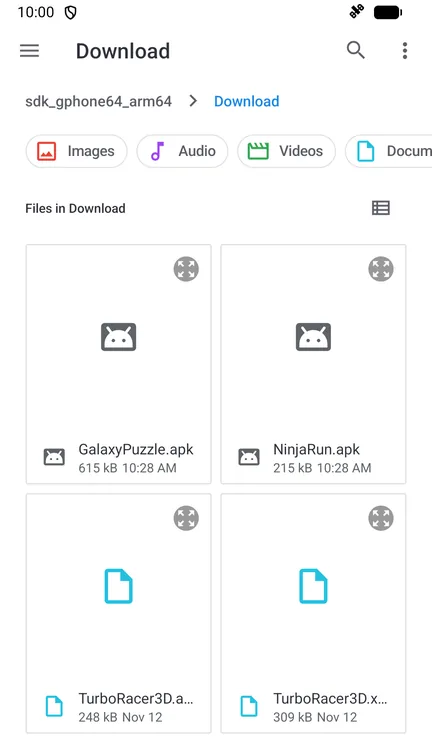
Step 2: Pick the file in your Downloads
The file picker opens straight in your Download folder. Tap the .xapk, .apks or .apk file.
Step 3: Check the app and tap Install
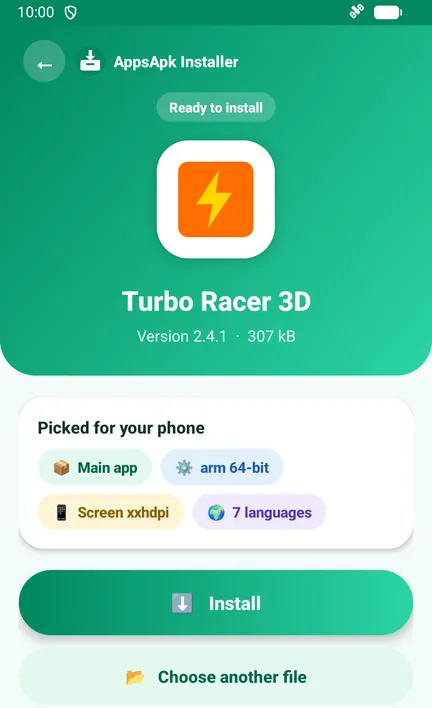
You see the real app name, icon, version and size, and the pieces chosen for your phone (processor, screen and languages). Tap Install.
Step 4: Confirm on Android’s prompt, then play
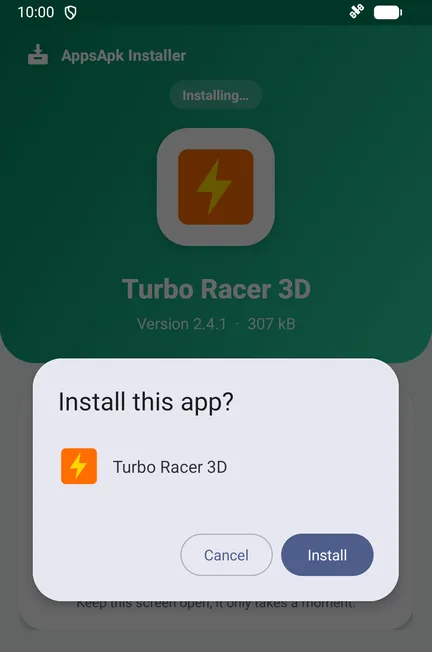
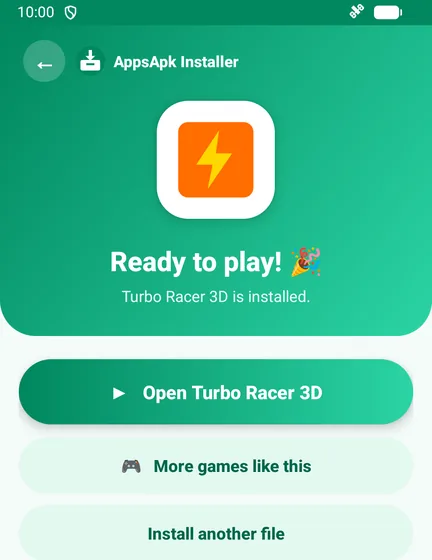
Android shows its own “Install this app?” prompt. Tap Install. A few seconds later, tap Open.
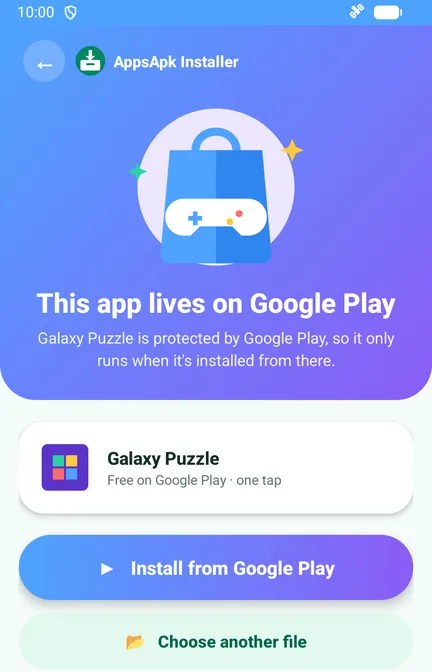
“This app lives on Google Play”: what it means
Some games use Google Play’s license check: they install from a file but then refuse to start with “Get this app from Google Play”. AppsApk Installer spots these games before installing and sends you to Google Play, so you don’t end up with a game that won’t open. If you already have the game from Google Play, it offers to open it instead.
If an install fails
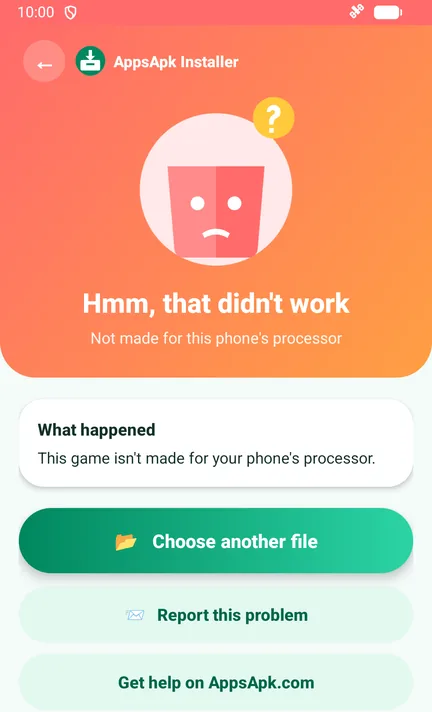
AppsApk Installer tells you why in plain words, with the button that fixes it, and every file you opened shows its status under Recent files:
- Not enough space: it shows how much to free up and opens your storage settings.
- A newer version is already on your phone: Android doesn’t install an older one over it; open the app you have.
- Signed differently from the copy on your phone: the app you have came from another source. Uninstall it first (its data is removed), then install the file.
- Not made for this phone’s processor: download the version for your phone (most phones need arm64).
- Needs a newer Android: the app doesn’t support your Android version.
- Damaged or incomplete file: download it again.
- Needs extra game data (OBB): not supported yet.
FAQ
What is an XAPK file?
A ZIP container with an app’s split APK pieces (main app, processor, screen density and language parts) and a small manifest. APKPure introduced the format; APKS is the same idea from Google’s bundletool.
Why can’t Android open XAPK files by itself?
Android’s installer accepts single APK files. Split apps must be installed together in one session, which needs an installer app such as AppsApk Installer.
Is it safe?
AppsApk Installer has no internet access and installs only the file you choose, always through Android’s own confirmation screen. Only install apps from sources you trust.
Is AppsApk Installer free?
Yes: free, with no ads, no account and no data collection.
Will I lose my progress when I update a game?
No. Updating a game with a newer file from the same developer keeps your progress. Uninstalling an app (needed only when it was signed differently) removes its data.
What about OBB files?
Some large games keep extra data in an OBB folder. AppsApk Installer tells you when a file needs it; support is planned.



















Leave a Comment