
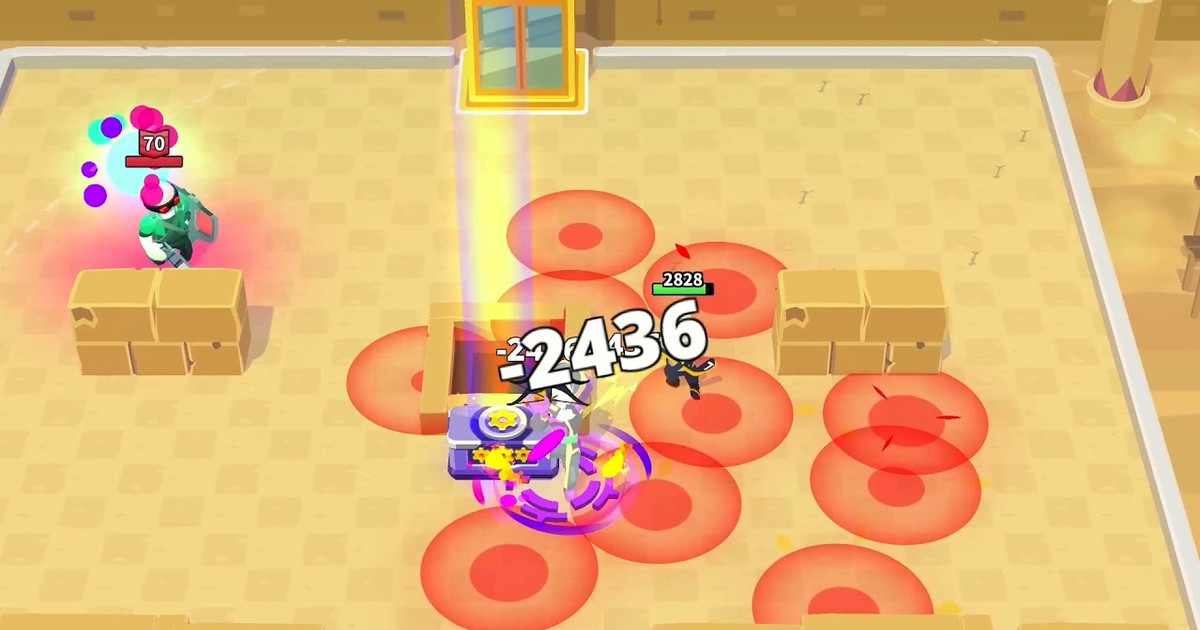
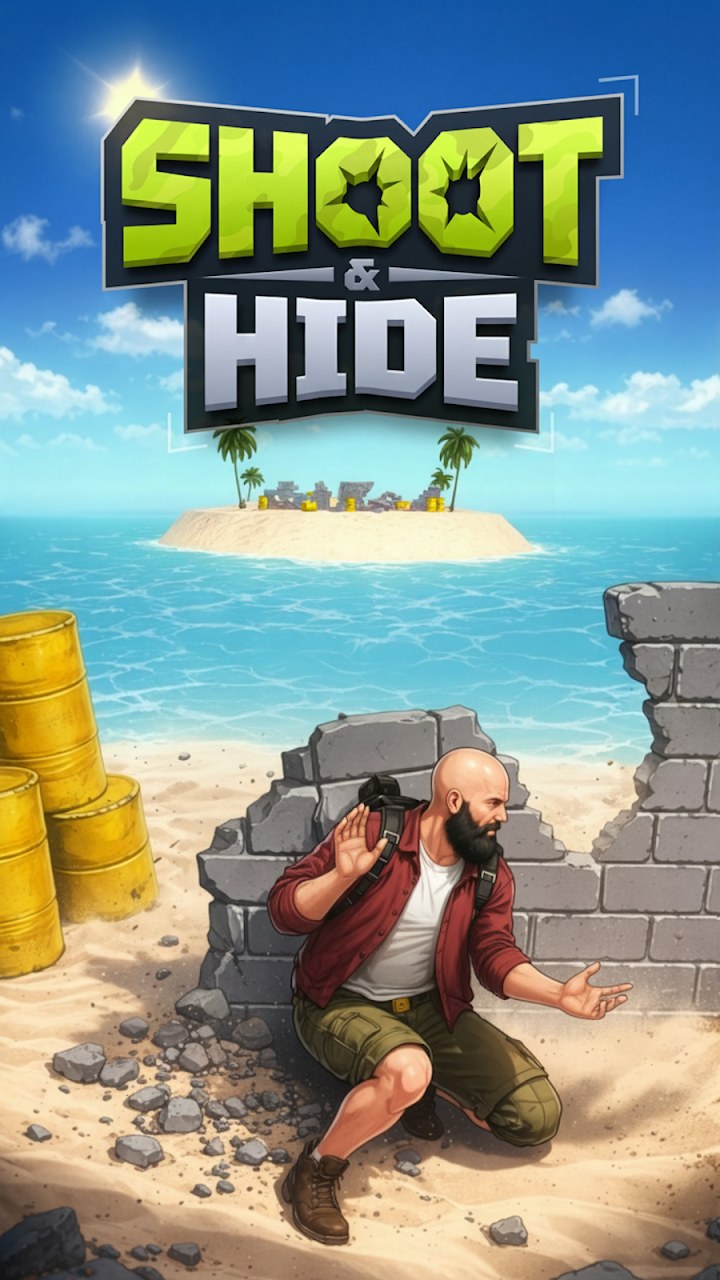
Shoot & Hide is a fast-paced action game from CrazyLabs LTD that lives up to its tagline: Shoot fast. Hide faster. Don’t get caught! With over 1 million downloads and a 4.6-star rating on Google Play, it’s clearly doing something right. Whether you’re just starting out or looking to sharpen your game, these Shoot & Hide tips and tricks will give you a real edge.
Beginner Tips
1. Learn the Core Loop Before Chasing High Scores
The game revolves around two actions: shooting when it’s safe and hiding when danger is near. Spend your first few sessions just understanding when the threat appears rather than rushing to maximize damage. Reacting to the visual and audio cues consistently is the foundation everything else builds on.
2. Prioritize Timing Over Speed
It’s tempting to shoot as fast as possible, but firing at the wrong moment is what gets you caught. Wait until you have a clear window, take your shot, then immediately move to cover. One well-timed shot beats three reckless ones every time.
3. Use Both Hands for Smoother Controls
Playing with one thumb leads to slow, awkward reactions. Position your device so one thumb handles movement or aiming while the other taps to shoot or hide. This two-thumb setup cuts your response time noticeably and reduces missed inputs on smaller screens.
4. Don’t Ignore the Sound Cues
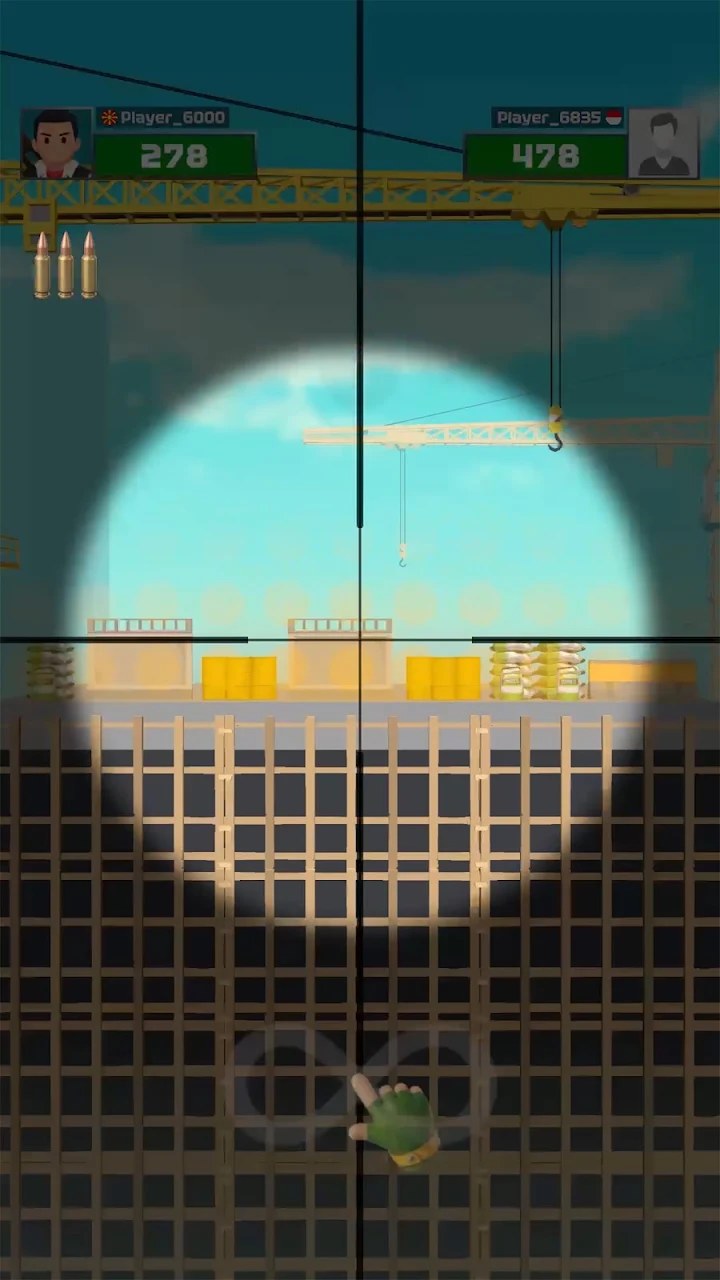
Shoot & Hide uses audio signals to telegraph incoming danger. Play with the volume on, or use earphones, so you can react to sound cues a split second before the visual warning appears. That tiny head-start is often the difference between surviving and getting caught.
5. Replay Early Levels to Build Muscle Memory
Going back to simpler stages isn’t a step backward — it’s deliberate practice. Use easier levels to drill the hide-then-shoot rhythm until it feels automatic. Muscle memory built on clean, simple rounds transfers directly to harder stages.
Advanced Tricks
6. Master the Minimum-Exposure Window
Every time you come out of cover to shoot, you’re exposed. Train yourself to pop out for the shortest possible time: aim, fire, return. The goal is to shrink that exposure window on every single attempt. Players who do this consistently survive far longer than those who linger in the open.
7. Watch Enemy Patterns Before Acting
Many threats in Shoot & Hide follow predictable patrol or attack rhythms. Take a moment at the start of a new level to observe the pattern once before committing to a move. Knowing the rhythm lets you plan your shot around the safest gap rather than guessing.
8. Chain Shots Efficiently to Build Momentum
When multiple targets are present, look for angles where you can hit more than one before retreating to cover. Chaining shots without extra hide-and-peek cycles keeps your score multiplier climbing and reduces the total time you spend exposed. Plan the sequence in your head before you step out.
9. Adjust Sensitivity in Settings for Your Device
If your aim feels sluggish or overshoots, head into the in-game settings and tune the sensitivity slider to match your screen size and play style. A well-calibrated sensitivity means less correction mid-shot and tighter overall accuracy. Test on a level you know well so you can judge the difference clearly.
Hidden Features and Settings
10. Enable Battery Saver Mode for Longer Sessions
Android’s built-in battery saver or your phone’s Game Mode can cap the frame rate at a stable level, reducing heat and extending play time significantly. Shoot & Hide doesn’t require the absolute highest frame rate to play well, so a small visual compromise is worth the extra battery life. Check your device’s Game Booster or Battery settings before a long session.
11. Turn Off Notifications During Play
A pop-up notification at a critical moment is an instant death sentence in a reaction-based game. Enable Do Not Disturb or use your phone’s Gaming Mode to block interruptions while you play. This one setting change alone will improve your survival rate on tougher levels.
12. Check for Rewarded Ad Options to Boost Progress
Like many CrazyLabs titles, Shoot & Hide offers optional rewarded ads that can extend your run, grant a second chance, or provide in-game bonuses. These are completely optional and free, so there’s no reason to skip them when you’re on a great run. Keep an eye out for the prompt — it usually appears right after a failed attempt.
Common Mistakes to Avoid
- Staying in the open too long: The most common beginner error. Always return to cover immediately after firing, even if you think you have time.
- Ignoring audio cues: Playing on mute removes half your warning system. Always play with sound when possible.
- Rushing new levels: Every stage has its own pattern. Pausing to observe before acting saves far more time than charging in blind.
- Forgetting to adjust settings: Default settings are a compromise for all devices. Spending two minutes tuning sensitivity and graphics quality to your phone pays dividends across every session.
- Skipping rewarded ads on good runs: If you’ve built up solid momentum, taking a free second chance via a rewarded ad is almost always the right call.
Frequently Asked Questions
Are there any Shoot & Hide hacks or cheats I can use?
Avoid any site or APK claiming to offer hacks, mod menus, or resource generators for Shoot & Hide. Hacked versions violate CrazyLabs’ terms of service, risk getting your account permanently banned, and frequently contain malware that can compromise your device and personal data. Every tip in this guide represents legitimate, skill-based improvement — the safe and reliable way to get better.
Is Shoot & Hide free to play on Android?
Yes, Shoot & Hide is free to download and play on Android. The game is supported by optional ads and may offer in-app options, but the core gameplay is accessible without spending anything.
Who developed Shoot & Hide?
Shoot & Hide is developed by CrazyLabs LTD, a prolific mobile game studio known for producing accessible, high-quality casual and action titles with strong player ratings.
How do I improve my reaction time in Shoot & Hide?
The best way is consistent, focused practice on earlier levels where the patterns are simpler. Use earphones to catch audio cues early, play with both thumbs for faster inputs, and consciously try to reduce the time you spend exposed each round. Reaction time improves with repetition, not just effort.
Does Shoot & Hide work well on older Android devices?
Generally yes — the game is designed for a wide range of Android hardware. If you experience lag or battery drain on an older device, enable your phone’s battery saver or gaming mode, lower the in-game graphics quality if the option is available, and close background apps before launching the game.


















Leave a Comment