
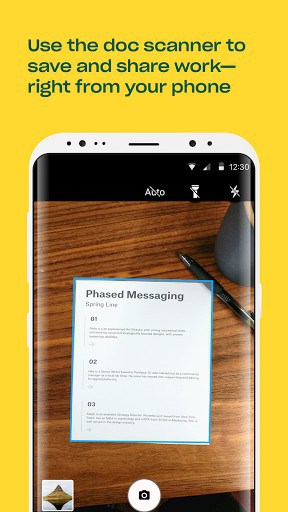
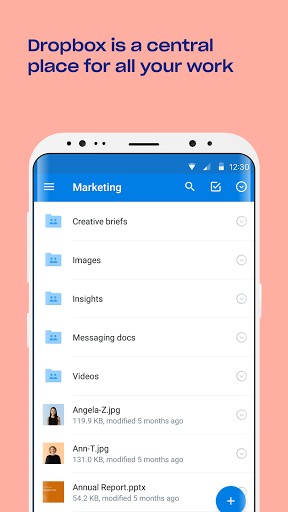
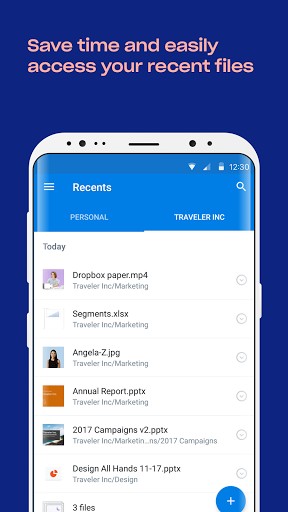
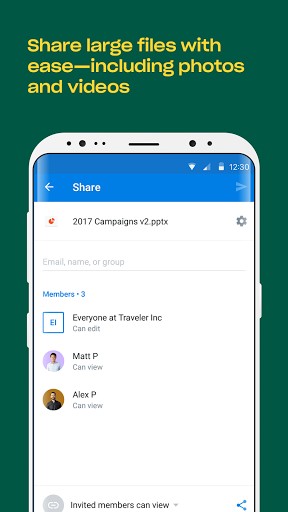
• Work on files with others through shared folders
• Use the document scanner to turn receipts, whiteboards, and notes into PDFs
• Comment on files to share feedback with your team
• Sync, share, and edit Word, Excel, and PowerPoint filesWe’d love to hear from you! Join the Dropbox community: www.dropboxforum.com
Terms of Service: https://www.dropbox.com/pricing_terms
Privacy Policy: https://www.dropbox.com/privacy
What’s New
What’s new:
• An expressive new look: With bold colors, hand-drawn illustrations, and a streamlined logo, we’ve updated the visuals throughout our app. We hope the new visuals make the ordinary parts of your day feel a bit more extraordinary.
• Account switcher: If you use multiple accounts, you can now switch between accounts from the main menu.
Additional information
Dropbox
com.dropbox.android
70.2.4
58.71 MB
500,000,000+ downloads
Dropbox, Inc.


Frequently Asked Questions
Is Dropbox APK free to download and use?
Yes, Dropbox is available as a free download on Android. You can download the Dropbox APK and start using it to store, sync, and share files without paying for the basic functionality.
How do I download Dropbox APK safely?
Dropbox is developed by Dropbox, Inc., a trusted company behind the official app. When downloading the APK, ensure you're getting it from a reputable source. The app lets you safely sync files across all your devices and access them anytime, anywhere.
What are the main features of Dropbox on Android?
Dropbox offers several key features including shared folders for team collaboration, a document scanner to convert receipts and notes into PDFs, the ability to comment on files for feedback, and seamless sync and editing of Word, Excel, and PowerPoint files.
Can I share large files with people who don't have Dropbox?
Yes, one of Dropbox's standout features is that sending large files is easy, even to people who don't have a Dropbox account. This makes it convenient for sharing documents and media with anyone.
Does Dropbox APK support offline access?
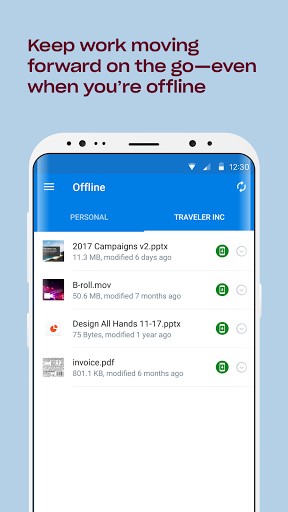
Yes, Dropbox includes offline access, which means you can view and work with your files even when you don't have an internet connection. This feature, along with shared folders and other tools, makes collaborating with others simple.
Can I switch between multiple Dropbox accounts on Android?
Yes, Dropbox includes an account switcher feature that allows you to switch between multiple accounts directly from the main menu if you use more than one account.
Best software Dropbox I like
It’s v good
It is possible tp reduce size
I have tried many times to download Dropbox on my Kindle Fire HD 10 but it won’t work.
Can you help me with this?
I like this helpful app, thanks very much, the official one is very huge and not good but this is wonderful
the app was not avilable for my country on google play.
thanks to you.
good dropbox. thank appsapk.com
It’s a nice app but I want to know if it can work on all android phones.
nice app….. thanx to Google……
my drop box
I like drop box it just makes life so much easier.
its very good
hm,good! 🙂
i like dropbox