

Accrescent is an Android app store built with security and privacy as its main design goals, rather than being bolted on afterward. People use it because it offers signed repository metadata, pinned app signing keys, and unattended app updates without needing special device privileges, all while letting you install apps without creating an account.
Developer: The Accrescent Contributors · License: Apache-2.0 (open source) · Price: Free
Before you start: Accrescent requires Android 10 or higher. After installing the APK, it's a good idea to check the app's SHA-256 signing certificate hash against the one listed on accrescent.app/faq#verifying to confirm you have a legitimate build.
Official file from the developer's release · Nov 4, 2026 · SHA-256 1c86c5af1e247eef…
Screenshots
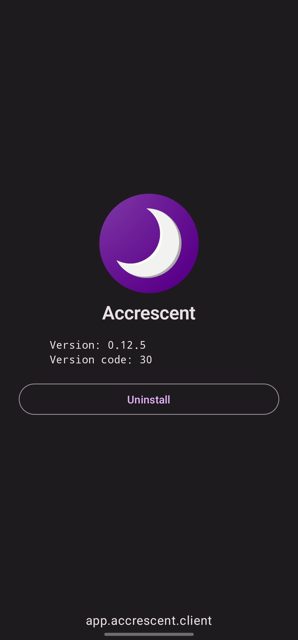
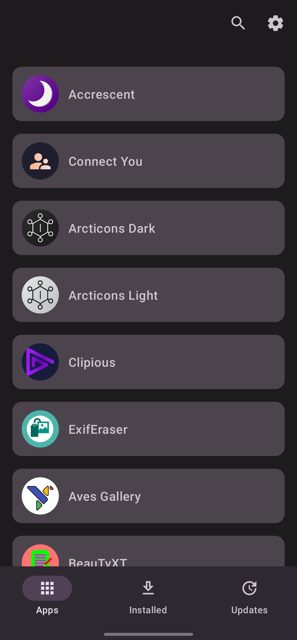
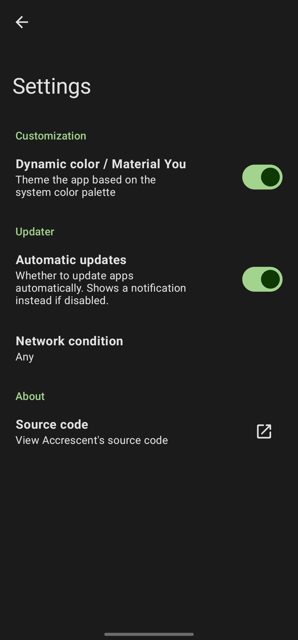
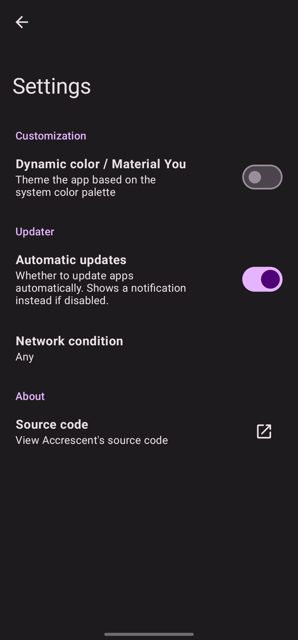
Key features
- App signing key pinning for installed apps
- Signed repository metadata
- Automatic, unprivileged, unattended updates on Android 12 and up
- First-class support for split APKs
- No remote APK signing, and no account required to install apps
Why isn’t Accrescent on Google Play?
Accrescent is published by its developers on GitHub and is currently in early alpha, so it is not distributed through Google Play. It is also not listed on F-Droid.
Is Accrescent safe?
Accrescent is open source under the Apache-2.0 license, and this page links to the official build from the Accrescent project. The README notes the app is in early alpha, so expect rough edges, and it recommends verifying the app's SHA-256 signing certificate hash (067a40c4193aad51ac87f9ddfdebb15e24a1850babfa4821c28c5c25c3fdc071) against the hashes published on the Accrescent website and Twitter before trusting it. Accrescent comes straight from its developer rather than through Google Play, so it hasn’t gone through Google’s app review. As with any app, check the permissions it asks for and install it if you’re comfortable with them.
How to install
- Tap the download button above: the APK file downloads straight to your phone.
- When Android asks, allow your browser to install unknown apps.
- Open the file and tap Install.
FAQ
Is Accrescent free?
Yes. It's an open-source project released under the Apache-2.0 license.
How do I verify my download is legitimate?
Check the app's SHA-256 signing certificate hash (067a40c4193aad51ac87f9ddfdebb15e24a1850babfa4821c28c5c25c3fdc071) against the hash published on the official Accrescent website and the project's Twitter account.
Does Accrescent update apps automatically?
Yes, on Android 12 and up it supports automatic, unprivileged, unattended updates. On older supported versions (Android 10 and 11) this automatic behavior may not be available.
More free apps you won’t find on Google Play: Open Source Apps · Best Android apps not on the Google Play Store.






Frequently Asked Questions
Is Accrescent free?
Yes. It's an open-source project released under the Apache-2.0 license.
How do I verify my download is legitimate?
Check the app's SHA-256 signing certificate hash (067a40c4193aad51ac87f9ddfdebb15e24a1850babfa4821c28c5c25c3fdc071) against the hash published on the official Accrescent website and the project's Twitter account.
Does Accrescent update apps automatically?
Yes, on Android 12 and up it supports automatic, unprivileged, unattended updates. On older supported versions (Android 10 and 11) this automatic behavior may not be available.













Leave a Comment