
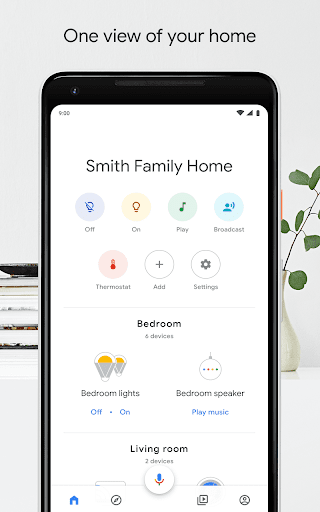

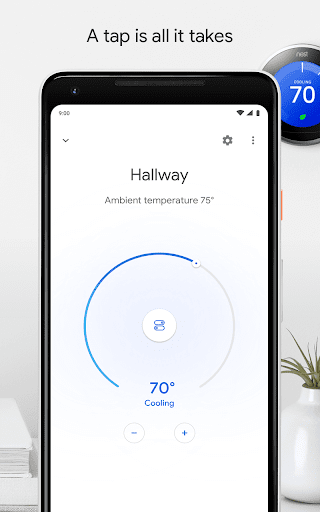
One view of your home.
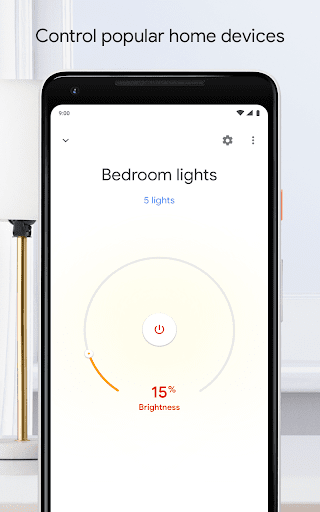
Control, organize, and manage compatible lights, cameras, TVs, and more, all from just one place. It works like a remote with hundreds of smart devices from the brands you love, including Google Home and Chromecast devices, Google Nest thermostats, and Google Nest cameras.
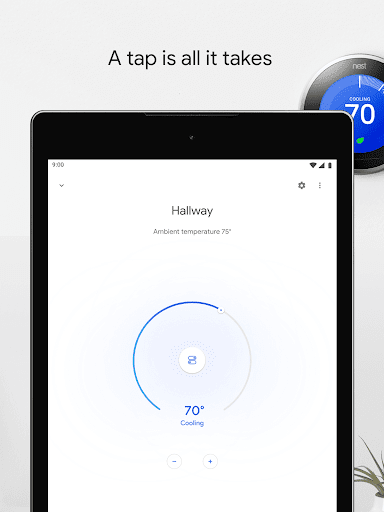
A tap or two is all it takes.
The app gives you shortcuts for the things you do most, like playing music or dimming the lights when you want to start a movie. Control it all with just a tap – and get to the good stuff faster. Create routines that allow you to turn on lights, check the weather, play the news, and more with one simple command.
One app. Hundreds of possibilities.
Make home life even more comfortable. Explore new content and features, and make the most of your Google Home and other compatible devices.
* Some features may not be available in all regions. Compatible devices required.
What’s New
With the Google Home app you can control and manage compatible lights, cameras, TVs, and more – all from one place.
New in this update:
Bug fixes and improvements
Additional information
Google Home
com.google.android.apps.chromecast.app
4.9.51.0
23.97 MB
Google LLC



Frequently Asked Questions
What is the Google Home app and what does it do?
The Google Home app is a free utility that lets you set up, manage, and control your Google Home and Chromecast devices, plus hundreds of compatible smart home products including lights, cameras, thermostats, and TVs—all from one centralized location on your Android device.
Can I download the Google Home app for free?
Yes, the Google Home app is completely free to download and use. You only need compatible smart home devices to get the most out of its features.
How do I install the Google Home app on my Android device?
You can download and install the Google Home app from the Google Play Store or from trusted APK sources like AppsApk.com. After installation, open the app and follow the setup prompts to connect your compatible smart devices.
What Android version does the Google Home app require?
The Google Home app is designed for Android devices, though the exact minimum version requirement may vary. Check your device's compatibility in the Google Play Store or on the app's download page before installing.
What features are included in the Google Home app?
The app lets you control compatible lights, cameras, TVs, and other smart devices from one place, create custom routines (like turning on lights and playing news with one command), get shortcuts for frequent actions, and explore new content and features for your smart home.
Is the Google Home app available in all regions?
The Google Home app is widely available, but some features may not be accessible in all regions. Availability and functionality depend on your location and the compatible devices you own.
Leave a Comment