

Super P Launcher gives any Android phone the clean Android P and Pixel home-screen style — the Pixel-style app drawer, pill search bar, smooth animations and stock-Android look. Explore more launchers and personalization apps.
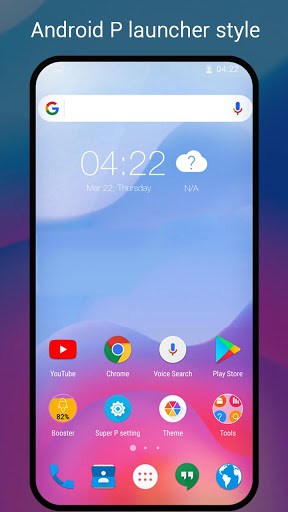
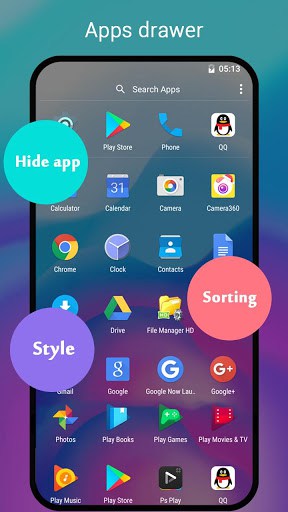
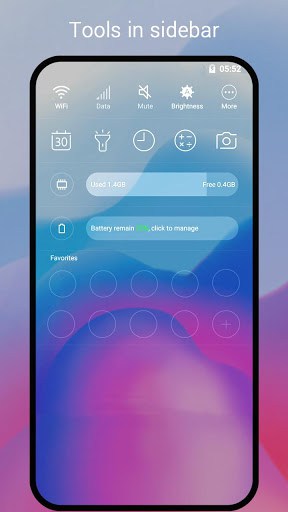
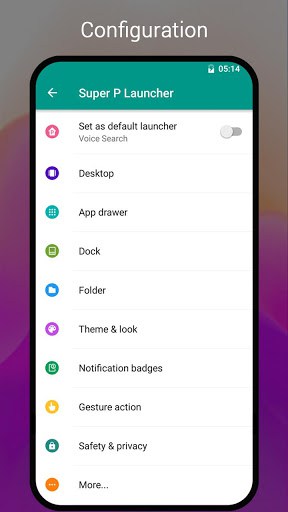
– Android P theme, icon packs
– Android P 9.0 style vertical drawer; swipe up to show all apps
– Android P 9.0 style folder
– Many cool launcher themes
– Handy gestures
– Hide app
– App lock
– Notification badge
– Private folder
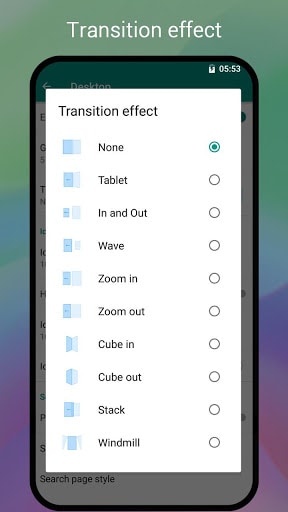
– Transition effect for launcher screen
– Change app icon size, launcher grid size, icon label, etc.
– Dock background option; scrollable multi dock pages
– T9 search
– Rounded corner screen
– Auto classify apps to folder
– Many option to config launcher
– Tools: torch, booster, battery saver, and more…
Notes:
– Android is a registered trademark of Google, Inc. This is not official Android 9.0 P launcher.
Please rate and leave comment for this app to make it better and better for all of our users like you, thanks.
What’s New
v2.2
1. Optimize drawer loading animation
2. Optimize feedback and rating
3. Optimize one potential crash bug in desktop
4. Fix other minor bugs
Additional information
Super P Launcher for Android P 9.0 launcher, theme
launcher.super.p.launcher
2.2
7.50 MB

Cool Launcher Team





Frequently Asked Questions
What is Super P Launcher?
Super P Launcher is a free Android launcher (home-screen replacement) that gives your phone the clean Android P / Pixel home-screen style with smooth animations. You install it, set it as your default home app, and it changes how your home screen, app drawer and icons look and work.
Is Super P Launcher free to download?
Yes. Super P Launcher is free to download and use, and the APK on this page is the original, unmodified build.
Is the Super P Launcher APK safe to install?
Yes. The APK on this page is the original, unmodified Super P Launcher build. As with any launcher, install from a trusted source and review the permissions it requests.
How do I set Super P Launcher as my default launcher?
Install Super P Launcher, open it once, then press the home button and select Super P Launcher as your default home app. You can switch back to your previous launcher anytime in Android settings.
Does Super P Launcher work on my Android phone?
Super P Launcher works as a standard launcher on most modern Android phones and tablets. Performance may vary on older or low-memory devices.
Pick a frequency that’s best for you
Oppof7 Android 9