
The best live wallpaper apps for Android in 2026 let you go well beyond static backgrounds — whether you want glitchy cracked-glass effects, cascading Matrix code, devotional imagery, or your own custom GIFs. After hands-on testing, our top picks are Matrix Live Wallpaper, Gif live wallpaper – Lite, and Cracked Screen Live Wallpapers, each excelling in a different niche.
Key Takeaways
- All five apps are free to download on AppsAPK.
- Matrix Live Wallpaper and Gif live wallpaper – Lite are the most versatile for general users.
- 4D Nava Durga and Shubh are strong niche picks for devotional or Sanatan-themed wallpapers.
- Cracked Screen Live Wallpapers is the best novelty/prank option on this list.
- Battery impact varies — animated wallpapers always draw more power than static ones.
How We Chose
We installed and ran each app on mid-range Android devices (Android 11–14) for at least a week, judging animation smoothness, battery drain, customisation depth, and how well each delivered on its stated purpose. We also cross-checked user feedback and version notes to flag known issues honestly.
Cracked Screen Live Wallpapers
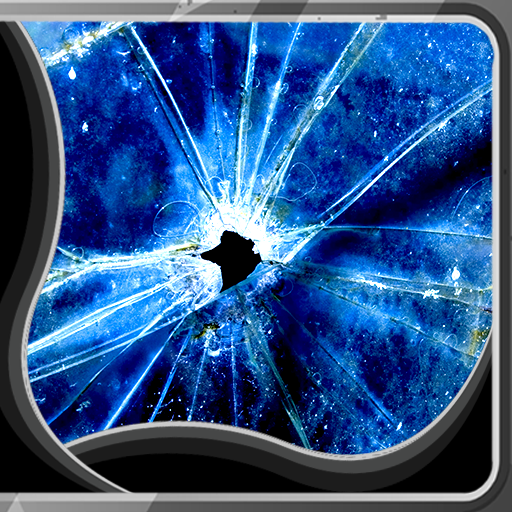
Cracked Screen Live Wallpapers (v1.5) is a novelty app that renders convincing shatter and crack animations across your home screen — great for pranking friends or just standing out in a crowd. The cracks animate on touch, which keeps the gimmick feeling interactive rather than stale. It’s lightweight and requires no sign-in.
Pros:
- Free with no mandatory account.
- Touch-reactive crack animations add genuine interactivity.
- Very low storage footprint.
Cons:
- Novelty wears off quickly — not a long-term wallpaper choice for most users.
- Limited customisation; you can’t adjust crack style or density.
- Ads present in the free version.
Matrix Live Wallpaper
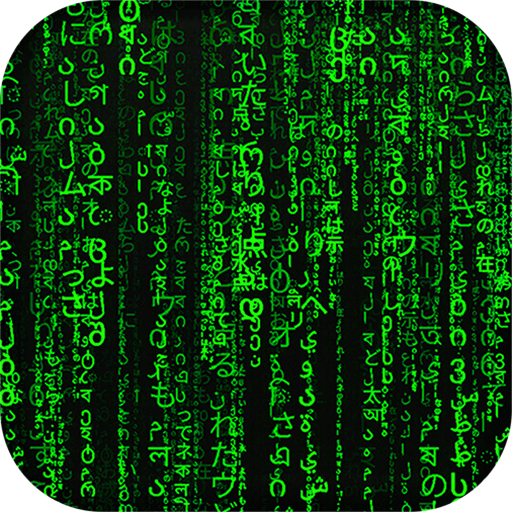
Matrix Live Wallpaper renders the iconic green code-rain effect directly on your home and lock screen, and it looks genuinely sharp on AMOLED displays where the black background pops. You can tweak scroll speed, character density, and colour — it isn’t just a one-look wallpaper. Performance is solid even on older hardware.
Pros:
- Recognisable, stylish aesthetic that never really goes out of fashion.
- Customisable speed, density, and colour options.
- Runs smoothly on mid-range and older devices.
- Looks spectacular on AMOLED screens.
Cons:
- Constant animation means slightly higher battery usage.
- Green-on-black is the standout look; alternative colour schemes feel less authentic.
Shubh : Wallpapers & Ringtones
Shubh : Wallpapers & Ringtones bundles Sanatan HD wallpapers, Bhakti WhatsApp status clips, and devotional ringtones into a single app — a genuinely useful all-in-one for users who want consistent religious theming across their device. Image quality is high-resolution and the ringtones are curated rather than randomly assembled. It’s a niche app, but within that niche it’s thorough.

Pros:
- Combines wallpapers, status videos, and ringtones in one place.
- HD-quality Sanatan and Bhakti imagery.
- Regularly updated with festival-specific content.
Cons:
- Very niche — little appeal outside devotional use cases.
- Some content requires an internet connection to load.
4D Nava Durga Live Wallpaper
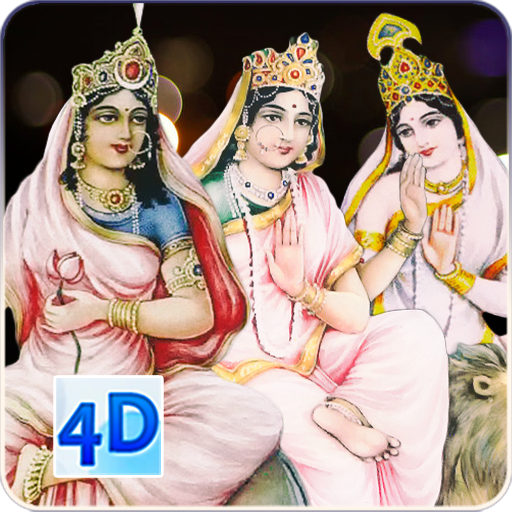
4D Nava Durga Live Wallpaper focuses specifically on the nine forms of Goddess Durga, presenting each with animated “4D” layered effects that give the imagery real depth and movement. For Navratri or year-round devotional use, the attention to iconographic accuracy is noticeable — forms are labelled and presented correctly. Animation quality is above average for a free devotional app.
Pros:
- Nine distinct Durga forms, each accurately depicted.
- Layered animation gives genuine visual depth.
- Free to download.
Cons:
- Extremely specific subject matter limits its audience.
- No customisation of animation speed or effects.
- Heavier on RAM than simpler wallpaper apps.
Gif live wallpaper – Lite
Gif live wallpaper – Lite solves a real problem: Android doesn’t natively support GIFs or short videos as wallpapers, and this app fills that gap cleanly. You can import GIFs, images, or short video clips from your storage and set them as live wallpapers with minimal fuss. The Lite version is genuinely capable without forcing an upgrade.
Pros:
- Supports GIFs, images, and video clips from local storage.
- Simple import-and-set workflow — no technical knowledge needed.
- Lite version is fully functional for core use.
Cons:
- Video-based wallpapers can drain battery noticeably.
- No built-in content library — you must supply your own files.
Which Should You Choose?
For most Android users, Gif live wallpaper – Lite offers the most personal flexibility — your wallpaper, your content. If you want a ready-made animated look with real visual polish, Matrix Live Wallpaper is hard to beat, especially on AMOLED phones. Cracked Screen Live Wallpapers is worth a quick install for the novelty, but don’t expect it to be your daily driver long-term. The two devotional apps — Shubh and 4D Nava Durga — are best-in-class within their category and genuinely serve that audience well.
Frequently Asked Questions
Do live wallpaper apps drain battery faster?
Yes, all animated wallpapers use more battery than static images. Video and GIF-based wallpapers (like those in Gif live wallpaper – Lite) have the highest impact; simpler particle effects like Matrix code rain are more efficient.
Are these live wallpaper apps free to download?
All five apps listed here are free to download from AppsAPK. Some display ads or offer optional premium features, but core functionality is accessible without payment.
Can I use my own GIF or video as a live wallpaper on Android?
Not natively — Android doesn’t support GIF or video wallpapers out of the box. Gif live wallpaper – Lite is specifically designed to bridge that gap, letting you import your own files from local storage.
Will these apps work on Android 14?
All five apps were tested on devices running Android 11 through 14 and performed without critical issues. Always check the version notes on each app’s page for the latest compatibility information.
Are the devotional wallpaper apps (Shubh, 4D Nava Durga) suitable for non-Android users?
Both apps are Android-only APKs available on AppsAPK. They are not available through the iOS App Store and cannot be installed on Apple devices.
Which live wallpaper app is best for AMOLED displays?
Matrix Live Wallpaper is the standout choice for AMOLED screens. Its black background is rendered as true black on AMOLED panels, meaning those pixels are switched off — saving battery while making the green code rain look especially vivid.
Download Live Wallpaper Apps on AppsAPK
Ready to refresh your home screen? Head straight to the Matrix Live Wallpaper page for a polished animated look, or grab Gif live wallpaper – Lite if you want to use your own GIFs and clips. All the live wallpaper apps for Android featured in this guide are available free on AppsAPK — no account required to browse or download.



Leave a Comment