

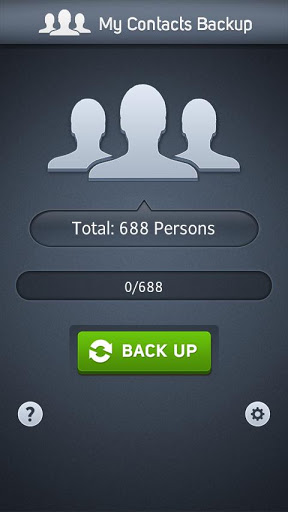
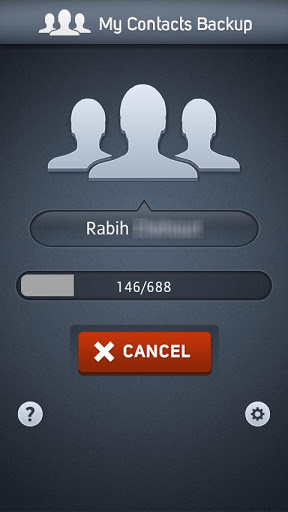
My Contacts Backup is the easiest way to backup and restore your contacts all from your phone without needing a computer or synchronization. You can backup all your contacts with a single touch and send yourself as a .vcf attachment via email.
All contacts can then easily be restored any time by simply opening .vcf file in your mailbox.
Key Features:
* Offline Backup. No need to sync to any server. Just email the backup file to yourself.
* Your adress book is secure and safe. We don’t access or store your contacts.
* Easy restore. No need to any app to restore backup file. Just tap on the *.vcf backup file in the Android mail client.
* Easily transfer contacts between Android Devices using just email client.
* Copy backup file to your computer via USB cable feature.
* Set REMINDER to backup regularly (weekly or monthly)
* Backup Contacts as VCF (VCard)
———-
IMPORTANT NOTE: After sending backup file (*.vcf) to yourself, please check your inbox if message arrived and contains attachment (backup file). Sometimes email providers block attachments if attachment size is too large. Try with another mail account if possible, to send your backup file. Or copy backup file (on SD card) to your computer via USB cable.
———-
CURRENT VERSION: 1.0.2
REQUIRES ANDROID : 2.2 and up







Frequently Asked Questions
Is MCBackup My Contacts Backup free?
Yes, MCBackup is completely free to download and use. There are no in-app purchases or subscription fees required to backup and restore your contacts.
How do I install the MCBackup APK on my Android device?
Download the MCBackup APK from AppsApk.com, then open the file on your Android device. You may need to enable installation from unknown sources in your device settings. Follow the on-screen prompts to complete the installation.
Is my contact data safe with MCBackup?
Yes, MCBackup uses offline backup technology, meaning your contacts are never stored on external servers. The app does not access or store your contact information—all backup files are created locally on your device and only sent to your own email address.
What Android version does MCBackup require?
MCBackup requires Android 2.2 and up, making it compatible with most Android devices currently in use.
How do I restore my contacts from a MCBackup backup file?
After you receive the .vcf backup file in your email, simply tap on it in your Android mail client. Your Android system will prompt you to open the file, and your contacts will be restored automatically without needing any additional app.
Can I transfer my contacts between Android devices using MCBackup?
Yes, MCBackup makes it easy to transfer contacts between Android devices. Create a backup file on the first device, email it to yourself, and then open the .vcf file on the second device to restore all contacts.
Why are there no directions explaining how set up an email account in order for the application to send email???? This is the message that I receive once I hit email and then there is no offering any assistance as to how to perform this activity, the app just stops there. No directions upon start up of the app regrading entering an email contact condition nor afterwards. Can some one help me with this as this assumption on their part has left me stranded. Otherwise Ill try another app and scape this one. Thank you. Matt
i use samsung note3. when i factory restored i backed up my contacts usine mc back up. then I opened the mail, I clicked on the attached file MCBackup.vcf to download it and then it prompted to ask me to complete action using…. I selected Contacts. But it came a error message saying “failed to import vCard. what should i do?
Copy contact,photo my gmail account.
please tell me how to retore my phone book
Dear Sir,
My old mobile is a XPERIA TX, I back up my contacts with your app and created a MCBackup.vcf file and I sent to my own mailbox.
From my new mobile MOTO G, I opened the mail, I clicked on the attached file MCBackup.vcf to download it and then it prompted to ask me to complete action using…. I selected Contacts. But it came a error message saying “couldn’t import vCard.
Please help.
Thanks and regards,
Timothy
Thanks