

Vivi Music is a Material 3 app that lets you stream songs and videos from YouTube Music without ads, with a design that adapts its colors to whatever album art is playing. It's built for people who want a modern, privacy-respecting music player instead of the official YouTube Music app.
Developer: vivizzz007 · License: NOASSERTION (open source) · Price: Free
Before you start: if you install the app via your device's browser or file manager, you will need to allow "Install unknown apps" for that app in Android settings, since Vivi Music is not distributed through Google Play. If you want to use it in your car, open Android Auto settings, tap the version number repeatedly to enable Developer Settings, then enable "Unknown sources" in the developer menu before connecting your phone.
Official file from the developer's release · Oct 19, 2026 · SHA-256 e1358f711462cbfd…
Screenshots
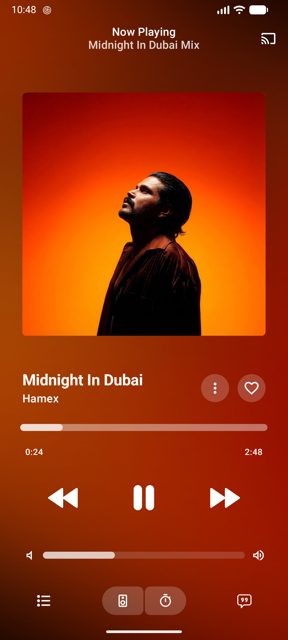
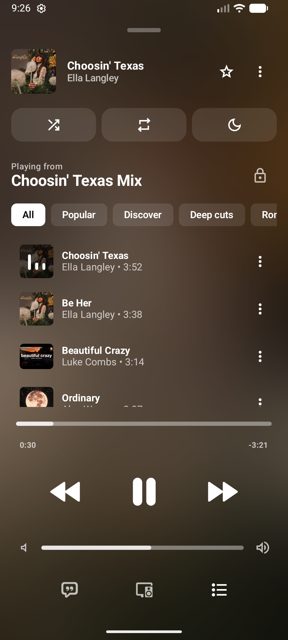
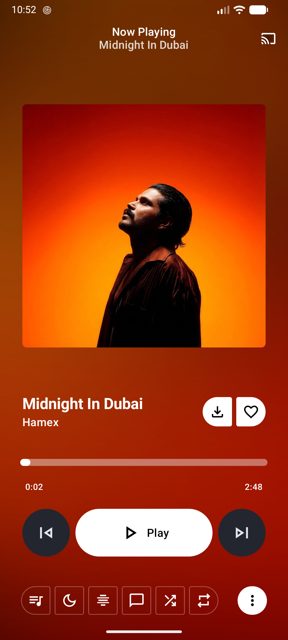
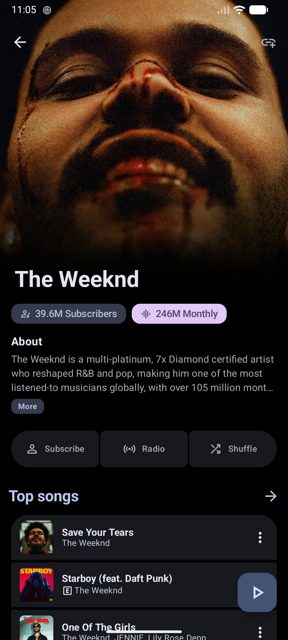
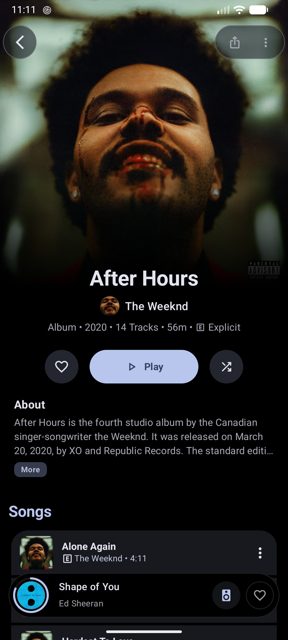
Key features
- D
- y
- n
- a
- m
Why isn’t VIVI Music on Google Play?
Vivi Music is published by its developer on GitHub, not distributed on Google Play.
Is VIVI Music safe?
The app is open source and released under the GPL-3.0 license, with the APK built and published by the developer on GitHub releases. According to the README, it stores everything locally and has no trackers or analytics, though as with any music app that streams from YouTube Music you should download the APK only from the official GitHub releases page.
How to install
- Tap the download button above: the APK file downloads straight to your phone.
- When Android asks, allow your browser to install unknown apps.
- Open the file and tap Install.
FAQ
Is Vivi Music free?
Yes. It is a free, open-source app. The developer accepts optional donations through Ko-fi to support ongoing development.
How do I get Vivi Music working in Android Auto?
Open Android Auto on your phone, go to Settings, tap the version number several times to unlock Developer Settings, open the three-dot menu, select Developer settings, and enable Unknown sources. Then restart Android Auto and reconnect to your car.
Is Vivi Music affiliated with YouTube or Google?
No. The README states the project is not affiliated with, funded, authorized, or endorsed by YouTube, Google LLC, or their affiliates. It is an independent project made for educational and personal use.
More free apps you won’t find on Google Play: Open Source Apps · Best Android apps not on the Google Play Store.






Frequently Asked Questions
Is Vivi Music free?
Yes. It is a free, open-source app. The developer accepts optional donations through Ko-fi to support ongoing development.
How do I get Vivi Music working in Android Auto?
Open Android Auto on your phone, go to Settings, tap the version number several times to unlock Developer Settings, open the three-dot menu, select Developer settings, and enable Unknown sources. Then restart Android Auto and reconnect to your car.
Is Vivi Music affiliated with YouTube or Google?
No. The README states the project is not affiliated with, funded, authorized, or endorsed by YouTube, Google LLC, or their affiliates. It is an independent project made for educational and personal use.













Leave a Comment