

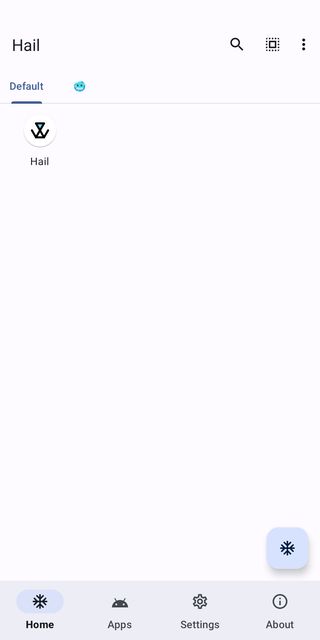
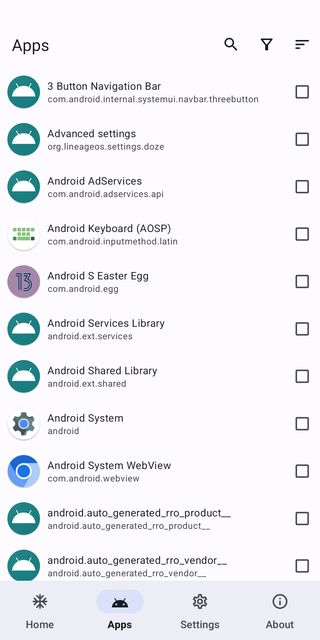
Hail lets you freeze, hide, suspend or uninstall apps without root. Freeze apps you rarely use so they can't run in the background, then unfreeze them with one tap when you need them.
Developer: aistra0528 · License: GPL-3.0 (open source) · Price: Free
Before you start: Hail works through Shizuku, a free helper app on Google Play. Install Shizuku, open it and start it with Wireless debugging (Android 11+: Settings → About phone → tap “Build number” 7 times to unlock Developer options, then Settings → System → Developer options → Wireless debugging). Then open Hail and allow it to use Shizuku.
Official file from the developer's release · Aug 26, 2026 · SHA-256 3be0c4a210b04721…
Screenshots
Key features
- Freeze, hide or suspend any app
- Unfreeze with one tap or a home-screen shortcut
- Auto-freeze when the screen turns off
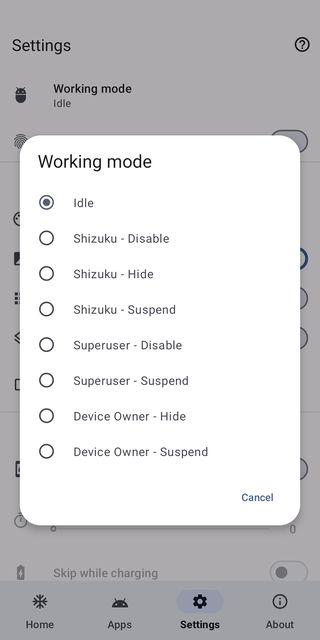
- Works with Shizuku, Dhizuku or root
Why isn’t Hail on Google Play?
Google Play doesn't allow apps that disable other apps this way, so Hail is published on GitHub and F-Droid.
Is Hail safe?
Hail is open source. Frozen apps can’t send notifications or run until you unfreeze them, so don’t freeze apps you rely on, like your messaging or banking apps.
How to install
- Tap the download button above: the APK file downloads straight to your phone.
- When Android asks, allow your browser to install unknown apps.
- Open the file and tap Install.
FAQ
Does Hail need root?
No. It works with Shizuku or Dhizuku; root is optional.
Will frozen apps lose their data?
No. Freezing only stops the app from running; its data stays.
Is Hail free?
Yes. It's free and open source.
More free apps you won’t find on Google Play: Open Source Apps · Best Android apps not on the Google Play Store.






Frequently Asked Questions
Does Hail need root?
No. It works with Shizuku or Dhizuku; root is optional.
Will frozen apps lose their data?
No. Freezing only stops the app from running; its data stays.
Is Hail free?
Yes. It's free and open source.













Leave a Comment