

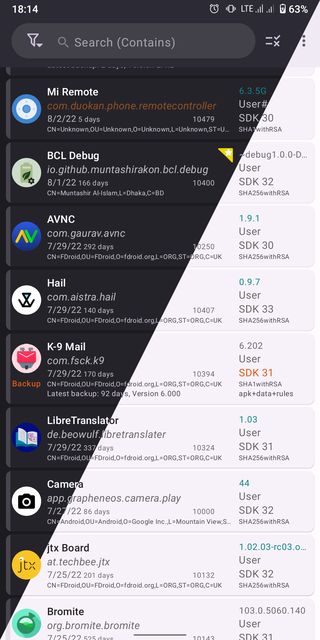
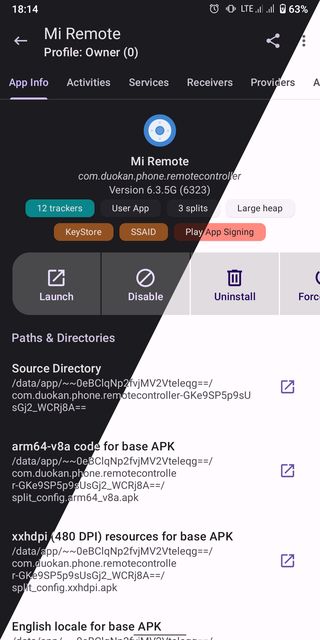
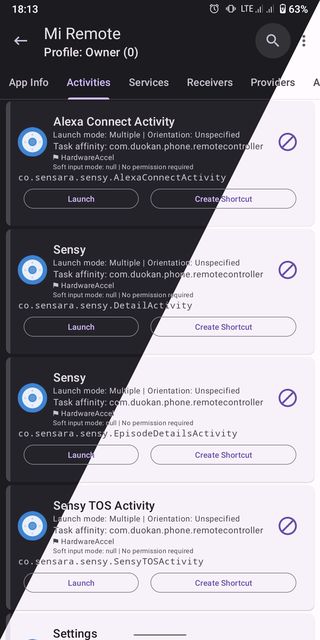
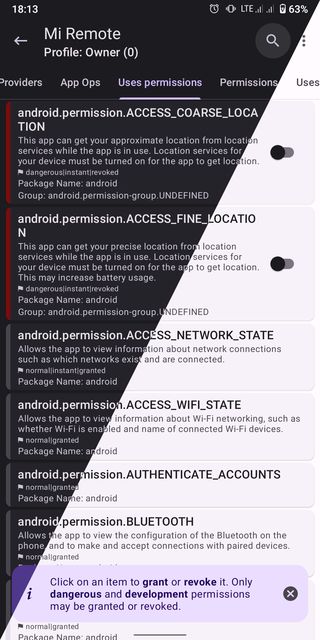
App Manager is a powerful, open-source manager for the apps on your phone: see exactly what every app contains, which permissions and trackers it has, and back up, restore or manage apps in batches.
Developer: Muntashir Akon · License: GPL-3.0 (open source) · Price: Free
Official file from the developer's release · Sep 4, 2026 · SHA-256 2540d6d9352acd8b…
Screenshots
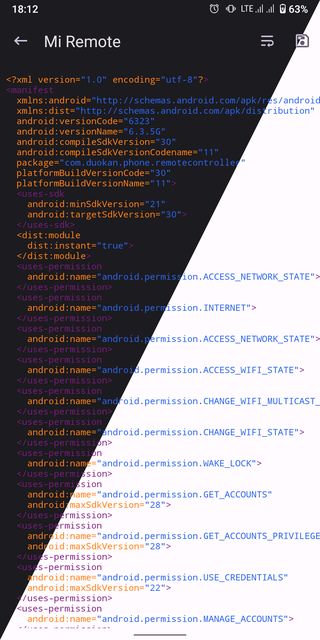
Key features
- Full details of every app: permissions, components, trackers, signatures
- Scan apps for trackers and libraries
- Back up and restore apps (advanced features with root or ADB)
- Batch operations on many apps at once
- Extract APK files from installed apps
Why isn’t App Manager on Google Play?
App Manager needs deep access to other apps that Google Play doesn't allow, so it's published on GitHub and F-Droid.
Is App Manager safe?
App Manager is open source and has no ads or tracking. Its advanced features can change how other apps behave, so use them only if you know what you’re doing.
How to install
- Tap the download button above: the APK file downloads straight to your phone.
- When Android asks, allow your browser to install unknown apps.
- Open the file and tap Install.
FAQ
Does App Manager need root?
No. Most features work without root. Some advanced ones (like blocking components or full backups) need root or ADB.
Can App Manager find trackers in my apps?
Yes. It scans each app and lists the trackers and libraries it contains.
Is App Manager free?
Yes. It's free and open source.
More free apps you won’t find on Google Play: Open Source Apps · Best Android apps not on the Google Play Store.






Frequently Asked Questions
Does App Manager need root?
No. Most features work without root. Some advanced ones (like blocking components or full backups) need root or ADB.
Can App Manager find trackers in my apps?
Yes. It scans each app and lists the trackers and libraries it contains.
Is App Manager free?
Yes. It's free and open source.













Leave a Comment