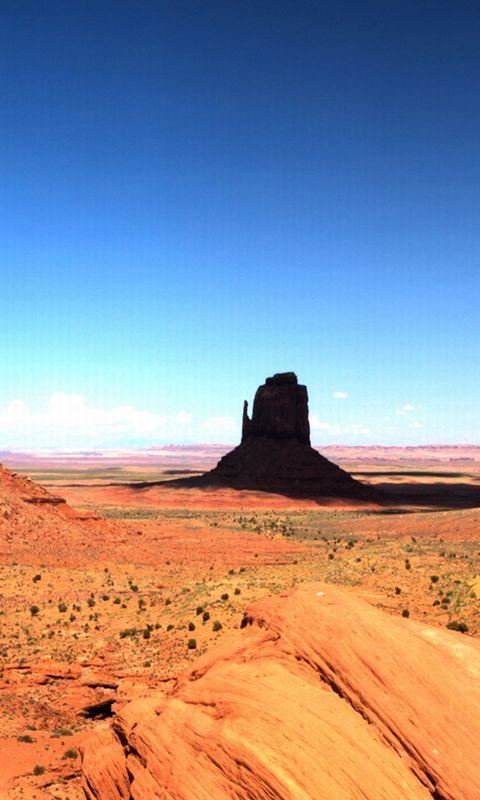
480×800 Wallpapers

9 Comments

  1. Ashidha
    Jun 16, 2013 @ 09:22:11

    how to download these wallpapers ?

    Reply

    • Foysal
      Jun 16, 2013 @ 21:46:29

      1st click 2 a wallpaper, then click on the ‘DOWNLOAD’ button. Then right click on 2 the wallpaper & click ‘SAVE PAGE AS’ . Then select “.jpg” format & select u’r download location. Then click ‘OK’ button.

      Reply

  2. barun sadhukhan
    May 28, 2013 @ 08:45:48

    plz post some more wallpapers for 480×800 screen

    Reply

    • AppsApk.com
      May 28, 2013 @ 13:09:43

      Okay…
      We’ll publish some more 480×800 wallpapers in next few days.
      Keep in touch. ;)

      Reply

      • Barun Sadhukhan
        Jun 08, 2013 @ 18:56:06

        thank u for uploading more wallpapers…simply best…

        Reply

  3. karzan
    May 27, 2013 @ 14:50:56

    thank you

    Reply

  4. emil
    May 12, 2013 @ 09:14:22

    I love It..!

    Reply

  5. Jouhar Ali
    Apr 16, 2013 @ 18:00:56

    this is amazing collection. Thank you……

    Reply

  6. shiburaj
    Apr 07, 2013 @ 23:40:10

    gud and amazing pic

    Reply

Leave a Reply

*